Growth / ROBLOX
Write a clear Roblox game description
Explain the first action, progression, images and Play destination with examples from the creator’s games.
 Open full-size image ↗
Help the reader choose #
A new reader compares a title, picture and a few lines before launching. Start with an action: “cross obstacles in an ancient temple” communicates more than “the most incredible game”.
Roblox recommends accurate metadata without irrelevant keywords. The following is our editorial workflow, not a mandatory platform template. Examples use the creator’s public descriptions, not independent playtest results.
1. Gather supported facts #
List the core action, first step, progression, controls and current limitations. Mark each source: public description, interface or your own check. Keep development plans separate from available features.
Stone Trail’s described obstacles and checkpoints are usable facts; Cloud Nests has an initial egg and incubator. Do not invent completion times, odds or guaranteed rewards. Establish facts before polishing prose.
2. Lead with a concrete action #
Use “what to do + where or with what”. Example for Paws and Finds: “Adopt shelter dogs, sell their finds and merge matching pairs.” Readers can connect these actions to their interests immediately.
For Number Garage: “Collect licence plates from 16 countries in a three-dimensional garage.” The number describes the stated collection, not a prize promise. Review it when the collection changes.
3. Describe the opening steps #
For Meme City Wars, the described sequence starts at SunSpark Plaza, follows arrows to the depot, collects a parcel at PICKUP and uses the task’s actual destination. Do not invent a delivery address.
Cloud Nests instead starts with a central-garden egg, a glowing trail and your incubator. Generic “grow and win” wording cannot explain these different first sessions. A short sequence reduces guessing.
4. Separate progression from starting #
Explain reasons to return after the opening steps. The dog farm describes breeds, merging, toys and new yards; the garage describes collections, albums and daily tasks. Select features specific to that game.
Separate starting, progression and additional modes instead of making one crowded sentence. Label optional or paid features beside their description so readers can understand the first action accurately.
5. Match pictures to claims #
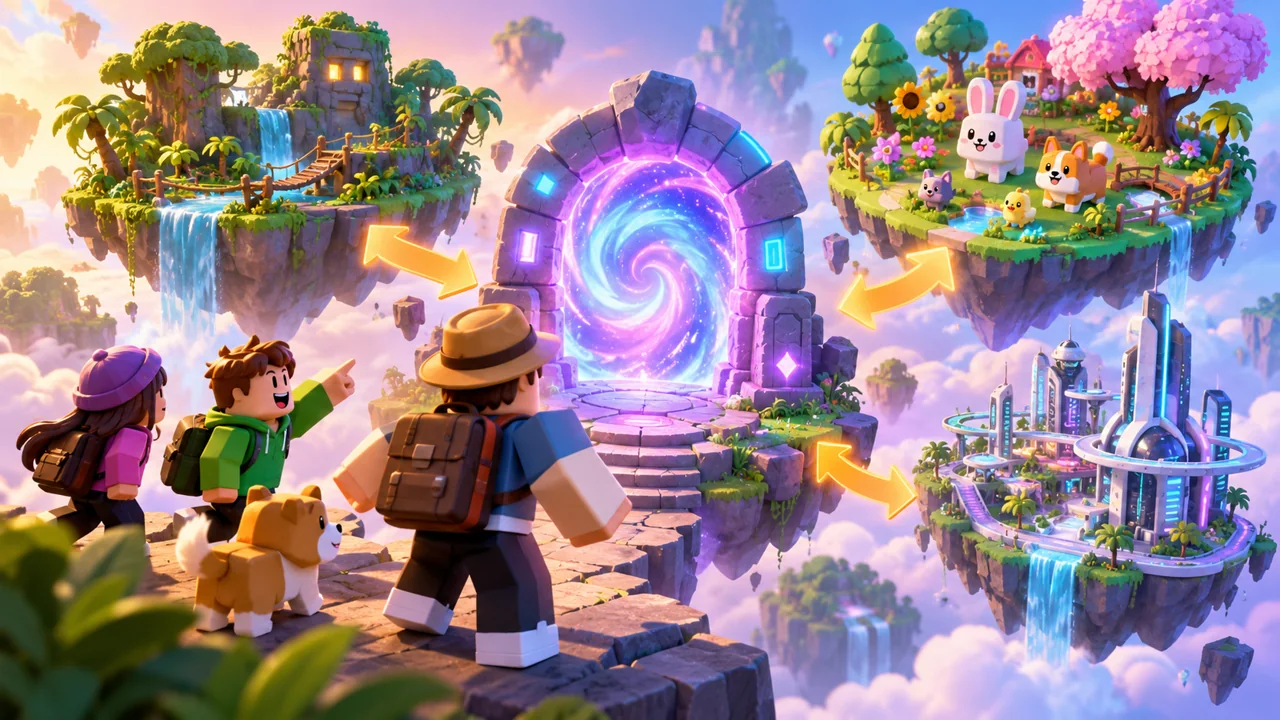
A cover identifies the game, a gameplay screenshot shows a moment, and a teaching diagram explains a sequence. Label the image type. This site identifies description-based diagrams as instructional, with illustrative object positions.
Compare title with cover, steps with diagram, and caption with picture. Temple artwork does not establish checkpoint positions. Do not call promotional art a screenshot from your own play session.
 Open full-size image ↗
6. Preserve meaning across languages #
Approve one factual list before translating actions, order and limitations. Preserve names such as Stone Trail, SunSpark Plaza and PICKUP where they help readers recognise game elements. Do not add features to make a translation sound stronger.
Check title, paragraphs, pictures and Play on a phone. Arabic needs the appropriate reading direction and step order. For every language, ask whether a reader can explain the first action.
7. Check comprehension and the next step #
Ask a new reader what they expect to do first, what they need and which options are optional. Correct the specific mismatch instead of adding more praise.
Finish with a clear Play in Roblox button and verify its destination. Record the text version and date. More clicks can describe the reader journey, but feedback and actual game checks are needed to assess whether promises match play.
Original sources
Roblox Creator HubRoblox Creator Hub — publishing and metadata