Development / ROBLOX
Roblox loading screens: select essential assets and define readiness honestly
Prepare a small first-screen manifest and distinguish resolved attempts from successful loads. This original three-asset menu exercise explains failures and continuing without claiming that the entire experience is ready.
Define the player's first action #
Begin with one concrete action: the player reads a training route title, sees its start button and understands where it leads. List the images and sounds needed for that moment. A large pet collection in a distant shop does not yet belong to the first screen. A focused manifest lets you discuss why each resource is necessary instead of making the entire experience a prerequisite for a decorative loading panel.
Our fictional menu uses an illustration, a button icon and a short sound. The names illustration, start-icon and first-sound are teaching identifiers, not published Roblox asset IDs. We are not connecting borrowed artwork or presenting the exercise as a test of our five games. The purpose is to build honest bookkeeping for selected resources before connecting it to real fetching and a user interface.
Separate content loading from experience readiness #
ContentProvider provides PreloadAsync for preloading content. Its reference marks the method as yielding, and its callback examples report a content identifier and AssetFetchStatus. These observations concern content. They do not independently confirm saved-data retrieval, character creation, server availability or readiness of every world object. The launch process needs separate evidence for those separate tasks rather than one universal ready flag.
Write down what your menu requires from selected imagery and, separately, what must happen before the training route starts. An available icon with an absent character is not evidence that the whole game has loaded. If you only completed bookkeeping for a manifest, describe that manifest. This exercise uses an editorial rule: the displayed message should name the result your system actually knows how to check.
Do not turn the request queue into a percentage #
RequestQueueSize looks like a convenient number for a progress display, but the official performance guide warns that the queue fluctuates. It is not the fixed denominator of your task. Additional requests can change the number while you observe it. A shrinking queue therefore cannot automatically represent an exact percentage of menu readiness or reliable proof that all necessary resources have finished loading.
Choose your own unchanged list of three distinct identifiers for the exercise. Its size remains three before and after any result messages. The important limitation is that the model requires a clear mapping between a manifest entry and the result being counted. Counting arbitrary objects, then counting each callback as one object, does not by itself produce a valid percentage for a complete scene.
Build a small manifest of necessary resources #
The performance guide recommends selective preloading, such as loading-screen imagery, essential menu images and starting-area assets. It identifies preloading the whole Workspace as a poor practice because it increases waiting time. Give each selected resource a role: why it matters now, what the player sees without it and what behavior is acceptable if it is unavailable. That is more useful than inventorying everything the game might eventually display.
In our fictional menu, the illustration can have a text replacement, the button should retain a readable label, and missing audio should not make its meaning unclear. These are prototype decisions that still need player testing. They do not mean every asset in every game can be ignored. If a model is required to start a level safely, its readiness is a separate launch condition that a decorative loading screen cannot replace.
 Open full-size image ↗
Keep distinct result counters #
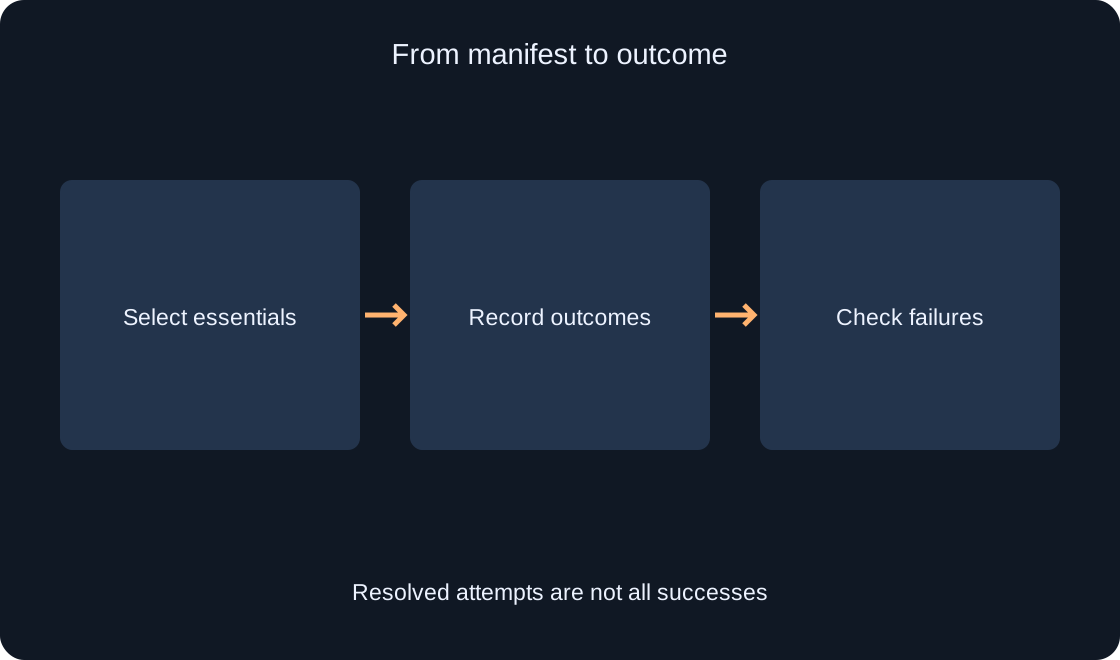
The original pure-Luau example stores total, resolved, succeeded and failed. The first is the manifest size, the second counts received results, and the other two separate successes and failures. Its record function accepts a teaching identifier and a boolean. It does not call a Roblox API, download a file or directly accept Enum.AssetFetchStatus. A real adapter must separately translate a verified loading outcome into the required state.
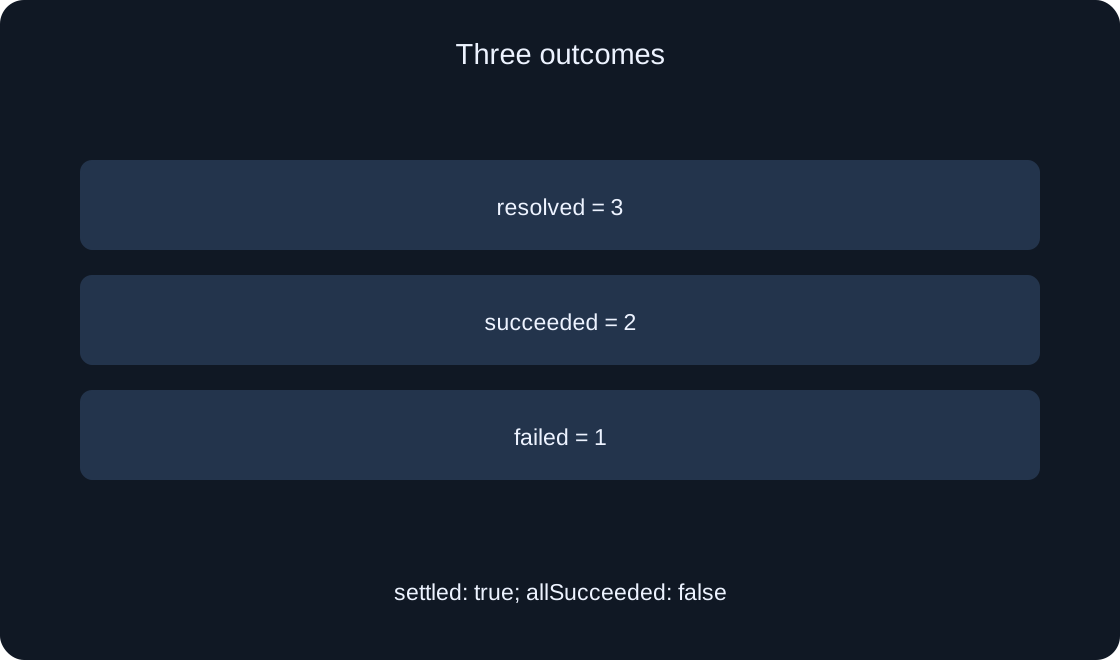
The example is a testable bookkeeping model. After one failure and two successes, its counters are resolved=3, succeeded=2 and failed=1. The settled state means every manifest entry has an outcome; allSucceeded remains false in this case. Do not collapse both checks into one word such as ready. Receiving outcomes for three attempts and successfully obtaining three resources are different results, even when the number of processed entries is identical.
-- Pure Luau bookkeeping, not a ContentProvider adapter.
-- Each manifest entry represents exactly one distinct content identifier.
local function newTracker(ids)
    assert(type(ids) == "table", "Manifest must be a table")
    local expected = {}
    local total = 0
    for _, id in ipairs(ids) do
        assert(type(id) == "string" and id ~= "", "Invalid content identifier")
        assert(not expected[id], "Duplicate content identifier")
        expected[id] = true
        total += 1
    end
    local entries = 0
    for index in pairs(ids) do
        assert(type(index) == "number" and index >= 1 and index % 1 == 0,
            "Manifest must use consecutive array indices")
        entries += 1
    end
    assert(entries == total, "Manifest cannot contain array gaps")
    local outcomes = {}
    local resolved = 0
    local succeeded = 0
    local failed = 0
    local tracker = {}

    function tracker.record(id, success)
        assert(type(success) == "boolean", "Outcome must be boolean")
        if not expected[id] or outcomes[id] ~= nil then
            return false
        end
        outcomes[id] = success
        resolved += 1
        if success then
            succeeded += 1
        else
            failed += 1
        end
        return true
    end

    function tracker.snapshot()
        return {
            total = total,
            resolved = resolved,
            succeeded = succeeded,
            failed = failed,
            settled = resolved == total,
            allSucceeded = resolved == total and failed == 0,
        }
    end

    return tracker
end

return newTracker
Prevent repeated outcomes from changing the result #
If the handler receives another outcome for start-icon, the counters should not advance twice. In particular, an accidental repeated success should not overwrite an already recorded failure. Our tracker accepts only the first outcome for a known identifier and ignores foreign messages. This is the policy of one teaching attempt. An intentional retry requires another attempt and an explicit policy for updating its state.
Validate the manifest before starting: identifiers must be unique, nonempty strings, and the table must be a consecutive array without gaps. Otherwise, ipairs can stop earlier than expected and produce an incorrect denominator. Each returned snapshot is a fresh table, so editing its fields does not change the tracker. These restrictions are checked independently; passing them does not establish any behavior of the network or Roblox engine.
 Open full-size image ↗
Explain failure with an understandable message #
Separate the progress message from the outcome message. Processed 2 of 3 selected resources describes bookkeeping; one resource was not obtained describes an outcome. Do not say everything loaded when failed is greater than zero. Do not invent an exact remaining duration without measurement. A comprehensible next step matters more than a smooth bar that conceals the unknown part of the state.
For the fictional menu, propose a readable label instead of an unavailable image and a separate notice about missing sound. Prototype review must establish whether the direction and start action remain understandable. Essential gameplay objects require another response: explain the limitation and offer an allowed exit or retry. Do not promise that retrying will work. A resource problem can require checking its identifier and access rather than sending the same request indefinitely.
| Field | Meaning |
|---|---|
| total | 3 selected resources |
| resolved | 3 outcomes |
| succeeded | 2 successes |
| failed | 1 failure |
Continuing must not pretend to cancel fetching #
The official performance guide recommends a Skip Loading option when many resources need loading. Define what the control means for your prototype: dismissing a decorative panel and continuing with an available replacement, or entering a limited menu. Its label should match the action. That recommendation does not establish that pressing the button automatically cancels an in-flight PreloadAsync call or makes its resources successful.
If an outcome arrives after the panel closes, its handler should update state correctly without pulling the player back into the loading screen. Connecting a particular GUI panel to the fetch lifecycle needs a separate test. Our pure tracker creates no GUI and implements no skip button. It demonstrates data needed for a decision; it is not a complete cancellation, retry or screen-transition system for every game.
Test bookkeeping and integration separately #
First test the model using synthetic events: an unknown identifier, a duplicate, a failure, two successes in a different order and an unfinished manifest. Exact counters and absence of a false allSucceeded result matter. The standalone checks can run without a network connection. They establish only the example's chosen logic. Test names and reported results should preserve that boundary so a table test cannot be mistaken for testing a real loader.
Next, a separate teaching project needs your own permitted assets, actual status observations and menu checks on intended devices. Record identifiers, environment, each request outcome and availability of an ordinary action. Examine unavailable content and a closed panel separately. That integration check has not been performed for this article. Loading duration, memory changes and an effect on player retention were not measured and cannot be inferred from bookkeeping tests.
| Check | Boundary |
|---|---|
| Repeated outcome | No extra count |
| Foreign identifier | Ignored |
| Empty queue | Not complete readiness |
| Real Roblox API | Not yet tested |
Preserve a reproducible conclusion #
A useful conclusion contains the small manifest, reasons for including its entries, the difference between resolved and succeeded, behavior when failed is nonzero and the boundary of screen readiness. The two-successes-and-one-failure record must preserve the failure explicitly. For an empty manifest, the tracker performs no division by zero: it reports a settled state with no resources. Describe that case in words instead of displaying an undefined percentage.
Before adapting the idea to a real game, pass another developer the code, standalone checks and list of unverified conditions. Do not add the whole world to preloading just to obtain attractive 100% text. The first screen should make the intended action understandable with an honest account of its state. The article and teaching model are original; verify current API details against the official sources and measure a particular game's results separately.
Original sources
Roblox Creator Hub — ContentProviderRoblox Creator Hub — Improve performance