Development / ROBLOX
Where to put Script, LocalScript and ModuleScript in Roblox Studio
A practical location and RunContext check: server and client entry points, LocalScript copies, module loading and a container reference.
Decide which side performs the action #
Give each small piece of code a clear job. Reward rules need server verification, while local interface presentation belongs to the client. A shared function can live in a module that the appropriate side calls. Choose the execution entry point before adding objects to Explorer.
Execution depends on object type, location and, for a normal Script, RunContext. Identical source text can behave differently in different containers. This exercise creates separate server and client messages, then loads a small module. Use a separate practice project so you can associate each message with a specific example.
1. Run a normal Script on the server #
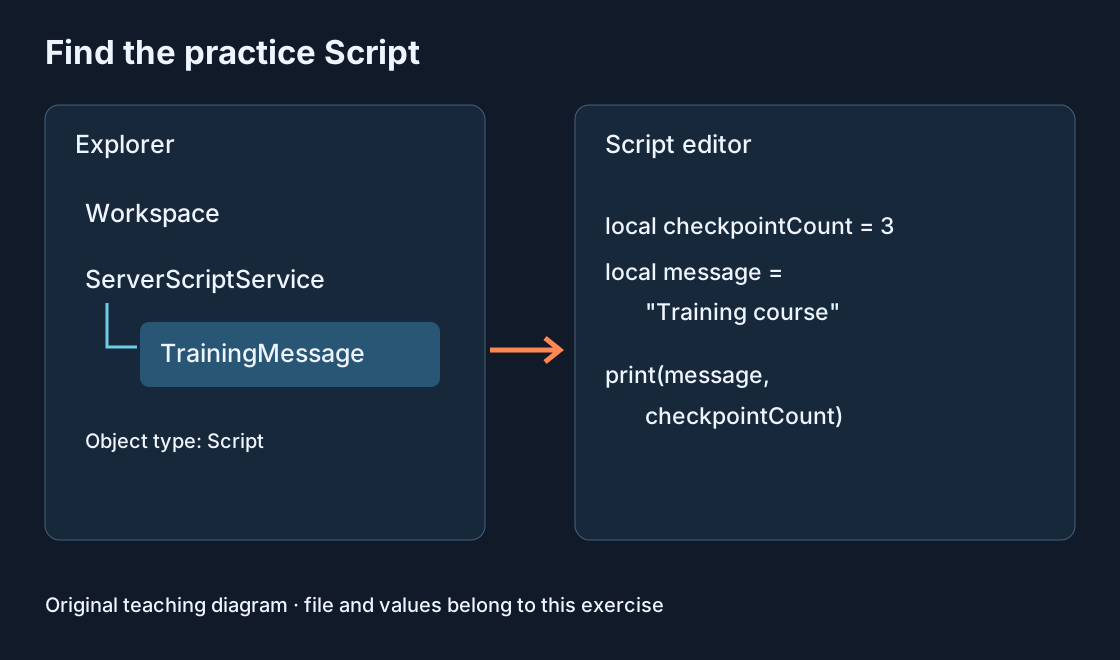
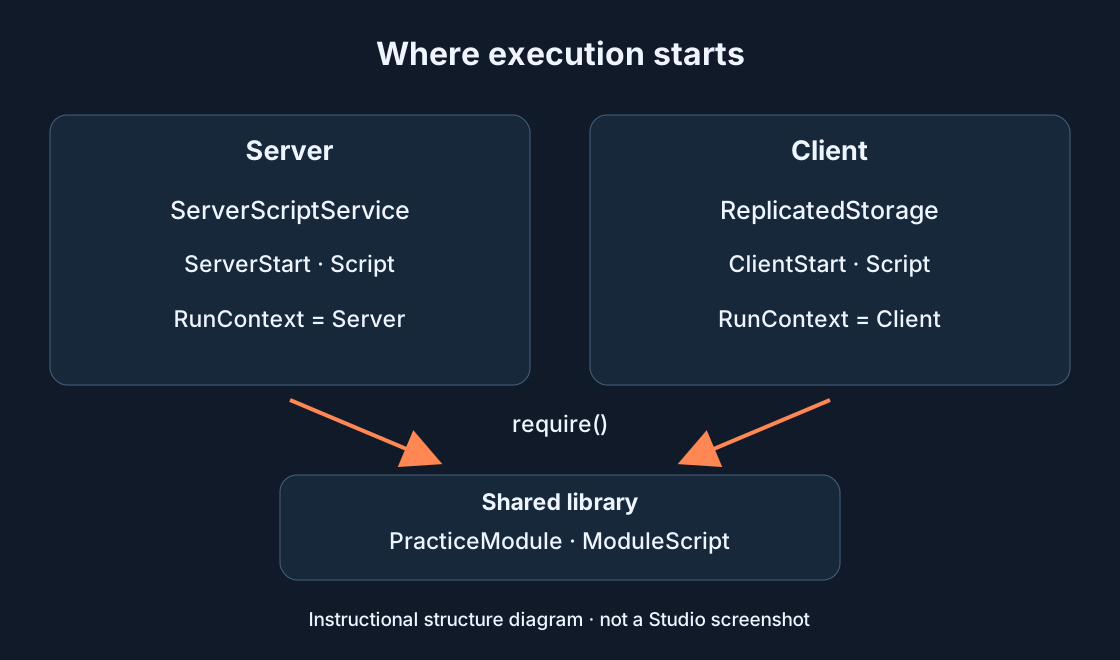
In Explorer, add a normal Script named ServerStart inside ServerScriptService. Select it and set RunContext to Server in Properties. Default Legacy also works for a normal server Script in this container, but an explicit Server value makes the purpose visible. Check that the script is enabled.
Replace its contents with the first example below. Open Output and start Test with a player. Expect SERVER: ready in server context. This proves execution reached print(), not that a reward system is finished. If the line is missing, check filters and the object location before changing the code.
print("SERVER: ready")2. Run a client Script #
Add a normal Script named ClientStart to ReplicatedStorage. In Properties, explicitly set RunContext to Client, then paste the second example. Putting a normal Script with default Legacy in ReplicatedStorage does not by itself establish a client entry point.
Start a fresh Test. Find CLIENT: ready in client context and SERVER: ready in server context. These are two sides of the test game. Current documentation recommends ReplicatedStorage for this client entry. Avoid moving this Client-context Script into StarterPlayerScripts: the original and its copy can execute, producing unwanted duplication.
print("CLIENT: ready")3. Account for copies when using LocalScript #
LocalScript runs on the client and has no RunContext. For a separate exercise, stop testing, temporarily disable ClientStart and add a LocalScript inside StarterPlayer → StarterPlayerScripts. Name it LocalStart and use print("LOCAL: ready").
After Test, find the client message. Starter contents are copied to the player during gameplay, so its source can point to Players → player name → PlayerScripts. This explains why the runtime path differs from the source location. A LocalScript simply stored in ReplicatedStorage does not run merely because it exists there.
4. Load a ModuleScript from an entry point #
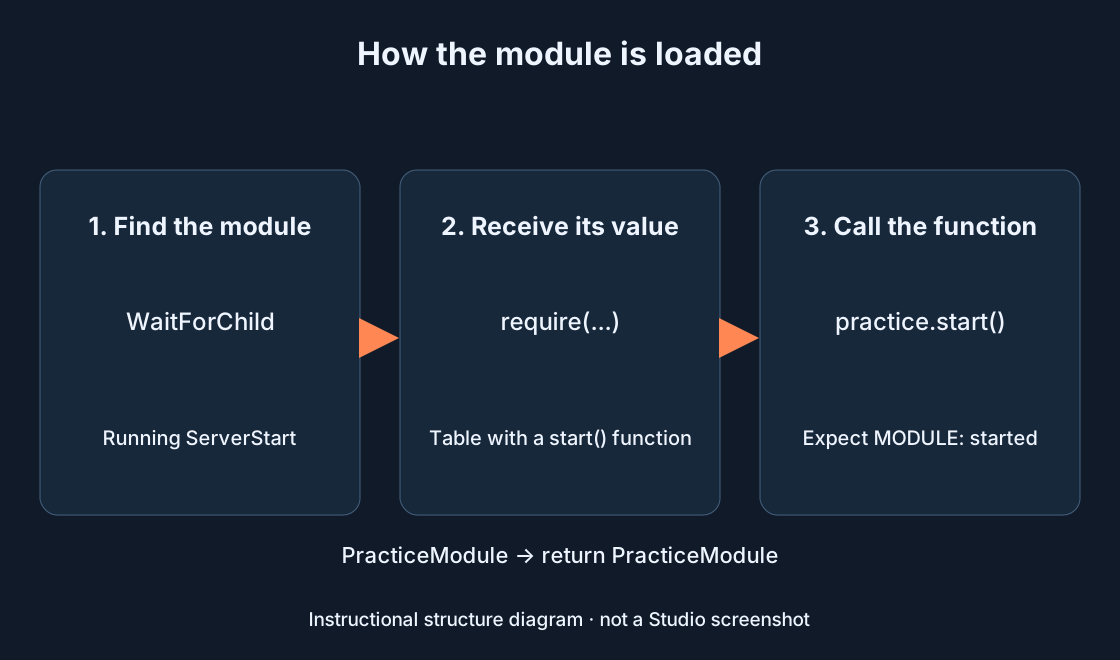
Stop testing and add a ModuleScript named exactly PracticeModule to ReplicatedStorage. Paste the first of this section’s two examples into it. It returns a table containing start(). Adding the ModuleScript does not call that function: running code must load it.
Replace ServerStart with this section’s second example. It finds the module, receives its return value through require(), then calls start(). A fresh Test should show MODULE: started in server context. WaitForChild waits for the specified object; a misspelled name does not create the missing module. Compare the Explorer name with PracticeModule in the code.
local PracticeModule = {}

function PracticeModule.start()
    print("MODULE: started")
end

return PracticeModule
print("SERVER: ready")
local ReplicatedStorage = game:GetService("ReplicatedStorage")
local practice = require(ReplicatedStorage:WaitForChild("PracticeModule"))
practice.start()5. Choose a container for its purpose #
Use the table as a starting structure. ServerScriptService supports server entry points; ReplicatedStorage supports the recommended Client-context Script and shared modules. Keep a server-only module in ServerScriptService when the client does not need it.
Location and visibility are separate questions. ReplicatedStorage contents reach clients, so shared modules should contain no secrets and must not replace server checks for purchases or rewards. ServerStorage holds server objects; a normal Script there does not automatically run. Place the entry point in an execution container rather than among stored models.
| Type and context | Location | Purpose |
|---|---|---|
| Script · Server | ServerScriptService | Server entry |
| Script · Client | ReplicatedStorage | Client entry |
| LocalScript | StarterPlayer → StarterPlayerScripts | Client copy |
| ModuleScript | ReplicatedStorage | Shared module |
| Script | ServerStorage | Storage; Script does not start |
6. Check four things when nothing runs #
Check the exact object type: Script, LocalScript or ModuleScript. Then check its Explorer path, RunContext where applicable and enabled state. For a module, find the running script that calls require(). Similar icons or identical names do not establish an identical execution environment.
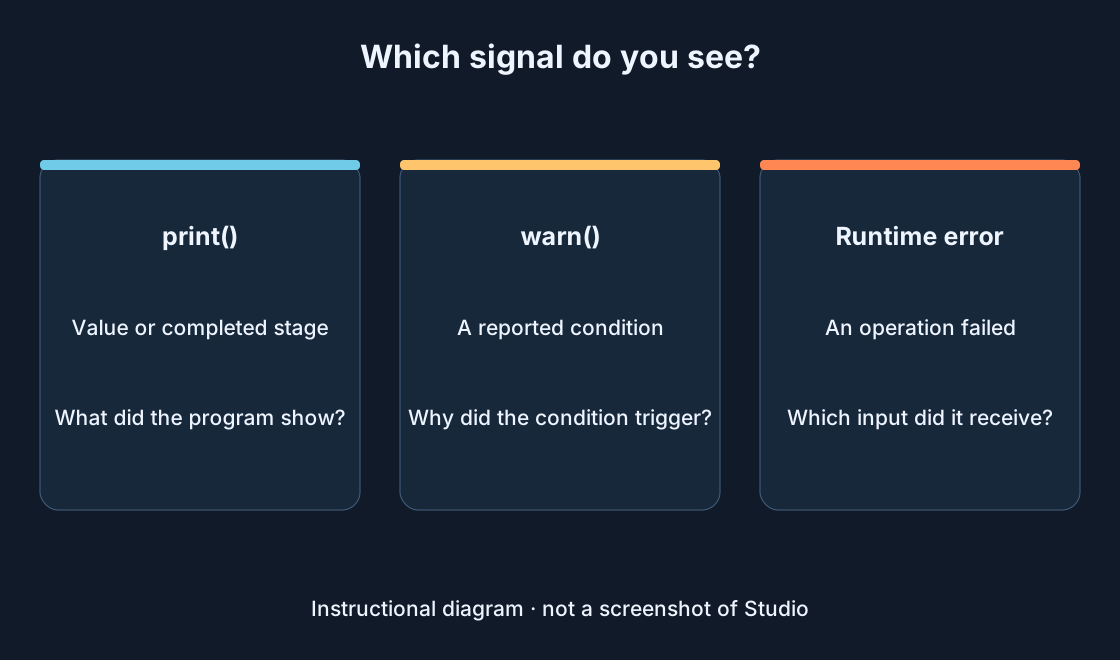
Put a short print at the entry point, remove the Output text filter and include the relevant context. If the first marker appears but the next does not, inspect the code between them. If both are absent, investigate startup and message visibility first. Read runtime errors by source; moving every file at random makes the cause harder to isolate.
7. Save the source and test again #
Stop Test before making the final source change. If you edited a copied LocalScript inside PlayerScripts during gameplay, apply the useful change to its original in StarterPlayerScripts. Test-session objects reset after stopping, so changing only a temporary copy may not survive the next run.
For the main examples, re-enable ClientStart and disable the separate LocalStart when it is no longer needed. Start a fresh Test and check SERVER: ready, CLIENT: ready and MODULE: started from the server call. Save the project. You should now be able to name the type, path, context and caller behind every message before moving real features one at a time.
Original sources
Roblox Creator HubRoblox Creator Hub · ModuleScript
Roblox Creator Hub · Output
Roblox Creator Hub · Testing modes