Development / ROBLOX
Validate player actions on the server
Use a shop purchase to examine the client-server boundary.
What to know #
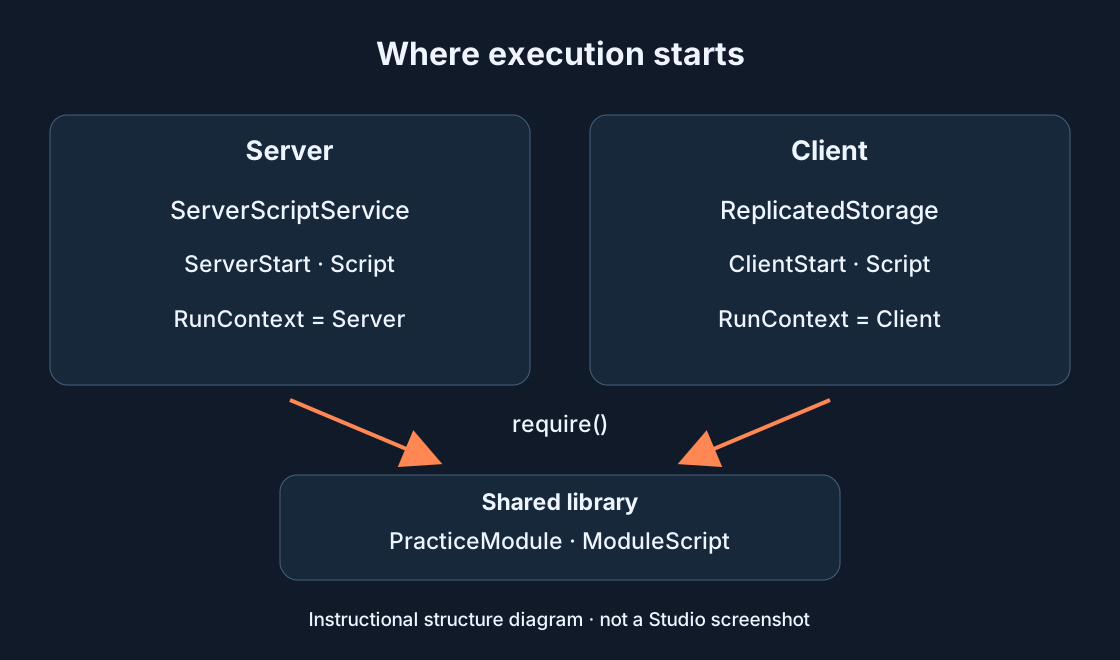
Roblox recommends validating data from clients on the server. A correct data type is not enough: the action must fit the game state and player permissions.
Try it in practice #
For a learning scenario, use a shop. Send an item identifier while the server determines the price. List the purchase conditions: the item exists, the player has access, funds are sufficient and requests are not arriving too frequently.
Check the result #
Create a separate negative test for each condition. An unknown item, for example, should not change the balance. Check repeated requests and numbers outside the accepted range too. This checklist is not a complete security audit.