For players / ROBLOX
How to find a Roblox game again and save its exact page
Turn a remembered scene into useful searches, compare the creator and page address, and keep a reliable note plus a Favorite when available.
Decide what you are trying to recover #
A question such as “what is the Roblox game where…” starts with a memory rather than an exact title. You may have played the game, watched a short video about it, or merely opened its card. These situations leave different clues. A recently played list may help with a game you joined; a game seen in someone else’s video need not appear there. First write down where the memory came from and whether you need that exact game or a similar activity.
This guide is about identifying a candidate and keeping a route back to its page. It cannot guarantee recovery of every removed page. A matching genre is only a starting clue. Build confidence from details you can actually check.
Make a small memory card #
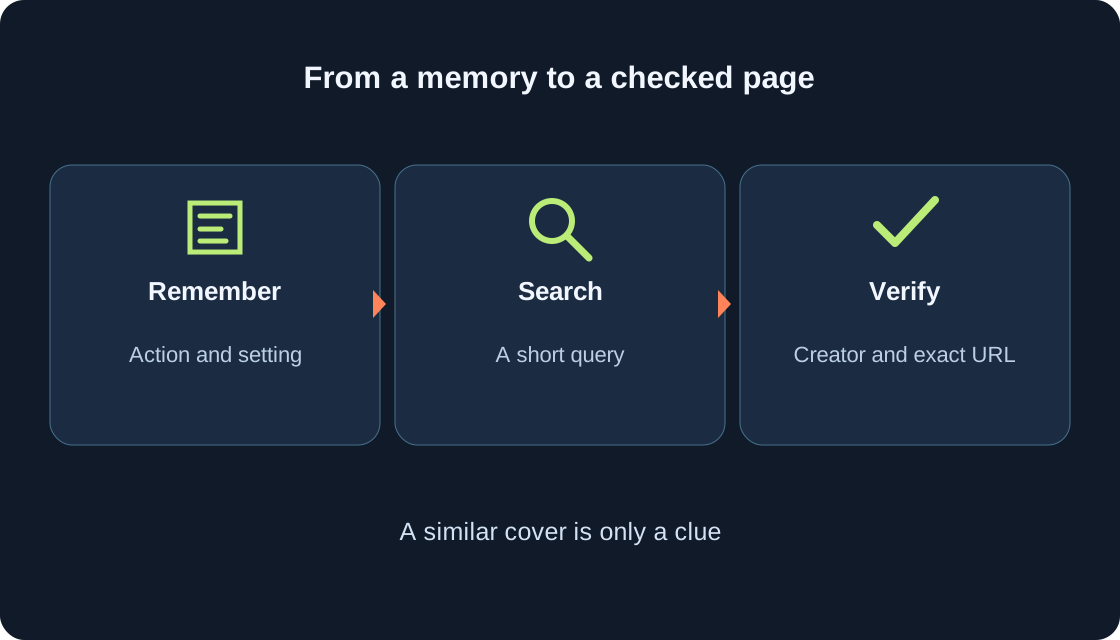
Record an action, a setting and one distinctive detail: “carried eggs to a nest”, “islands above a forest”, or “collected vehicle plates”. These are teaching prompts, not claims that we played those scenes. Separately record words you really saw, such as part of a title, a creator name or text on the game card. Label each detail “certain” or “possible” so a guess does not become evidence later.
Add an approximate date and the language of the title. An icon’s colour can be a weak clue, but its creator can replace the image. Three strong details are easier to use than a long story. Check your own saved link or note first: it may solve the search immediately.
 Open full-size image ↗
Search Roblox by title or keyword #
The current official mobile help explains searching in the Experiences section: open search, enter an experience title or keyword, and submit it with the keyboard’s search key. Searching for experiences is also available on a computer. Your app layout may differ, so follow the purpose of the search and the resulting game page rather than expecting our diagram to reproduce the position of an icon.
Start with the rarest remembered part of the title. Open a plausible result and read its description before launching it. That separates the described activity from an attractive cover. For a broad query, change one clue at a time. Keep a brief list of searches already tried so you do not repeat the same loop.
Break an unknown title into searchable clues #
“A game where small characters run, collect things and build a house” leaves too much uncertainty. Try action plus object, then setting plus action. “Egg nest” can be more useful than “pets” if carrying an egg was the memorable part. This is a way to build a query, not a promise that a particular game will appear in the results.
If a query in your language fails, try an English word you actually saw in the title or video, such as nest, temple or plates. Do not assume your own translation is the official name. Alternate short searches and keep promising candidates separately. An internet result can supply another clue, but verify it on Roblox itself, especially when the result is old.
Compare more than the cover #
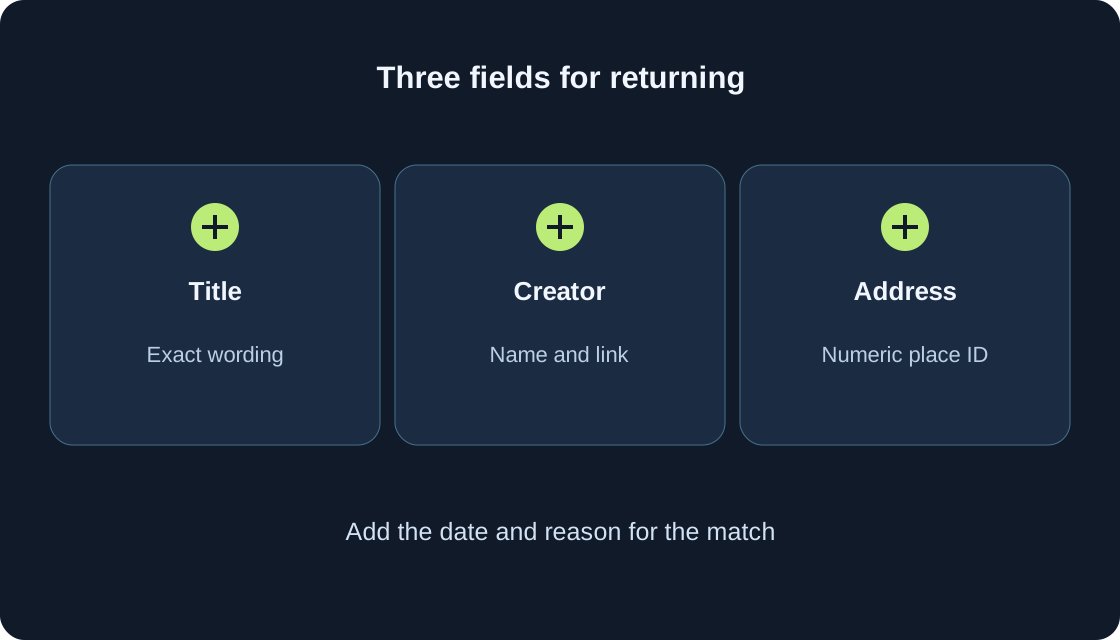
Check the exact title and creator first, then the description of the remembered action and the page address. The first table helps you judge different clues. A matching icon colour or a word like “simulator” appears in many games and does not establish identity. Several independent details are more useful than three versions of essentially the same picture.
Replace “it looks familiar” with “what matches, and what does not?”. If you remember a train but the candidate description only mentions collecting cars, mark it uncertain. A short description may omit a feature, yet that does not justify inventing the feature. Keep an ambiguous candidate as “not sure” and continue comparing it with the others you have recorded.
| Clue | What to check | What it does not establish |
|---|---|---|
| Part of title | Exact spelling on the page | Every similar name is one game |
| Creator | Specific creator name and link | Similar name means same owner |
| Action | Matching description detail | An omitted feature definitely exists |
| Cover | Match with a retained image | Artwork never changes |
| Numeric ID | Specific place page address | Different places always mean different projects |
| Recent entry | Account and available list | A complete visit history |
Check the creator on that game’s page #
Roblox’s profile help says you can visit a creator’s profile from the game details page by selecting their name; the documented layout puts it beneath the title. Check the creator attached to the particular game. A creator can be a user or a group. A similar name is not proof of the same owner, and the character in a video is not necessarily its creator.
If you have an older creator link, compare it too. Titles and artwork can change, so your record should contain more than one field. Absence from the visible creations on a profile is not conclusive: the help also describes choosing what to showcase. Return to the exact game page instead of relying only on a creator’s display of work.
Keep the address and its numeric ID #
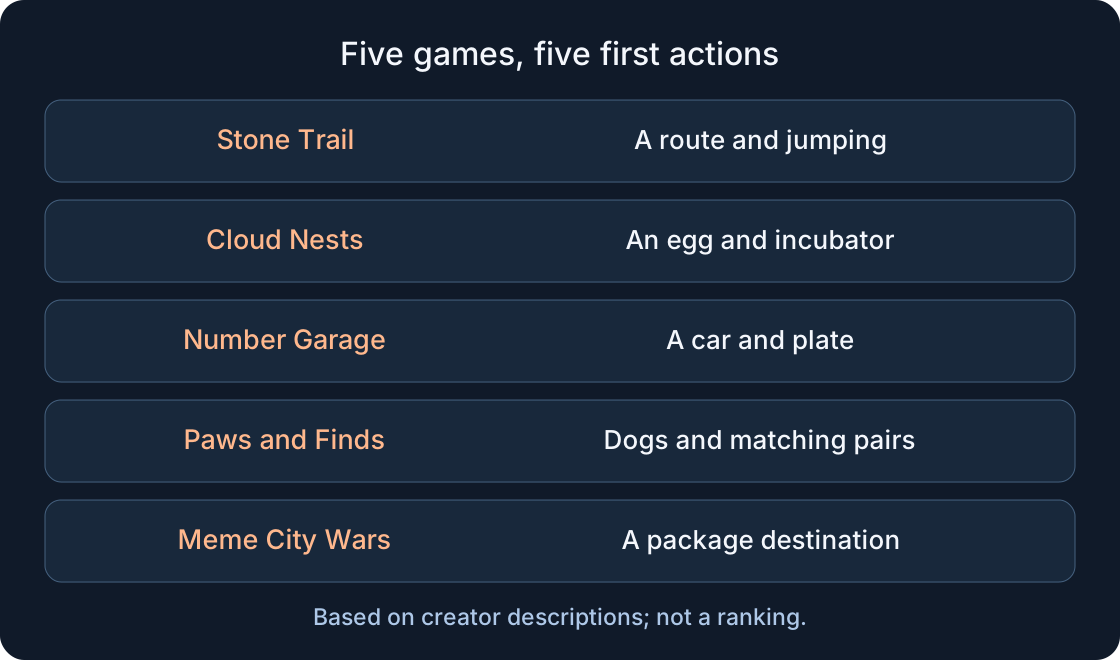
In an ordinary address such as www.roblox.com/games/122031546102726/Stone-Trail-Temple-Escape-Run, the number after games identifies a place page. For your notes, this is more useful than remembering a single cover image. Copy the address of the Roblox page you actually opened and keep the full link. The examples below use public pages for our games rather than an exhaustive list of search choices.
Do not call two different page IDs the same page simply because their titles match. Different places can belong to one experience, so different place IDs alone do not prove different creators or unrelated projects. Save the verified entry page you intend to revisit. A saved address is useful identification, not a guarantee that the game will remain accessible forever.
 Open full-size image ↗
Treat recent lists as clues, not a complete archive #
If a Continue or recently played section is visible, check it in the account used for that session. Do not expect every viewed card, every visit or the entire previous year to be recorded there. Roblox’s current mobile help documents a Recently Played widget, but that does not establish identical, complete account history on every device. You do not need to change device settings to use the method in this guide.
For a game from someone else’s video, use clues from the video: your account might never have launched it. If you use several accounts, keep their observations separate. “Missing from my present list” is a useful observation, not proof that the game was deleted or search is broken.
Favorite a game once you have checked it #
The current official Roblox instruction confirms Favorites: open the game details page and select the star below Play. A filled star indicates a Favorite; selecting it again removes the Favorite. The help points to the Favorites area on Home, and the profile guide also describes viewing favorite experiences through Favorites. Translated labels and layouts can differ between your version and the help illustration.
After saving, check the star’s state and try finding the game in your Favorites. Do not click again merely to make sure: that can undo the action. If the described control is absent, keep the exact link using a method available to you and consult current help. Favoriting a page is not a promise to recover in-game progress.
Keep a title, creator and link note #
The second table is a note example using our public pages. Their names and creator were checked through the public Roblox Games API; distinguishing details come from their descriptions. This is not independent gameplay testing. “Page confirmed” identifies the public page, not a match to your own memory. For your search, use “found” only after the necessary clues agree.
Keep a check date and one sentence about what you learned. “The description mentions 23 stages” is more useful than “great game”. Use “not sure” when the creator or remembered action does not match. The note will still make sense a month later, after you have forgotten the search. Five candidates deserve five rows rather than a single unexplained link.
| Page title | Creator | Saved URL | Learned from description | Check status |
|---|---|---|---|---|
| Stone Trail: Temple Escape Run | twitch_gansh1233 | https://www.roblox.com/games/122031546102726/Stone-Trail-Temple-Escape-Run | Ancient temple; 23 stages | Page confirmed; match to your memory not checked |
| Облачные гнёзда I Охота за яйцами I Cloud Nests | twitch_gansh1233 | https://www.roblox.com/games/121634532692285/I-I-Cloud-Nests | Eggs, pets and your own nest | Page confirmed; match to your memory not checked |
| Номерной гараж I Номера для машин I 16 стран | twitch_gansh1233 | https://www.roblox.com/games/72065096269171/I-I-16 | Plate collection from 16 countries | Page confirmed; match to your memory not checked |
| Paws and Finds 🐾 Dog Farm | twitch_gansh1233 | https://www.roblox.com/games/111747424164985/Paws-and-Finds-Dog-Farm | Dogs, finds and merging pairs | Page confirmed; match to your memory not checked |
| Meme City Wars [Alpha] | twitch_gansh1233 | https://www.roblox.com/games/82932016662334/Meme-City-Wars | City deliveries; Alpha version | Page confirmed; match to your memory not checked |
What to do when nothing matches yet #
Revisit the original clue: perhaps the video title was mistaken for the game title, or you remembered one level rather than the whole experience. Add a second independent detail and make another short query. If the original source remains available, look for its supplied link or creator name, then verify the Roblox page again. Do not give a password to a third-party service offering secret account history.
An old address may become unavailable, while a game may change its title or description. Record these as possibilities unless you have evidence for the cause. Keep the original address and check date. An honest “candidate, not confirmed” avoids passing a similar game to someone else as if it were the exact one.
Test the route back before you forget #
Open the saved link again and compare the title, creator and numeric ID. Check whether your note explains why you selected that page. If you used Favorites, locate the entry through the Favorites section available to you. These checks test your saved route; they do not establish game quality, availability of every server or transfer of progress between accounts.
A successful search gives you a specific page and a clear reason it matches. An unfinished search gives you a small candidate list, tested queries and the next missing clue. You can then use separate game or controls guides as needed. Save each new discovery immediately: a few words, the creator and the exact address prevent another long attempt to reconstruct a forgotten name.
Original sources
Roblox Support — searching and browsing experiencesRoblox Support — how to Favorite a place
Roblox Support — profiles, creators and Favorites
Roblox Support — mobile widgets and Recently Played
Roblox Support — feature availability and A/B tests
Roblox Creator Hub — games may contain multiple places
Roblox — stone-trail
Roblox — cloud-nests
Roblox — number-garage
Roblox — paws-and-finds
Roblox — meme-city-wars