For players01
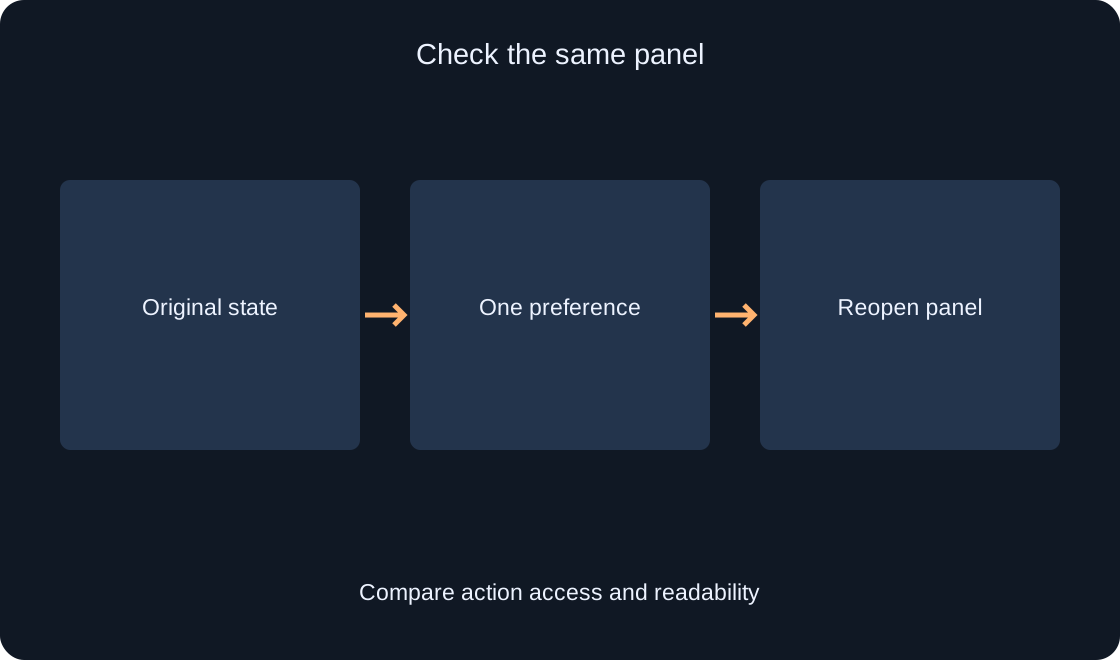
Compare Reduce Motion and Background Transparency using one clear example. Understand what interface preferences change, why custom menus may behave differently, and how to describe the result to a developer.
Roblox — Official documentationRead 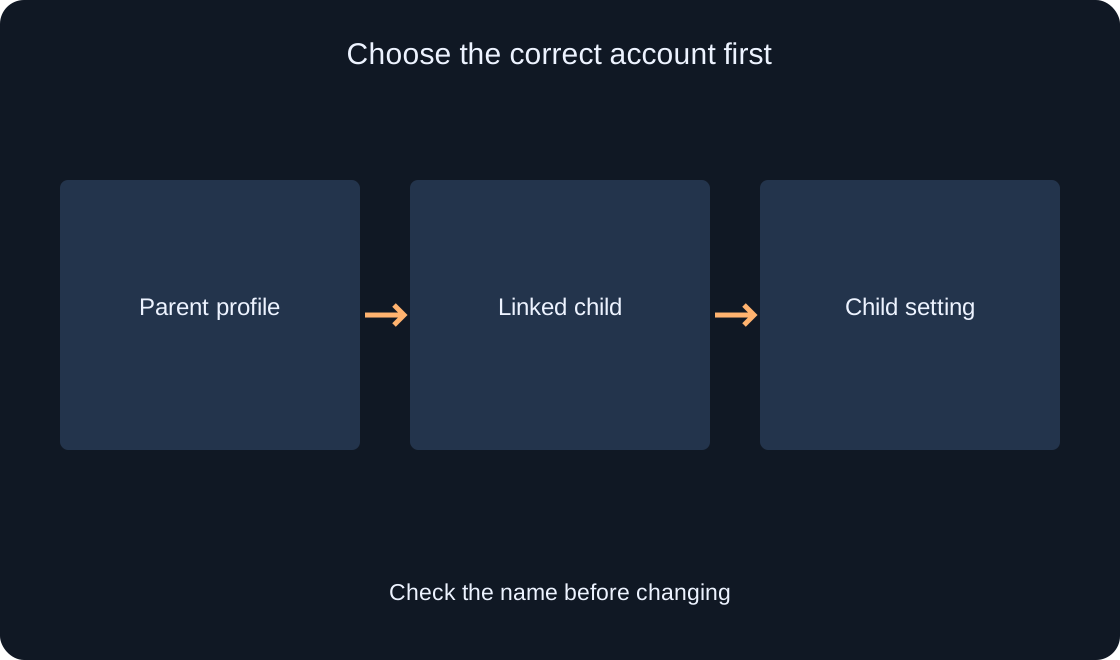
For players02
Find the daily Roblox limit, choose the correct linked child account, and understand why platform time differs from time in individual experiences. Follow separate checks for your own account and a linked parent's view.
Roblox Support — Managing Screen TimeRead 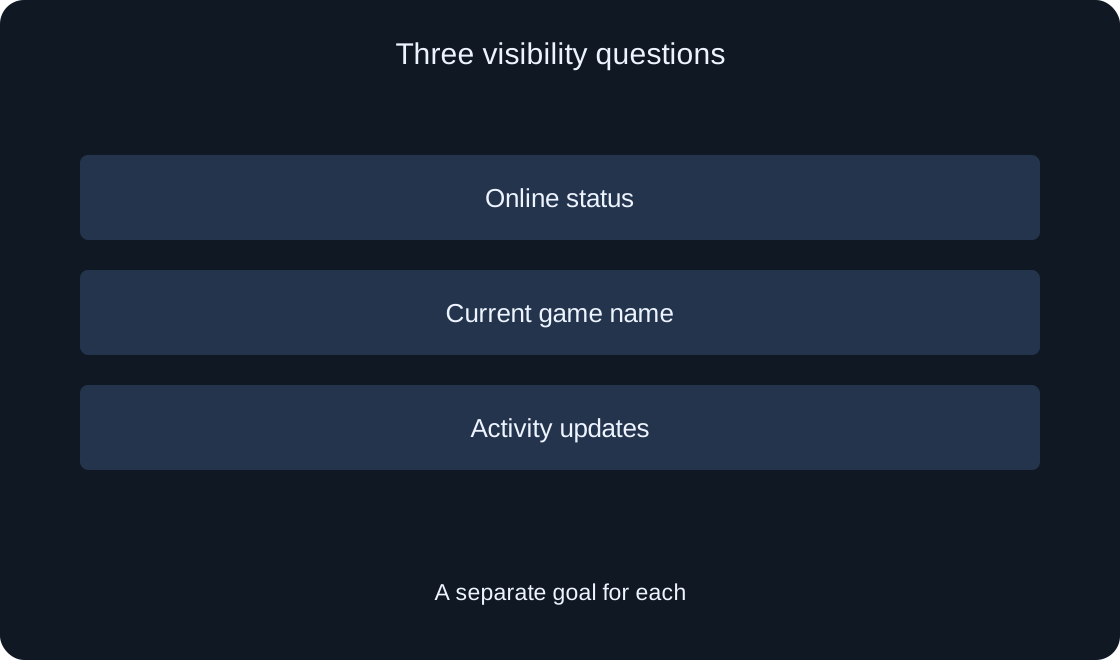
For players03
Online status, the name of your current game and activity updates are separate questions. Review the available choices and choose an understandable audience for each before expecting a particular result.
Roblox Support — Online Status and VisibilityRead 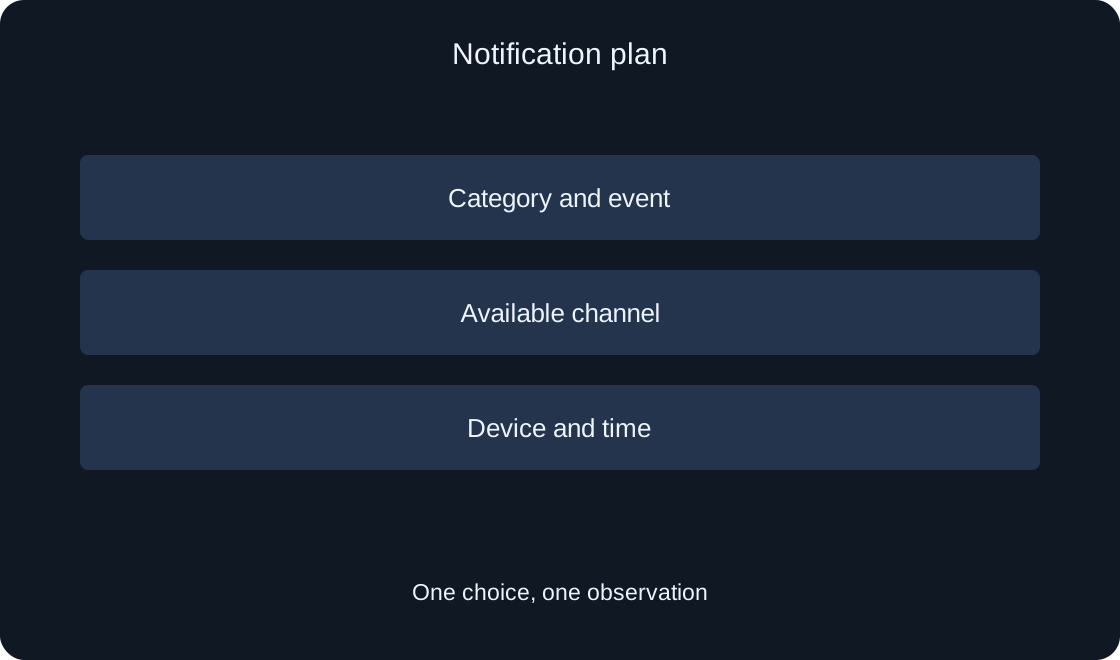
For players04
Decide which updates you need and where they should arrive. A clear plan can reduce unwanted alerts without confusing Roblox preferences with your phone's settings.
Roblox Support — Managing Roblox NotificationsRead 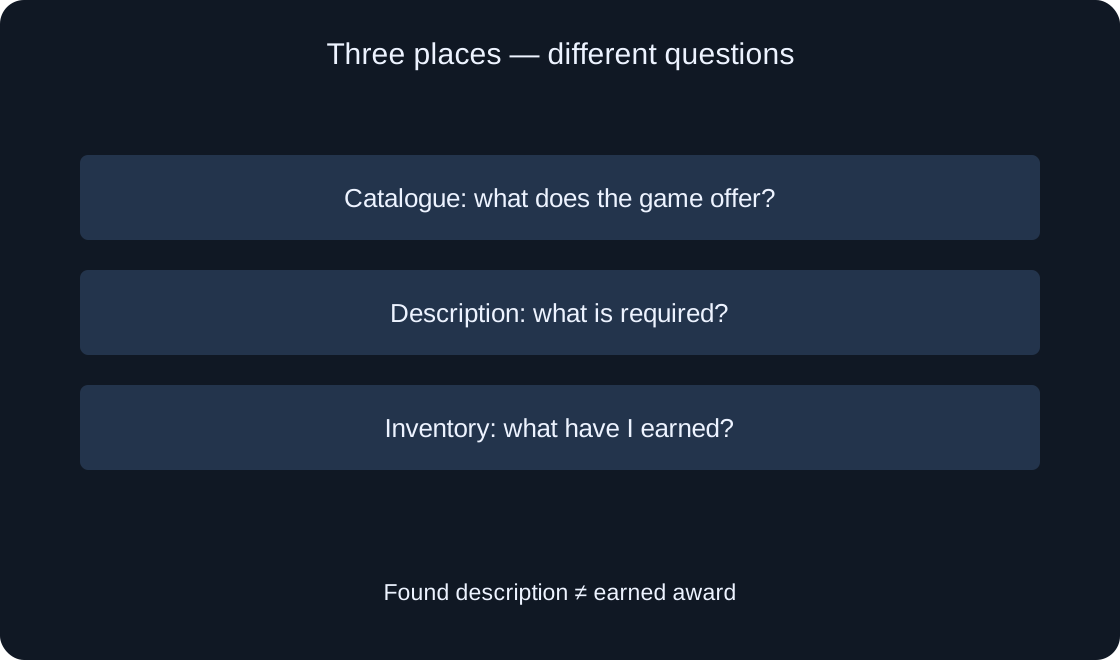
For players05
Find a specific badge in your inventory, read its description and distinguish a game's award list from an award you have earned. Investigate a missing badge without promises of free Robux or random account changes.
Roblox Support — What are Badges?Read 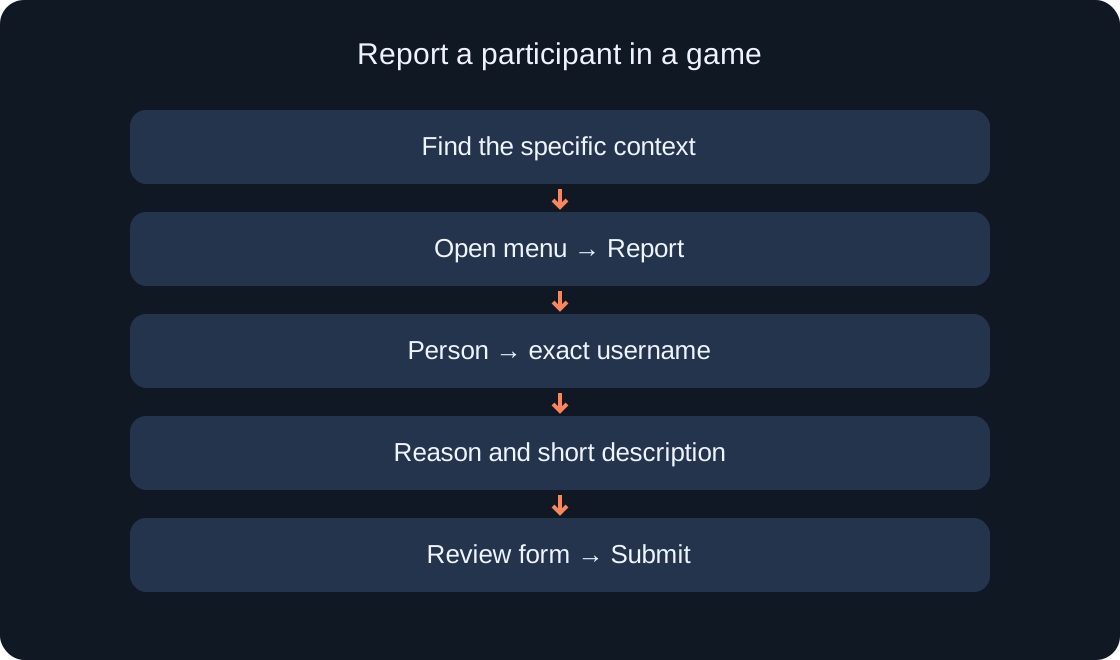
For players06
Find Report Abuse for a specific message, player, experience or item. Prepare a clear description, check the selected context and distinguish reporting from blocking contact.
Roblox Support — How to Report Rule ViolationsRead 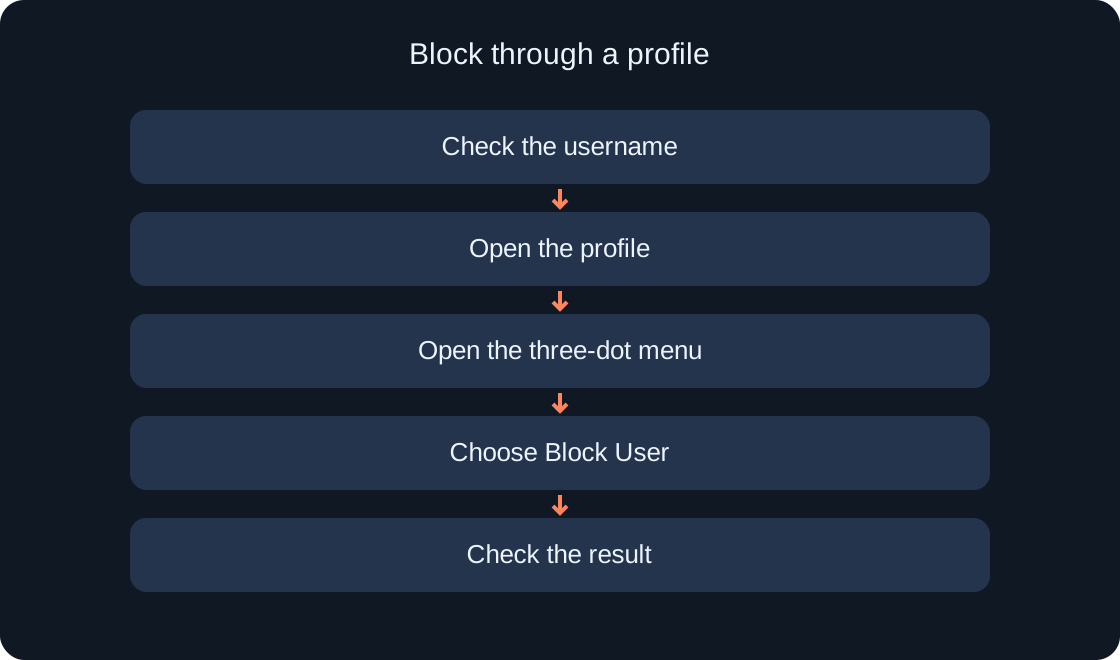
For players07
Follow the profile, in-game menu and blocked-user settings. Learn how to choose the correct account, undo a mistake and decide when a separate report is needed.
Roblox Support — How to block another userRead 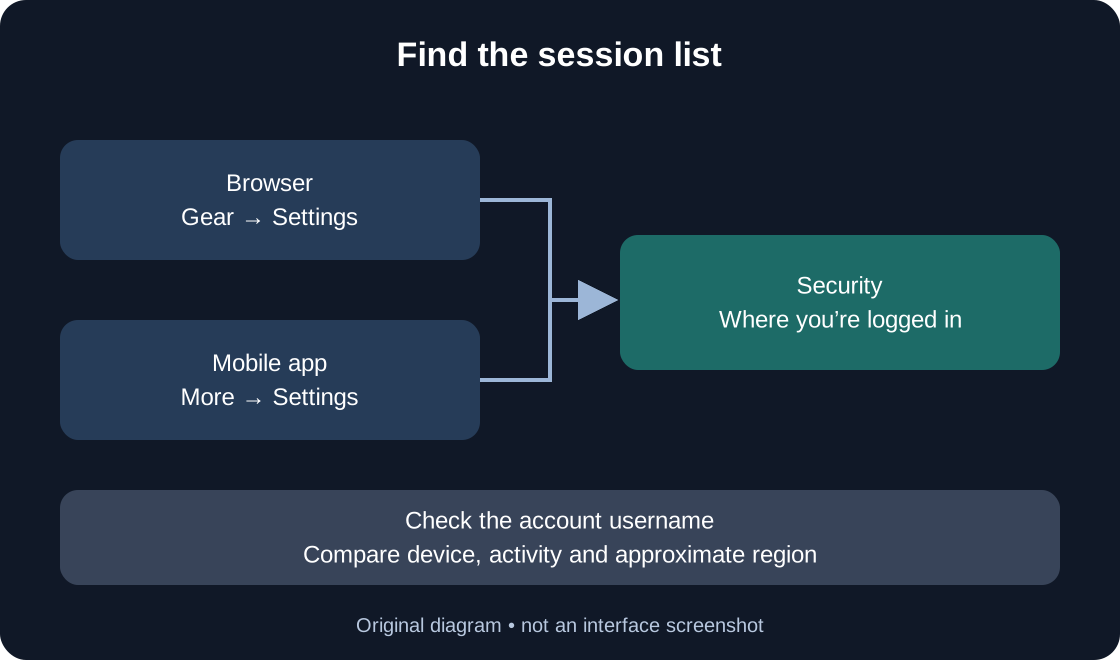
For players08
A practical guide to browser and mobile settings, choosing one session or all other sessions, and checking the outcome without mistaking a location hint for proof of account theft.
Roblox Support — Session ManagementRead 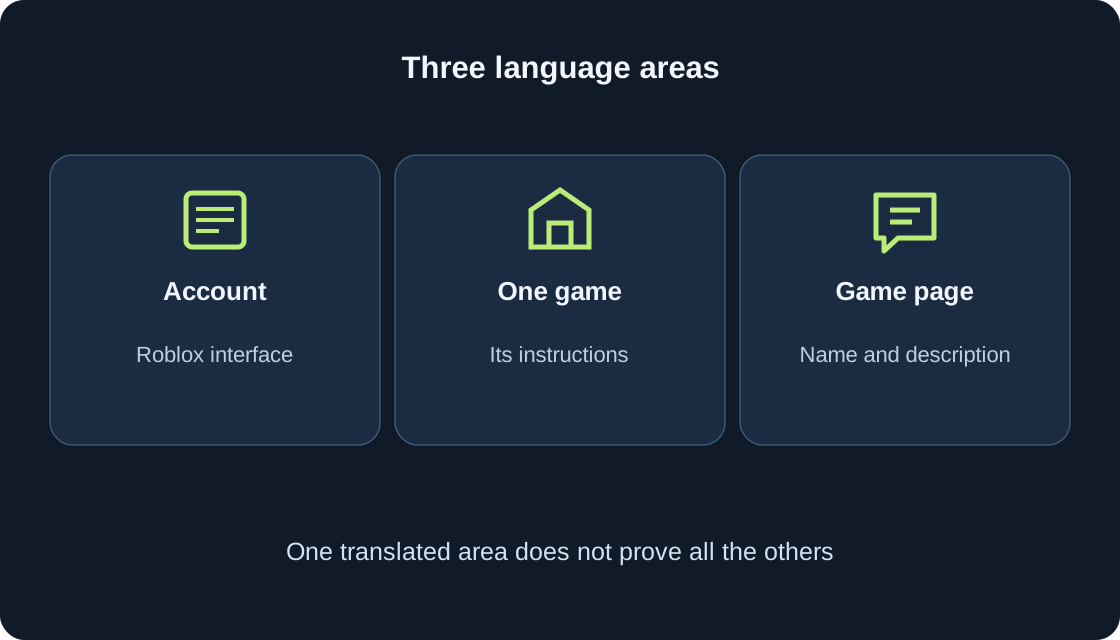
For players09
Follow the official web or mobile account route, distinguish Game Language from automatic translation, and check the text that matters to you.
For players10
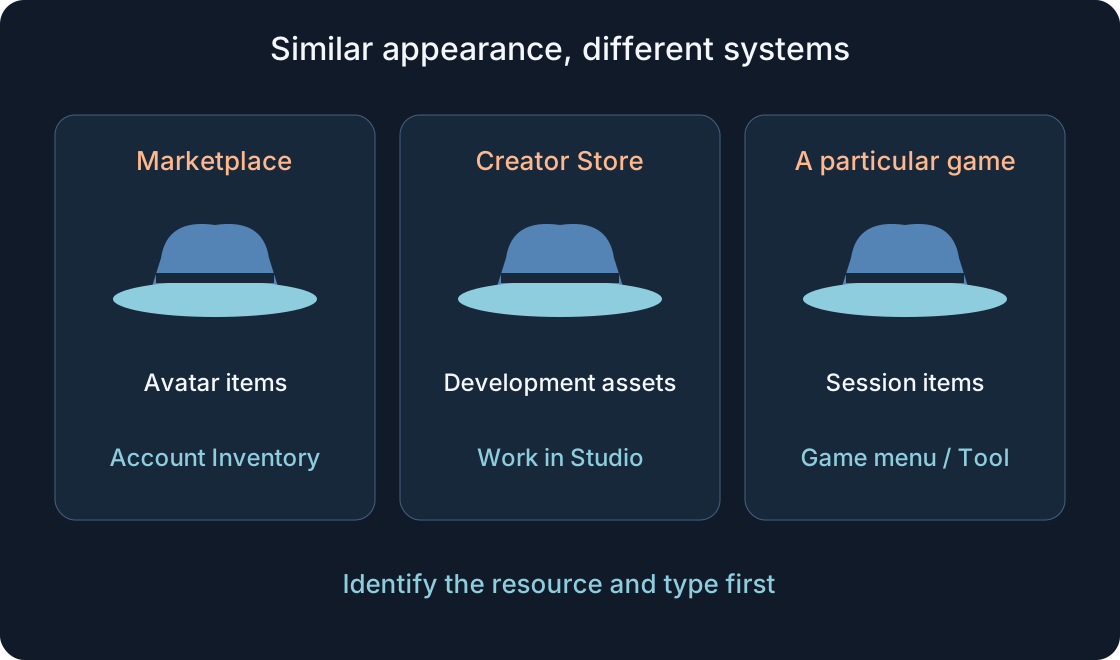
Check the exact item, category and account. Browser and mobile Inventory routes, and how they differ from Avatar, a look, Creator Store assets and a particular game’s inventory.
Roblox Support — Browser inventory and visibilityRead 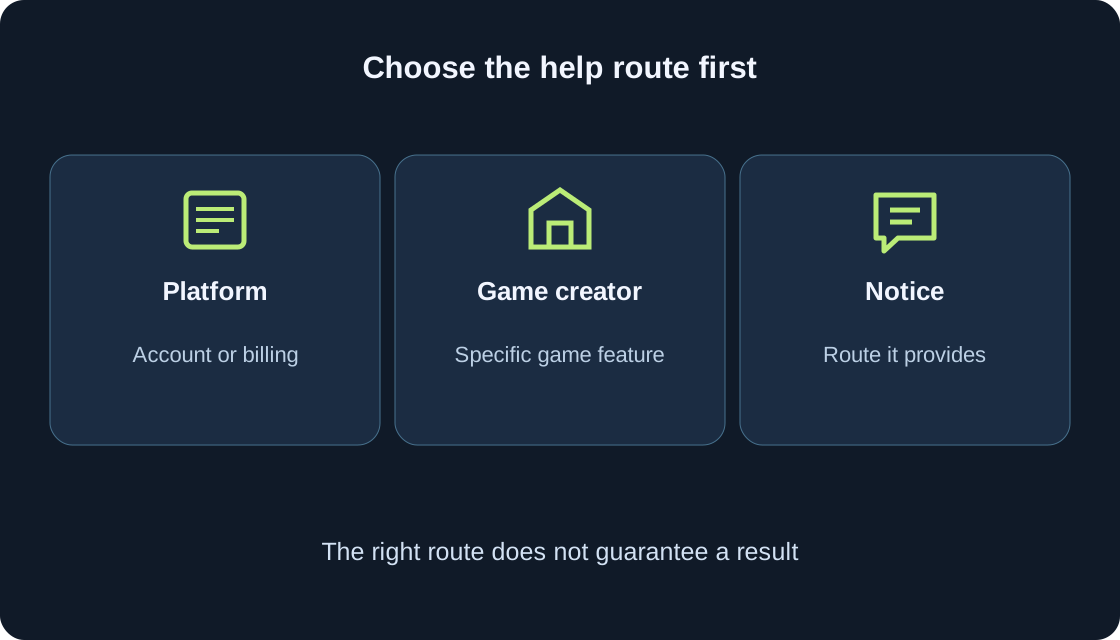
For players11
Choose the right help route, describe an observable problem and keep useful updates together. Includes an anonymous teaching report and a simple contact record.
For players12
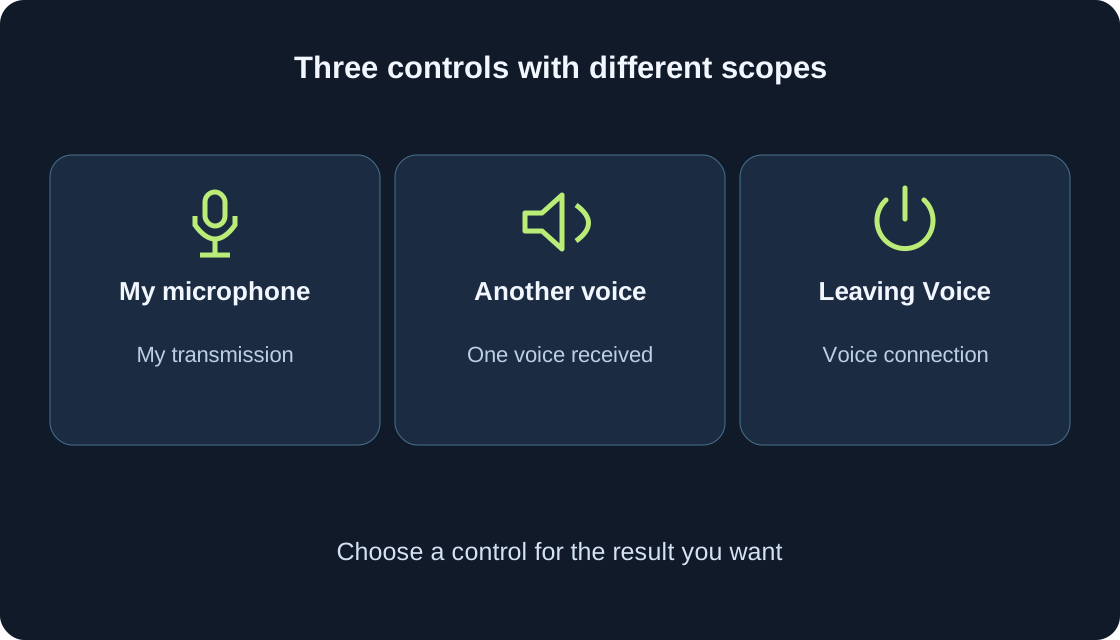
Check access, connect to an available voice channel, distinguish your microphone from the voices you hear, and record a useful result without guessing.
For players13
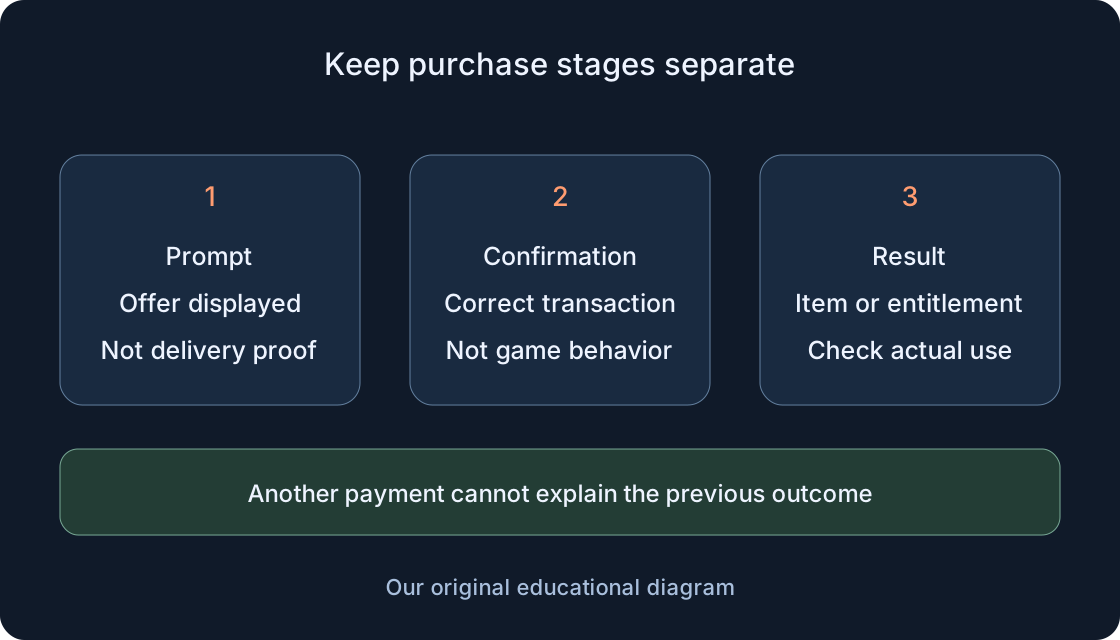
Verify an already-made purchase: the correct account, confirmation, ownership and actual effect. Prepare a useful report if an item or ability is missing.
Roblox Support — Purchased item resultRead 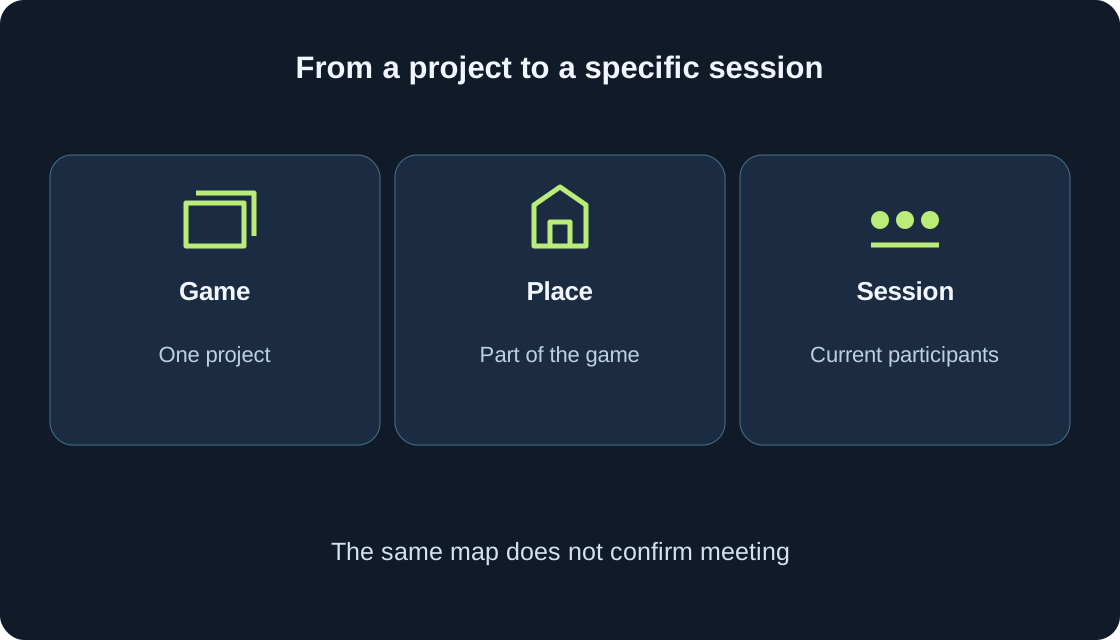
For players14
Read an available server list, distinguish a session from the game, and check joining together, rejoining and saved progress as separate results.
For players15
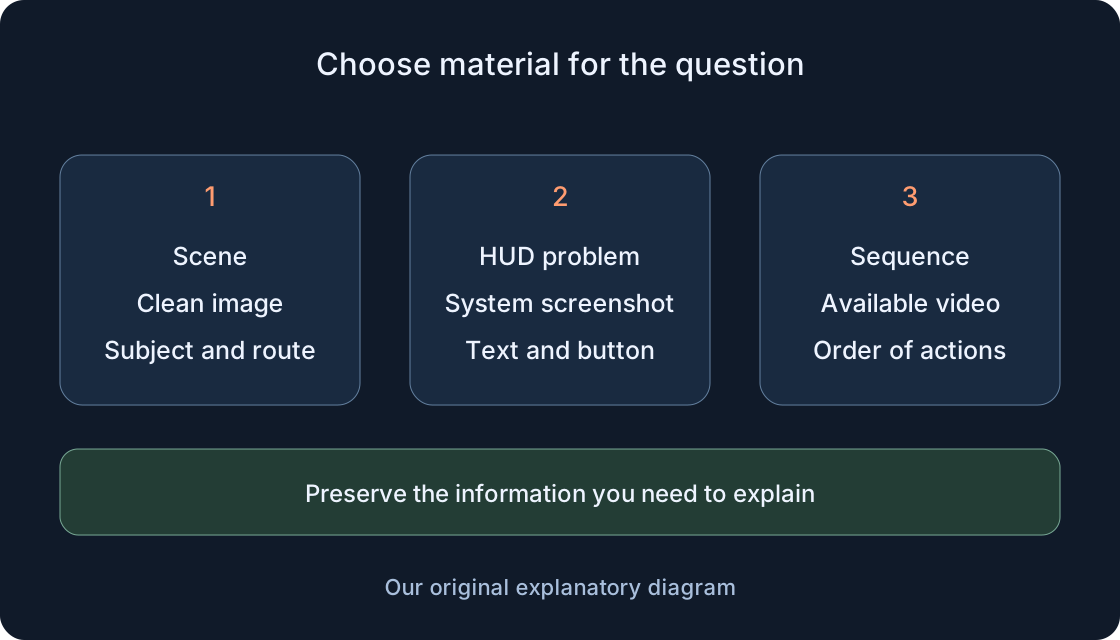
Choose a useful frame, find it in Captures and verify a separate saved file. Learn when interface evidence is needed and how saving differs from Share and Moments.
Roblox Support — Screenshots and CapturesRead 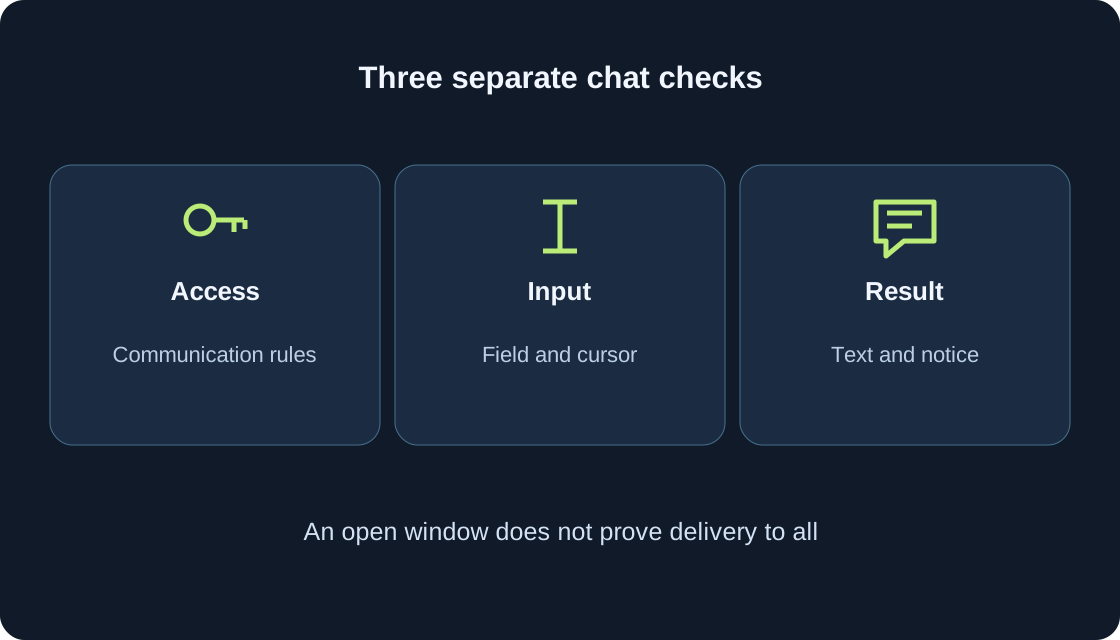
For players16
Separate typing focus, missing controls, filters, communication access and translation with a practical sequence of checks.
For players17
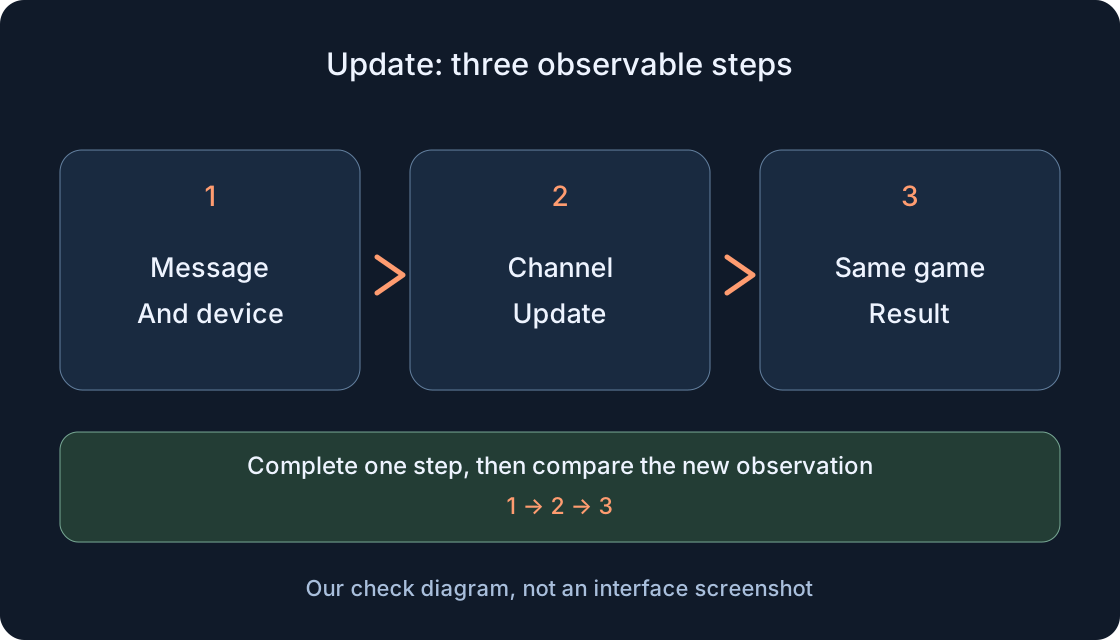
Choose your device’s official update channel, record the message and retry one game to separate a client-version issue from a connection problem or a game update.
Roblox Support — Error 280Read 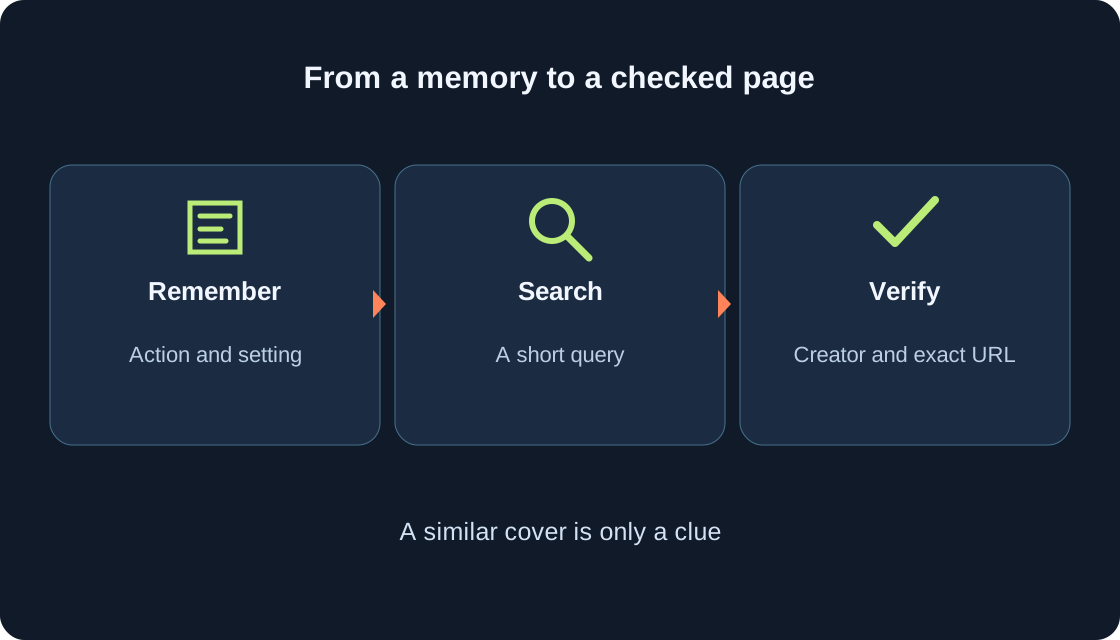
For players18
Turn a remembered scene into useful searches, compare the creator and page address, and keep a reliable note plus a Favorite when available.
For players19
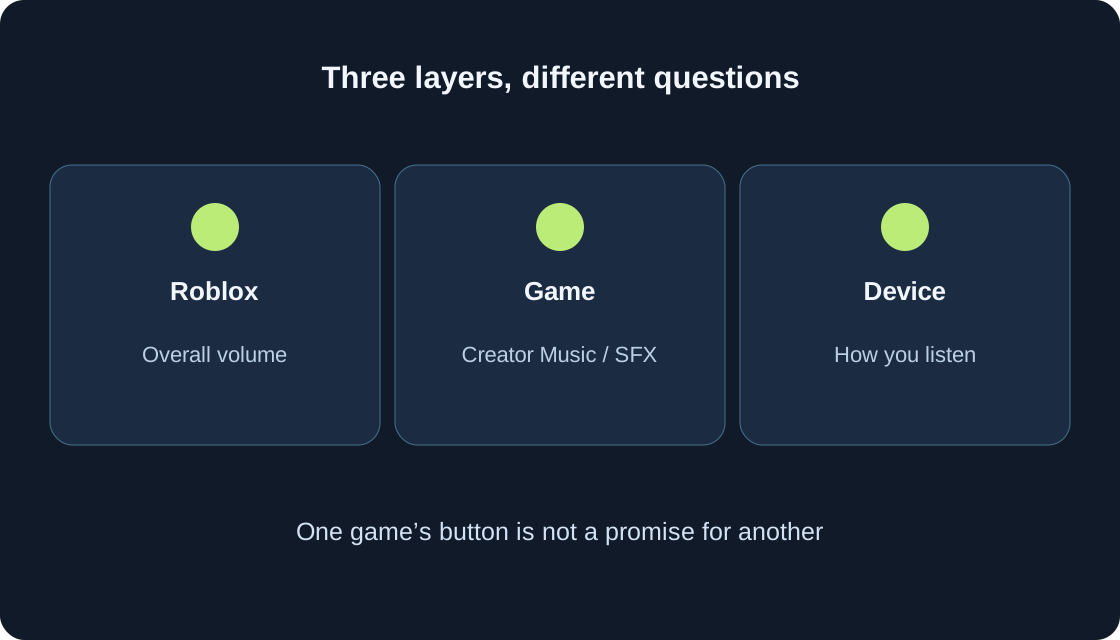
Separate Roblox volume, a game’s own Music/SFX controls and your listening device. Compare one scene, keep useful effects and prepare a clear missing-sound report.
For players20
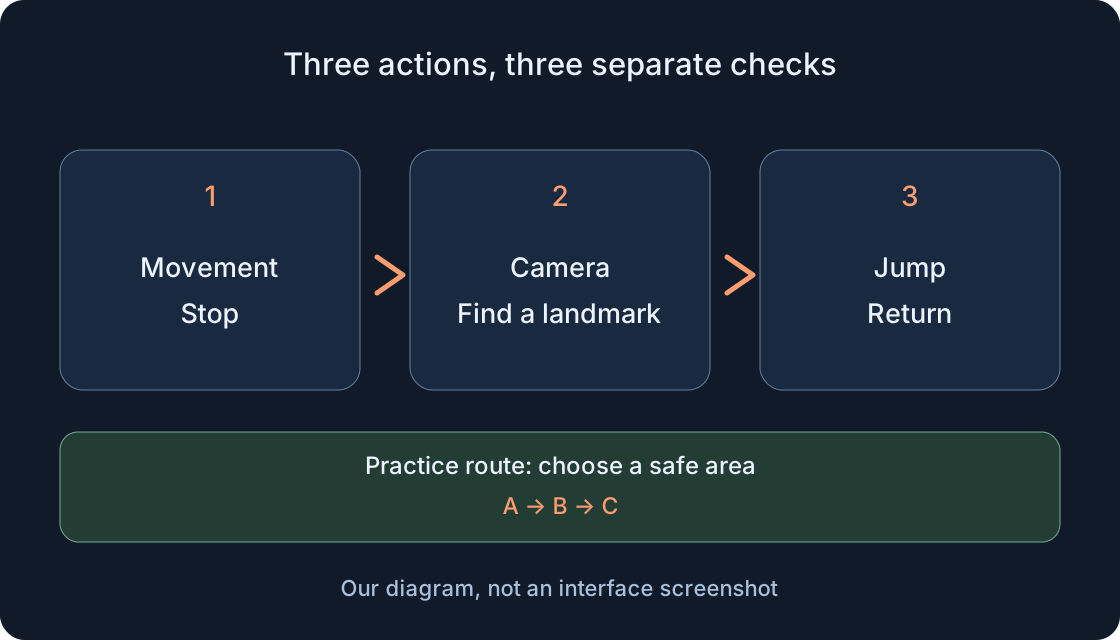
Practise a short route, check common controls and investigate missing movement, a fixed camera or input going into chat.
For players21
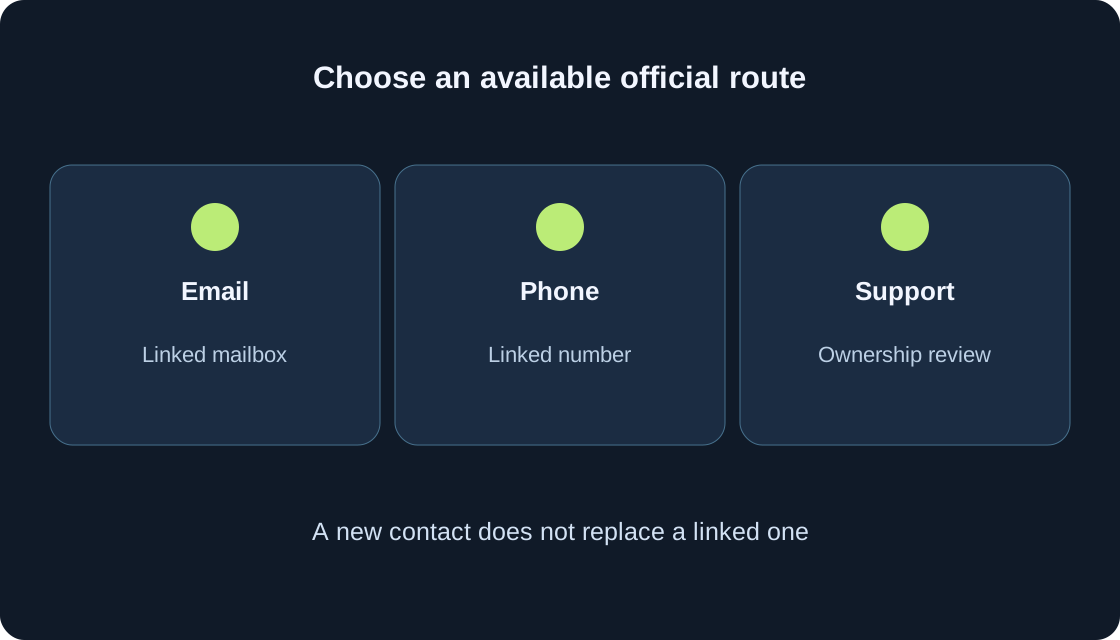
A clear own-account recovery process: official entry point, missing email, phone codes, account selection, support without a linked contact and a final login check.
For players22
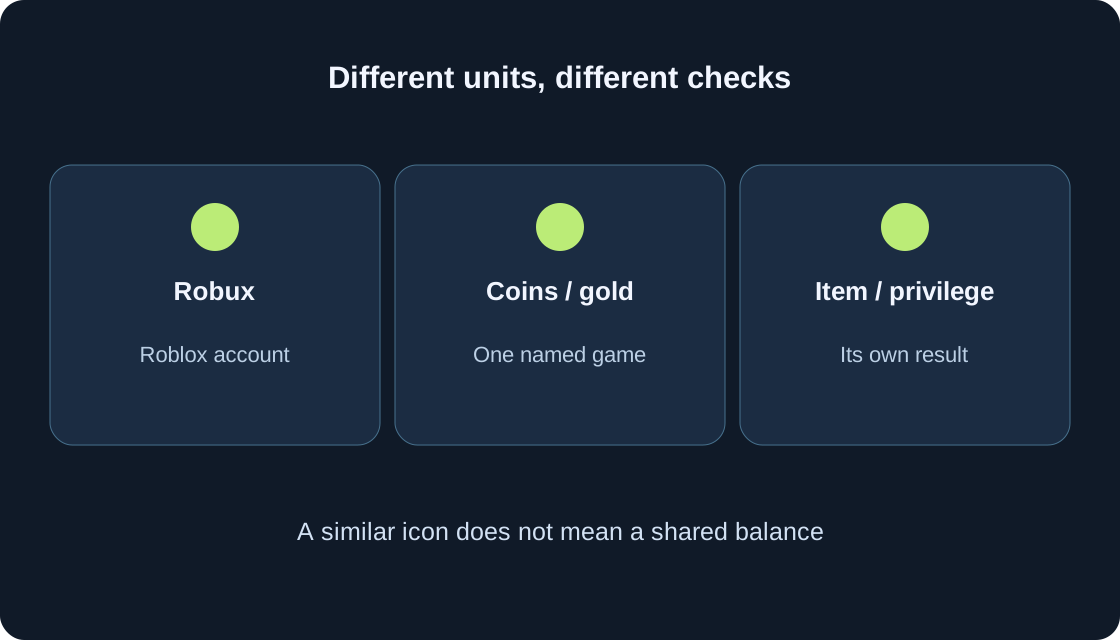
Separate your Roblox balance from a game’s coins, gold and rewards. Read offers, verify one result and check saving with five game examples and two original diagrams.
For players23
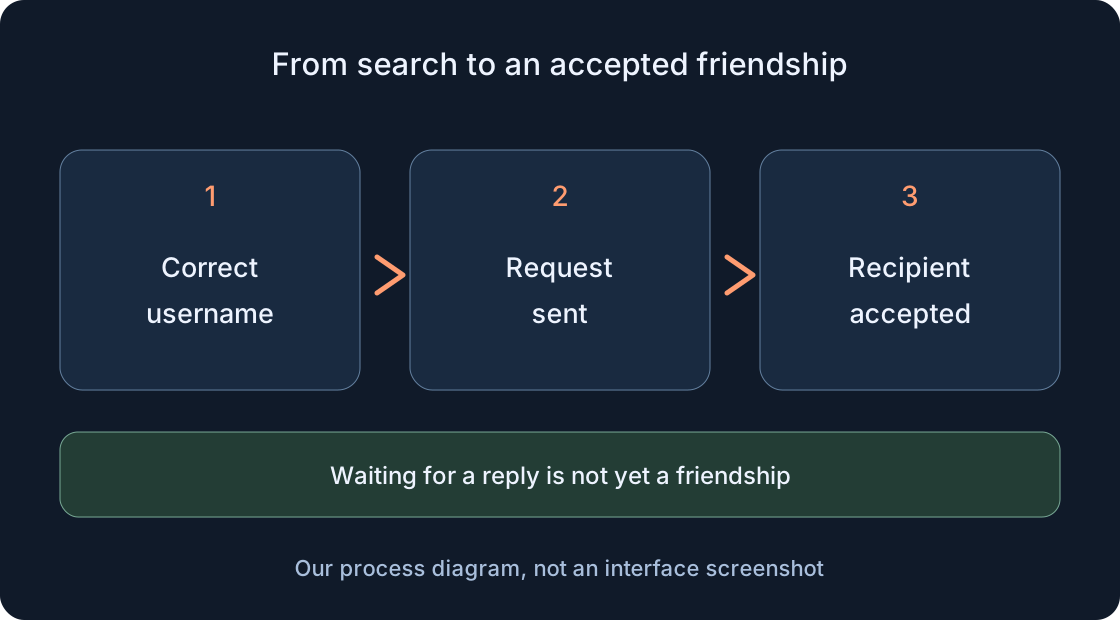
Find the correct account, send and accept a request, check an available Join action and investigate missing access without bypassing privacy.
For players24
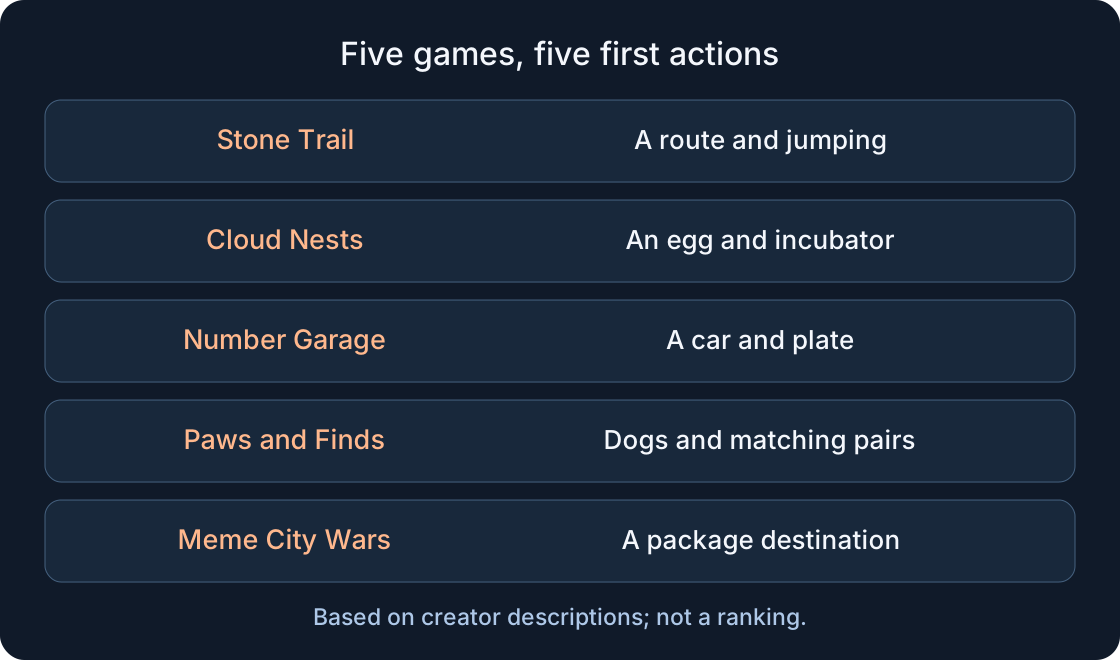
Choose by your first action: Stone Trail, Cloud Nests, Number Garage, Paws and Finds or Meme City Wars. Starting goals, device checks, two comparison tables and two diagrams.
Roblox — creator descriptionsRead 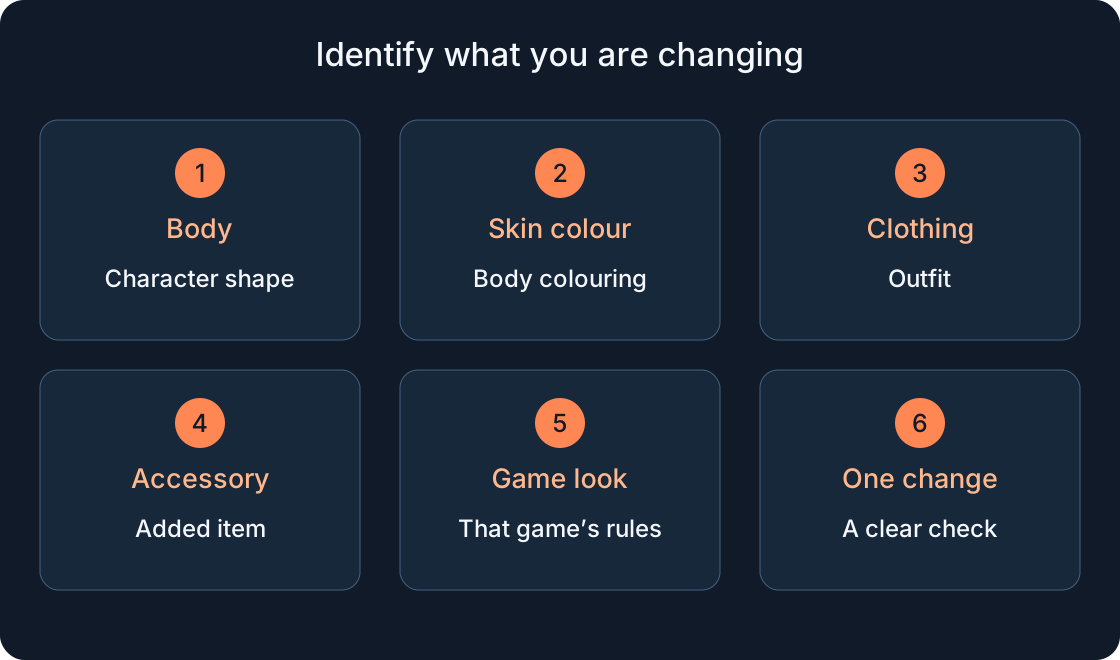
For players25
Step-by-step checks for browser and mobile: owned items, clothing, body shape, skin colour and accessories. Includes an editor-to-game exercise, two diagrams and troubleshooting tables.
For players26
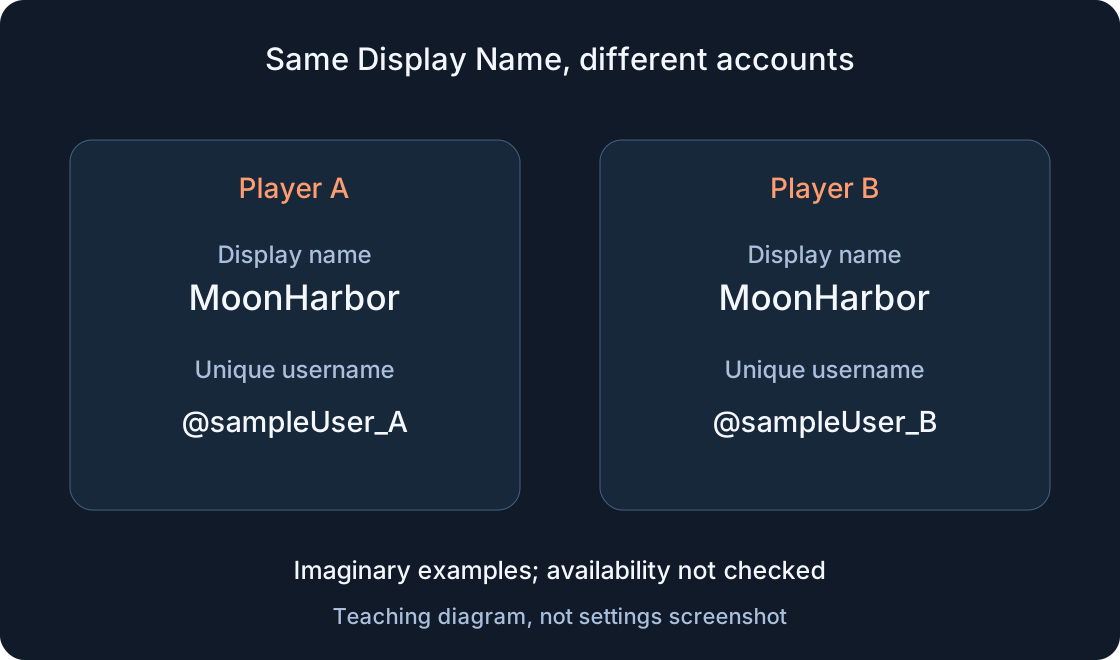
Choose the right field, change your display name on the web or phone, review a paid username change and identify the correct account.
For players27
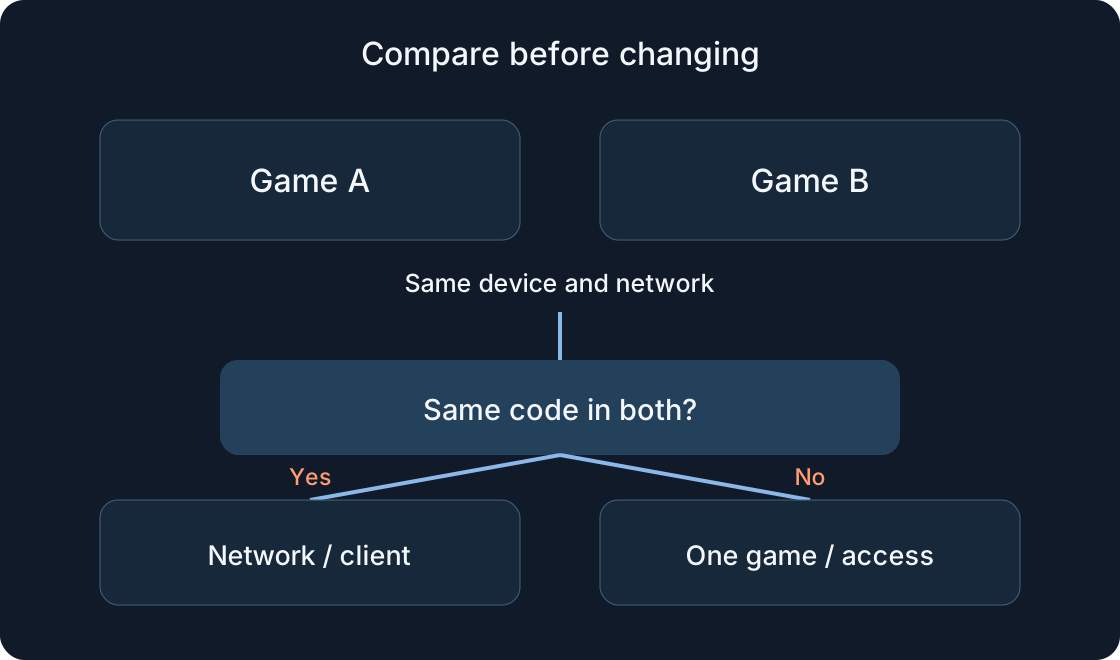
Check service status, compare games and networks, test the client and prepare a useful support report on PC or mobile.
For players28
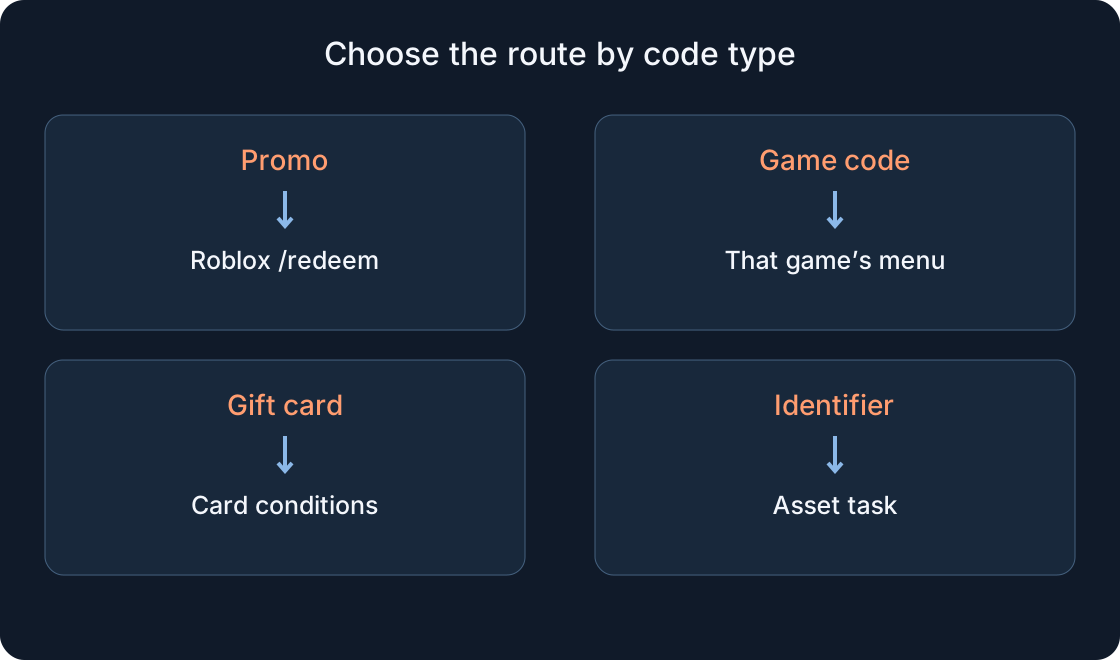
Choose the correct redemption route, check the account and understand a failed result. Includes mobile steps, comparison tables and two diagrams.

For players29
A practical introduction to the temple: controls, learning attempts, falling recovery, gold collection and preparation for a timed run.
Roblox · Stone Trail: Temple Escape RunRead 
For players30
A step-by-step first-session plan: find an egg, follow the route to your incubator, check hatching, understand coins and choose a nest goal.
For players31
Start with one car, fit a plate, understand favorites and albums, then choose a collection, duel or garage-style goal.
Roblox · Номерной гараж · 16 странRead 
For players32
A complete first-session plan covering the shelter, manual loop, coins, matching pairs, toys and a new yard. With three illustrations.
Roblox · Paws and Finds 🐾 Dog FarmRead 
For players33
A step-by-step introduction to SunSpark Plaza and the depot: collect a package, read its destination, confirm completion and choose your next task.
Roblox · Meme City Wars [Alpha]Read 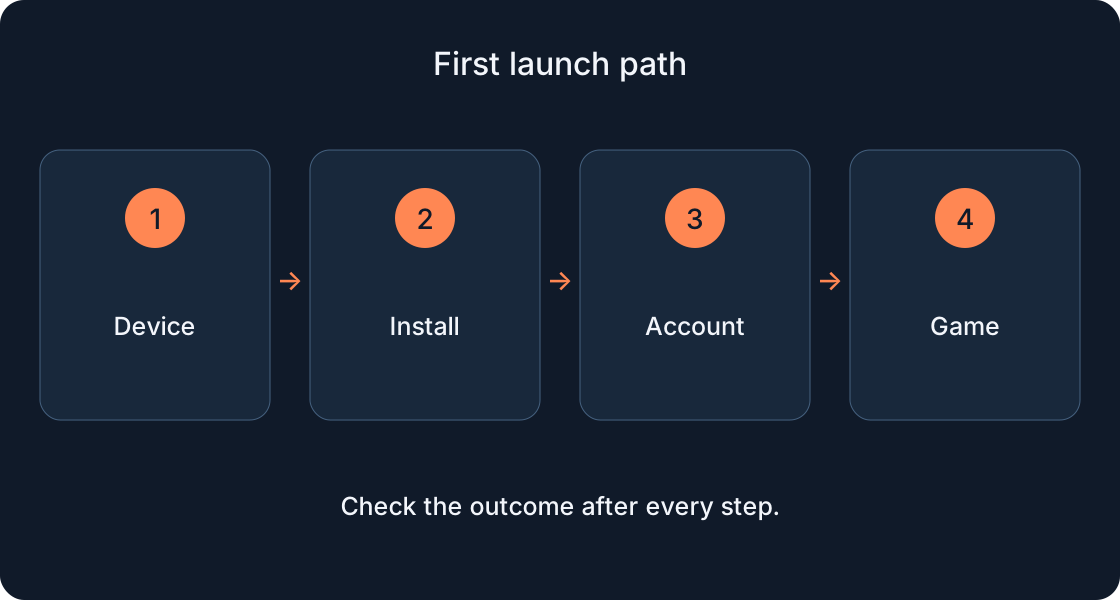
For players34
Follow the launch steps, confirm the result and separate installation, account sign-in and joining a game.
For players35
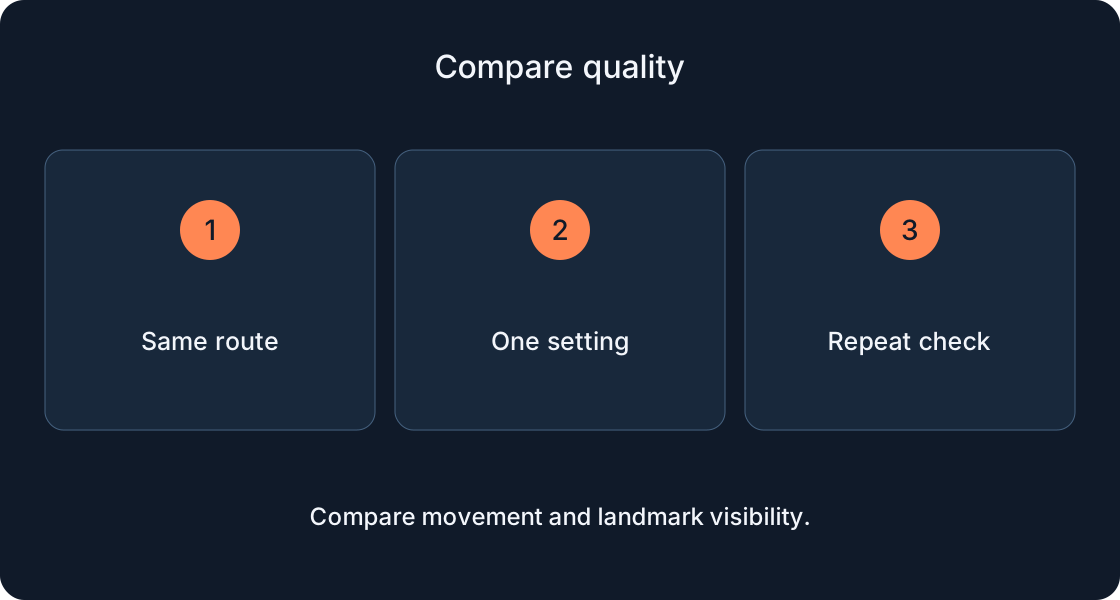
Compare two quality settings on the same route, check controls and choose a comfortable result without invented FPS gains.
For players36
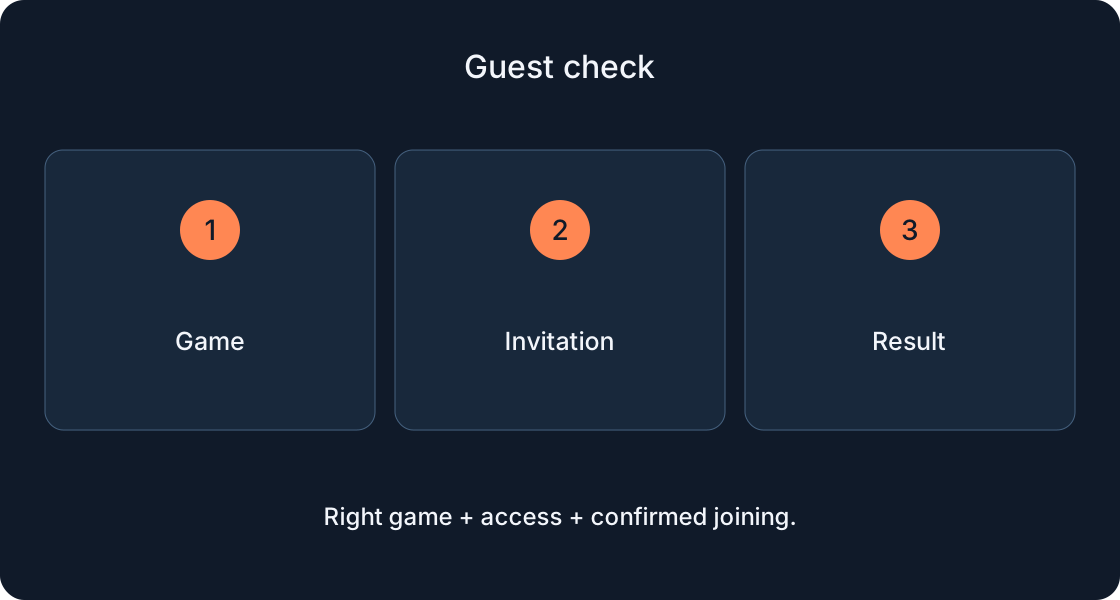
Check the intended game, access permission and subscription terms with separate steps for guests and owners.
For players37
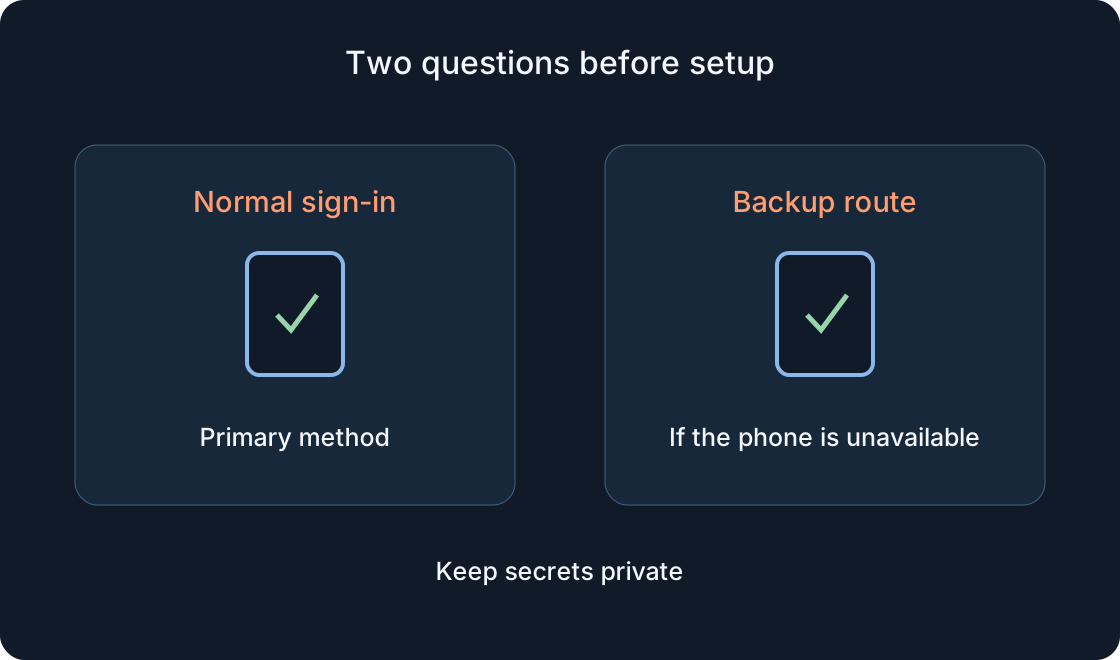
Prepare a primary method and backup route, test sign-in and troubleshoot a missing email or rejected code.
For players38
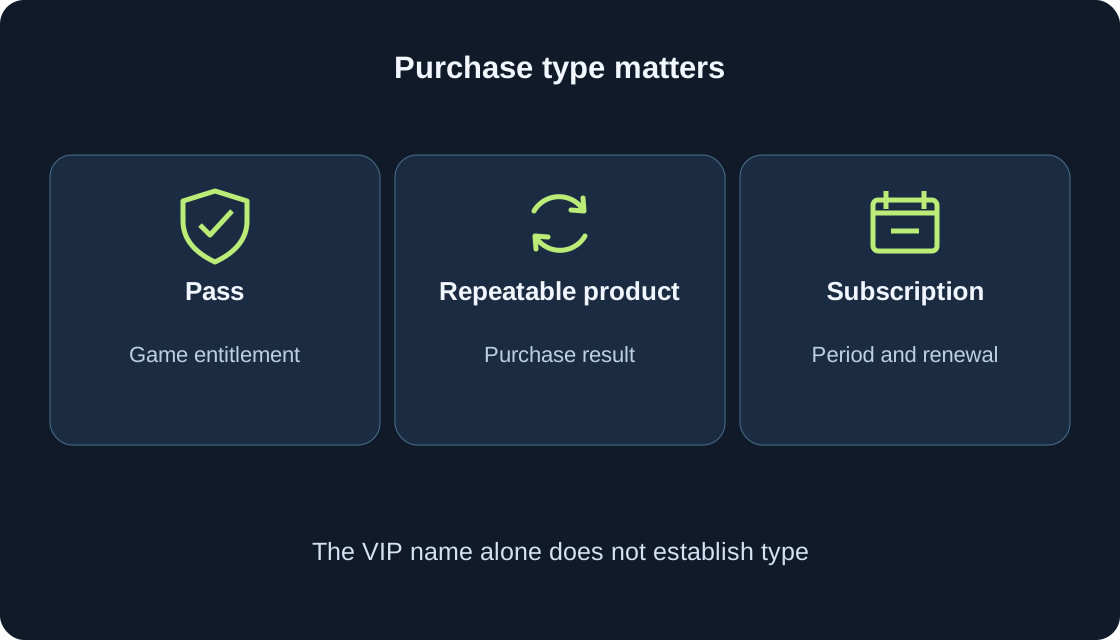
Find the offer for the right game, distinguish a pass from repeatable products, and read its limits before buying. Ownership and use are separate observations.