For players / ROBLOX
Recover your Roblox password: email, phone and official support
A clear own-account recovery process: official entry point, missing email, phone codes, account selection, support without a linked contact and a final login check.
Identify what prevents the login #
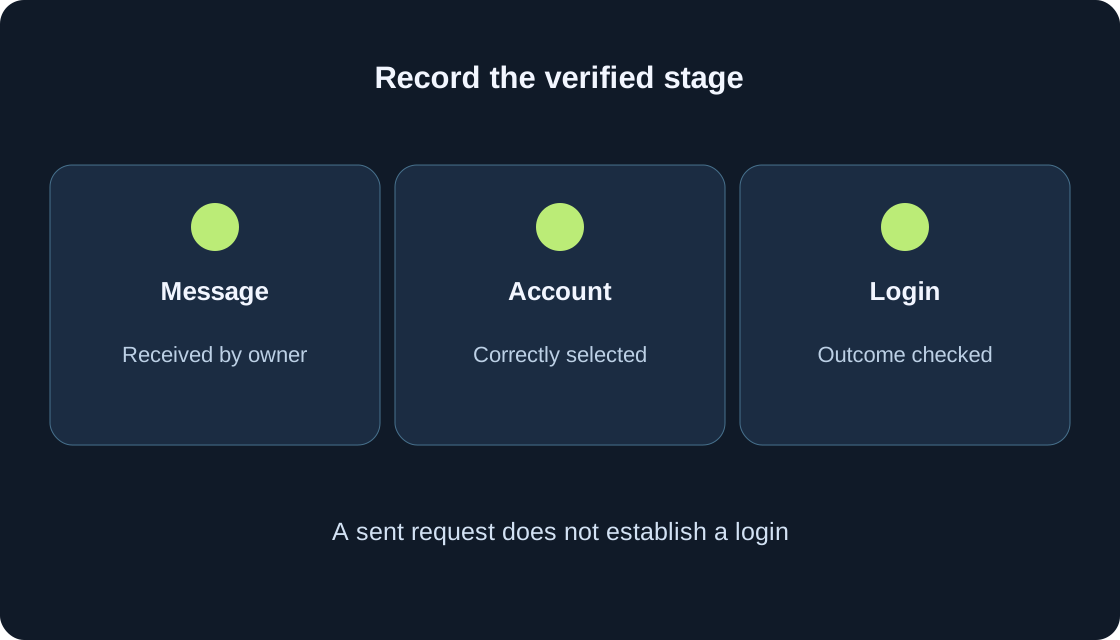
Start with one question: have you forgotten the password, forgotten the username, or stopped at an additional verification step? These are different situations. Record the screen and its message. An email-sent notice does not establish a successful login, and a game-launch error after signing in does not establish a wrong password.
This guide concerns your own account. It explains the official process and does not recover accounts for you. The illustrations are original decision diagrams rather than Roblox screenshots. We cannot promise restored access or a response deadline. Begin with a contact already linked to the intended account, and follow one route in order rather than mixing unrelated steps.
1. Prepare useful information without secrets #
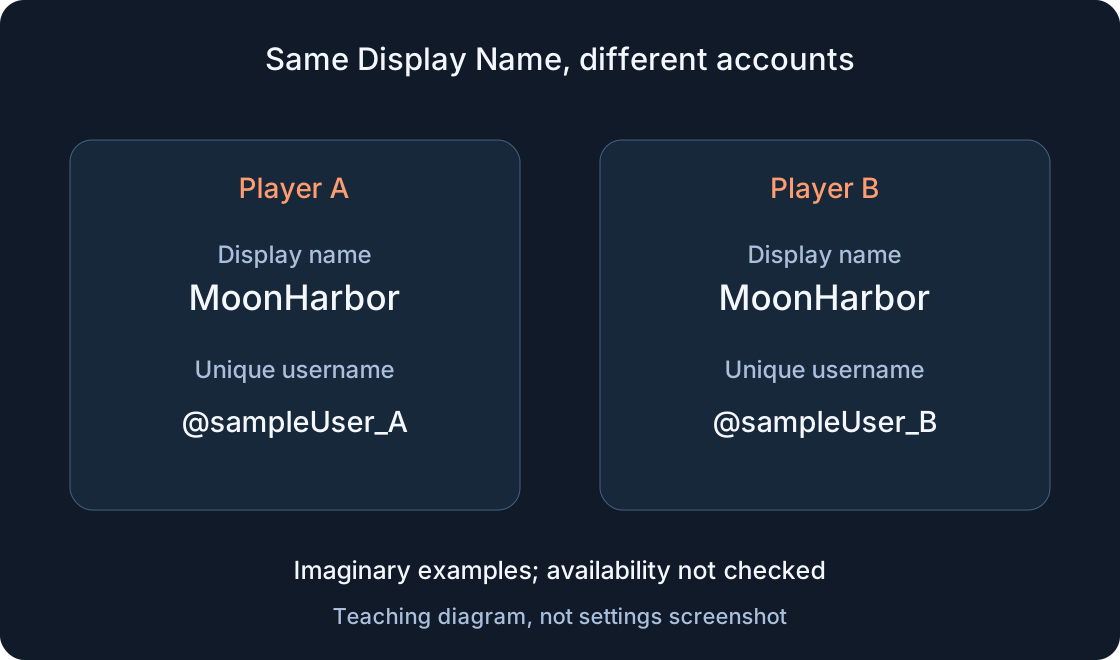
Determine whether you remember the exact @username and can access the email address or phone number previously added to the account. The name visible in a game may be a Display Name, which does not replace the unique username. A private preparation note can say “email available”, “phone available” or “contact unknown”; it need not contain passwords or codes.
If the contact belongs to a parent, ask them to help access their own mailbox or number. Do not add someone else’s email at a stranger’s request. Establish whether you can receive the message before choosing a route. This preparation is not an invitation to guess contacts, test other people’s accounts or identify an owner from a similar name.
2. Open Roblox’s official recovery route #
On the Roblox login page, choose the forgotten-password-or-username link. The official English help names it Forgot Password or Username?, and the recovery page is titled Recover your Roblox Account. A verified direct link appears in the sources. Enter recovery information in the official Roblox process, never in a form within a game or on an intermediary’s page.
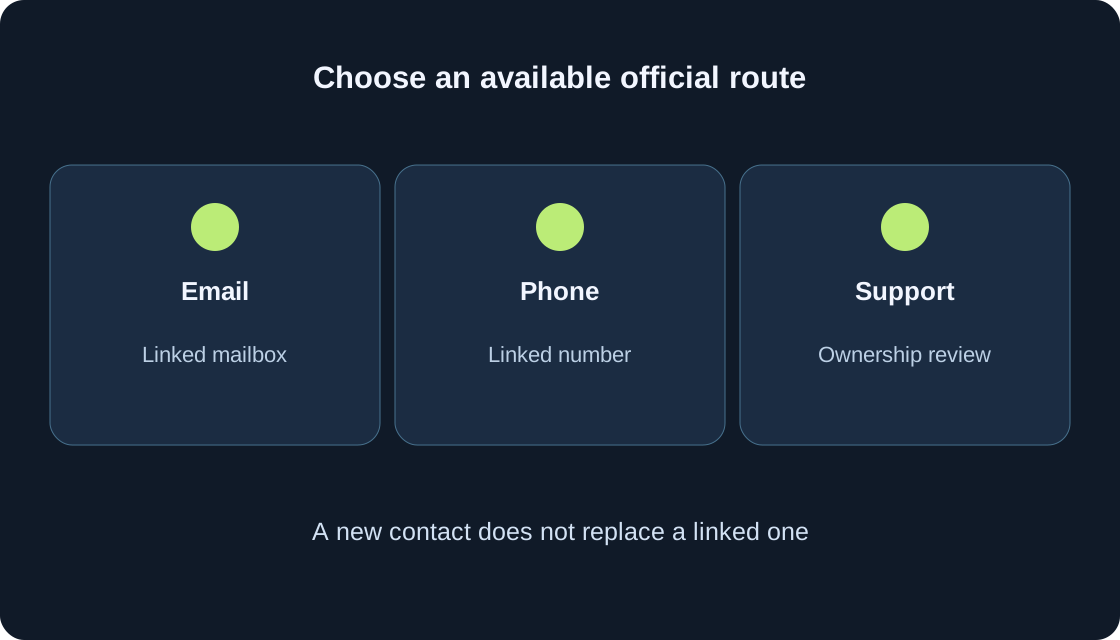
The diagram and table help choose email, phone or support; they do not reproduce button positions. Language and presentation can change. If the screen does not match your task, return to the official login page and current help. Downloading a recovery program is unnecessary for this route. Keep screens displaying secret information away from public streams and conversations.
 Open full-size image ↗
| Available route | Condition | Next action |
|---|---|---|
| Already linked; mailbox accessible | Request and official email | |
| Phone | Already linked; number accessible | Phone tab and verification |
| Username unknown | Previously linked contact | Recover the username separately |
| No linked contact | Self-service reset unavailable | Official support; ownership reviewed |
3. Use the linked email address #
In the email route, enter the address linked to the intended account and send the request. Match the address as recorded on Roblox, checking the spelling, punctuation and complete ending. Open that mailbox and locate the recovery instructions. Use the password-reset action in the official email, then continue on the recovery page.
Sending the form is not proof that you selected the right account. Record only “request sent” until the next step is actually received. If your family uses several mailboxes, establish which one was linked. An unrelated inbox cannot verify the requested account. Do not ask an outsider to receive the email for you or publish its link; it belongs to your recovery process.
4. If the email is missing, check the stages #
Roblox’s help advises checking junk and spam after a few minutes. Confirm that you opened the correct mailbox and entered the contact associated with the account. Compare the address you used with the intended address before repeating an action. The browser’s sent notice and an email actually received are separate observations.
Record the request time and mailbox result. Do not replace a clear check with dozens of rapid requests or conclude that the account was deleted solely because the email has not appeared. If that address was never linked, a new password cannot fix the empty inbox. When the cause remains uncertain, keep a description for official support. This guide sets no guaranteed delivery time.
5. Use the linked phone route when appropriate #
For a phone number added to the account, choose the recovery page’s phone tab. Select the country code, enter the number and continue. The official instructions then call for verification: complete that step, receive a six-digit code on your phone, enter it in the appropriate field and verify. The process then reaches the new-password page and account choice if needed.
This route needs the linked number, not any new SIM card. If the relevant tab is unavailable or no message arrives, record the visible stage and consult current help instead of inventing a bypass. The owner enters the code in the official process. Do not send it to a friend, game creator, our site or someone promising faster recovery.
6. Select your account and create a new password #
With one associated account, the documented route leads to the new-password page. With several, select the account you intend to recover. Compare the displayed username with your intended @username. Do not automatically pick the first entry: a family email can be linked to more than one account, and a similar Display Name does not decide ownership.
Enter a new password, confirm it in the second field and finish submitting. Roblox recommends avoiding the previous password and passwords used for other accounts. Check keyboard layout and matching fields privately. Record the action’s outcome or error, not the secret itself. Our diagram contains no sample password to copy; your password should remain yours.
 Open full-size image ↗
7. Treat a forgotten username as a separate result #
If you do not remember the username, use the official account-recovery route with previously added email or phone. The help explains that associated usernames can be shown after verification. If your own profile is available, @username appears beneath the Display Name. Our separate guide to those two fields helps identify the correct entry.
Some past Roblox purchase receipts contain the purchasing account’s username. That can be a clue for the owner, not a universal proof of access. Do not choose a search result merely because its Display Name matches, and never present someone else’s receipt as yours. A recovered username and a successfully reset password are distinct outcomes. Record both separately instead of repeatedly resetting to resolve a missing name.
8. Without a linked contact, prepare a support request #
Without an email address or phone number added to the account, the reset feature cannot reset its password. Official instructions direct you to Roblox Support with a detailed login-problem description. Ownership must be verified before resetting an account or changing its information. Support decides whether the information supplied establishes ownership; a profile name alone does not guarantee restoration.
Prepare the exact username, device, last accessible stage and error message. The official form and subsequent support response explain what else is required. Do not invent purchases or post payment information in public comments. The table helps produce a factual description without secrets. A submitted request starts a review; it is not a restored account or a promised deadline.
| Useful record | Safe example |
|---|---|
| Intended account | Exact username in support request |
| Device | Phone or computer; platform |
| Stage | Request sent; email not received |
| Message | Error wording without codes or links |
| Checks done | Correct inbox and spam |
| Exclude from public notes | Password, code, cookies, reset link |
9. Separate password reset from other difficulties #
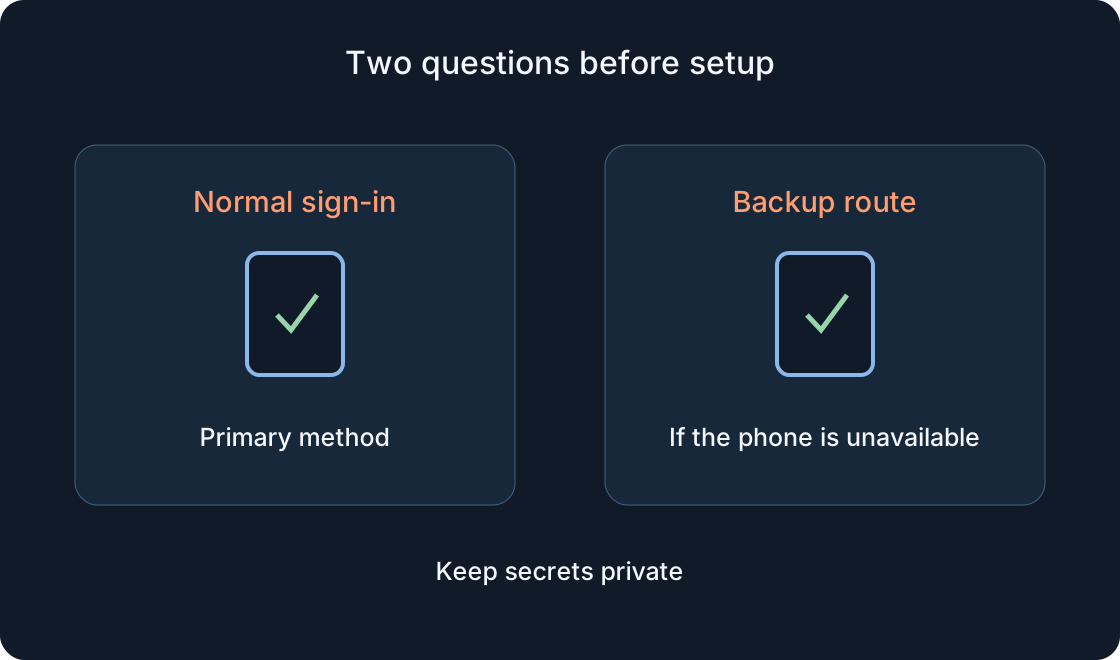
If two-step verification appears after the new password, do not expect a password reset to bypass it. Use the separate official help and our 2SV guide. Describe the precise stage: the password was accepted, but the next verification is unfinished. Do not ask an outside recovery specialist to disable security or share backup codes.
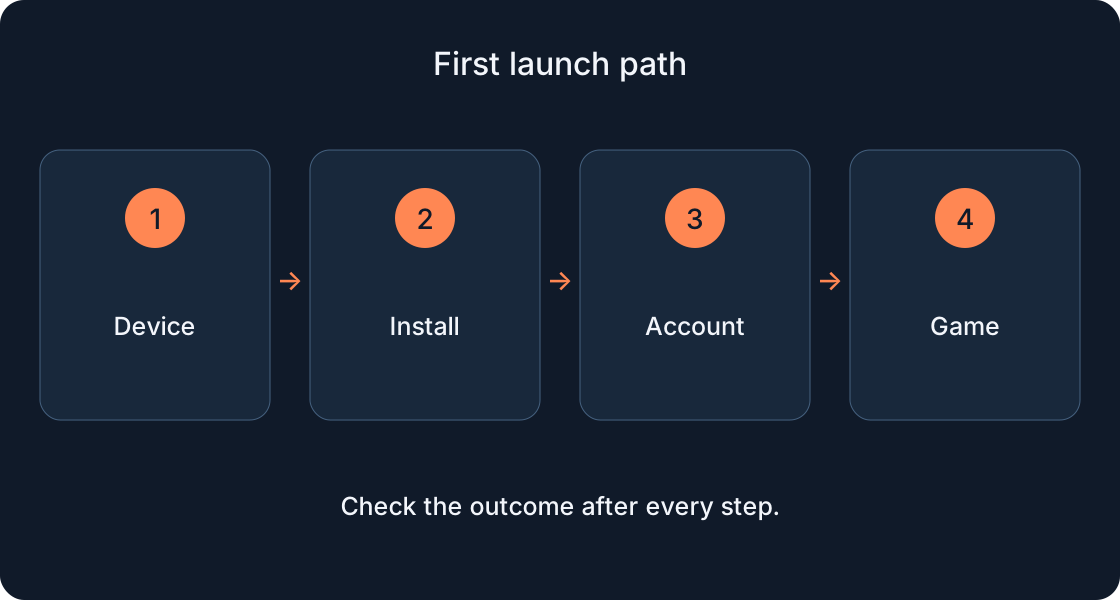
If the page itself fails to load, record that different symptom with the device and message. If signed in but unable to launch a game, use our installation-and-launch guide. Separating causes prevents repeated unrelated actions. A password, phone code, email-reset link and 2SV check are not interchangeable. Use each only in the official process for which it was intended.
10. Verify login and the recovery contact afterwards #
After the official process finishes, check an ordinary login and your profile’s identity. A closed dialog is insufficient; verify that the intended @username is visible. Then review an accessible recovery contact in account settings. Official help describes Account Info, adding email and confirming through an email; phone availability depends on country.
Roblox separately describes a parental recovery email for users under thirteen. Once access is available, review a suitable 2SV option with the separate guide. Password change, verified contact and additional security are separate steps with separate results. End your session after playing on a shared computer. These actions reduce future confusion; they are not a promise of absolute protection or automatic success in another recovery.
11. Keep a short outcome and a clear next step #
Record the intended account, selected channel, completed stage and outcome without secrets. Teaching examples include “email received; correct account selected; login checked” and “phone route; no code received; help needed at this stage”. These are sample notes, not actual recovered accounts. Do not place passwords, reset links or one-time codes in the note.
If access remains unavailable, stop at the verified stage and use official support rather than an intermediary’s promise. If login succeeds, continue with contact verification and 2SV. Keep help links separately from secrets. Next time, this record helps distinguish finding a username, resetting a password and fixing a launch problem that occurs only after signing in.
Original sources
Roblox SupportRoblox — official account recovery
Roblox Support — forgotten username
Roblox Support — contact details
Roblox — official support form
Roblox Support — keep your account safe
Roblox Support — verify email or phone