Roblox Studio: projects and testing
First scenes, project saving, teaching stories and checking results.
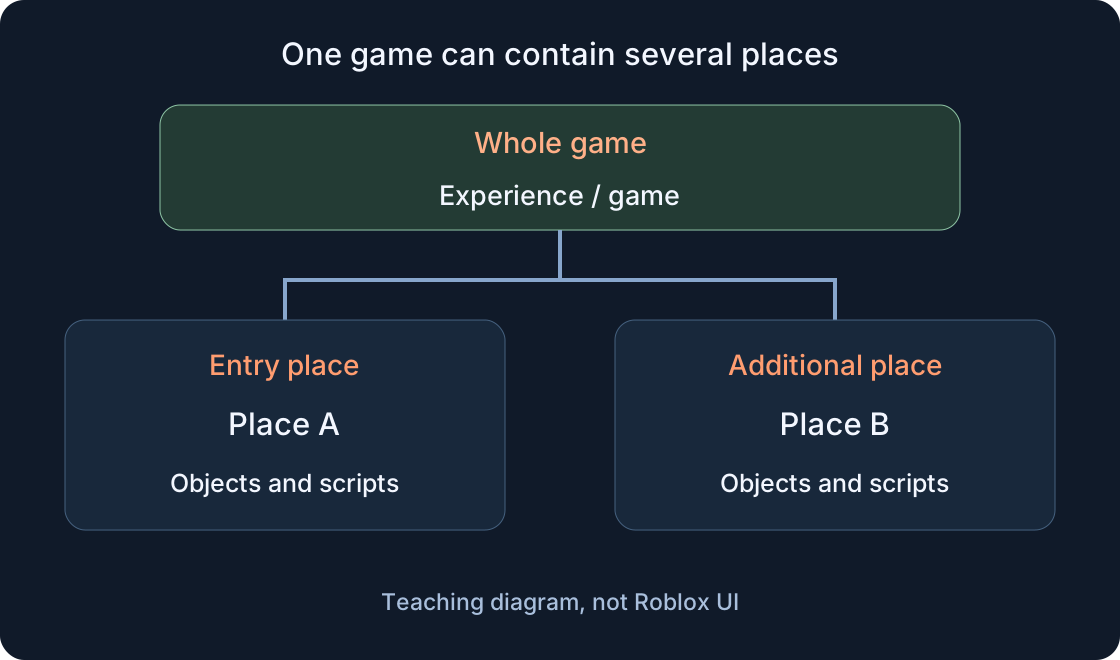
If you have just opened Studio, start with a small project and one clear objective. Then distinguish an experience from its places and a local file. Saving, publishing and checking a game session are separate steps: record which one has actually finished.
This section also collects teaching stories about routes, rewards, refusals and personal help. They help define an observable result for a future test. Two-player and audio guides extend that approach: set the conditions first, then observe each client and the shared world separately. A prototype story does not replace testing your project.
Studio01
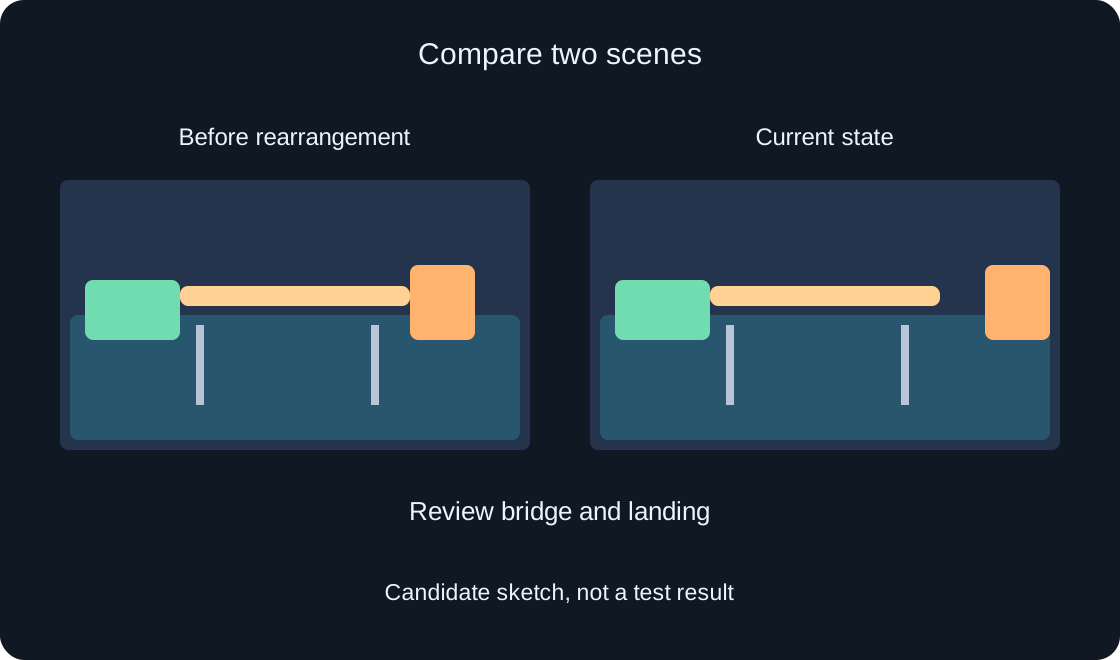
Version history helps you locate a particular saved scene and understand what worked there. Using a fictional lighthouse bridge, prepare useful notes, choose a comparison candidate and distinguish opening a copy from restoration and a new release.
Roblox Creator Hub — Version HistoryRead 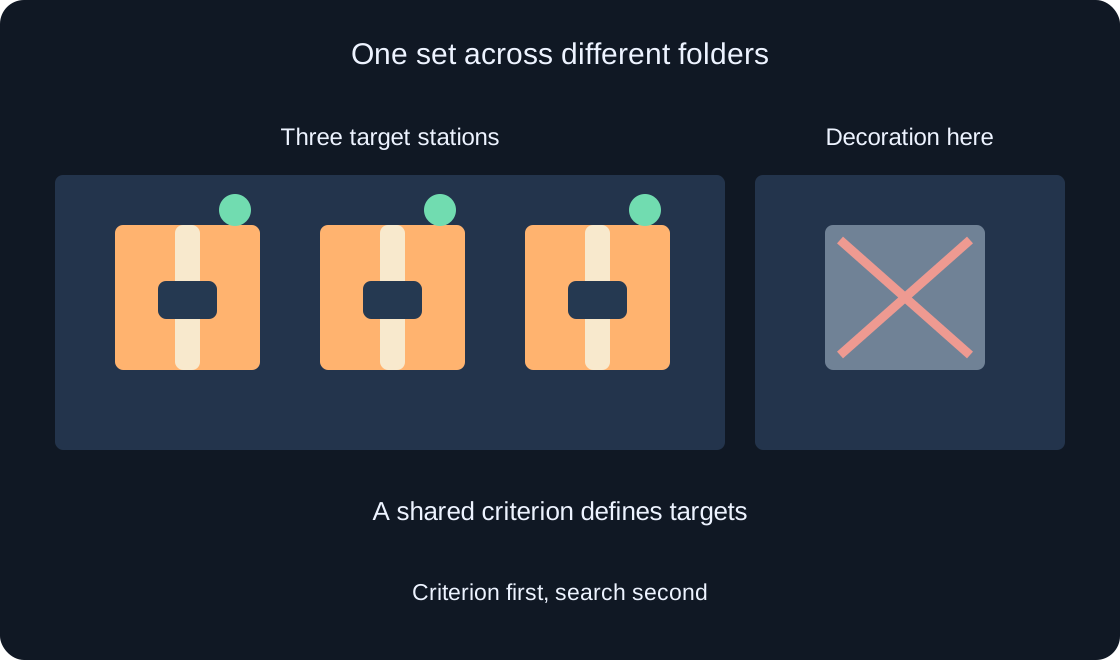
Studio02
Tags help you find objects sharing a role even when they live in different folders. In a fictional parcel workshop, define the intended set, add one tag, inspect the Explorer results and leave a clear record for the next developer.
Roblox Creator Hub — Properties windowRead 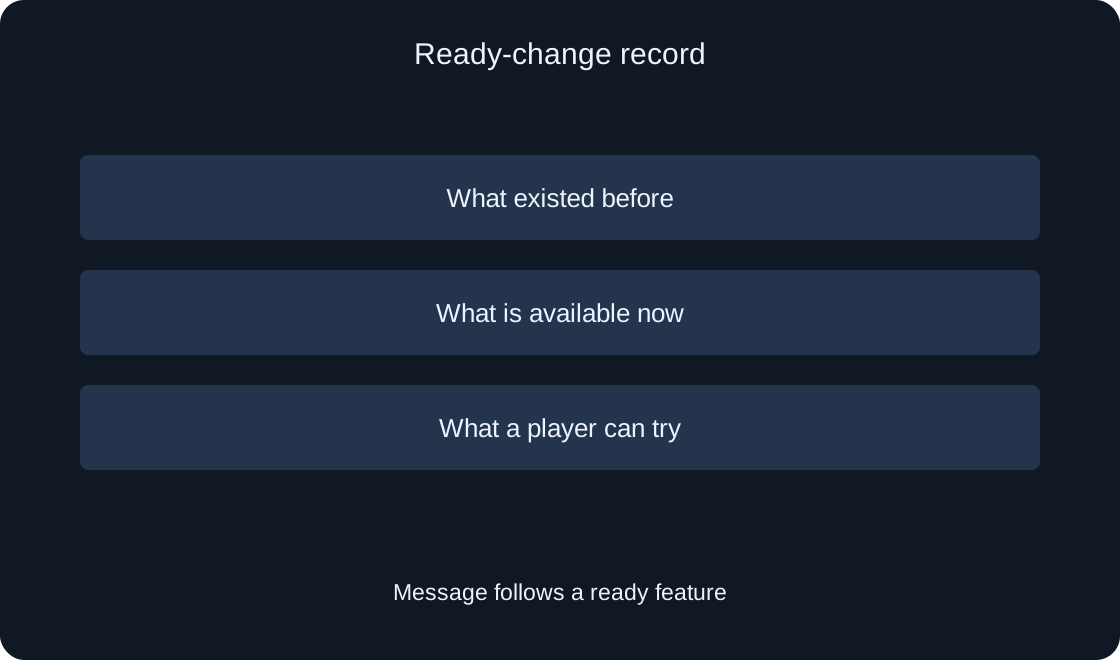
Studio03
Write a short message about something players can actually try. Confirm the change's readiness and the first step in the game before previewing it and making a separate decision to send.
Roblox Creator Hub — Experience events and updatesRead 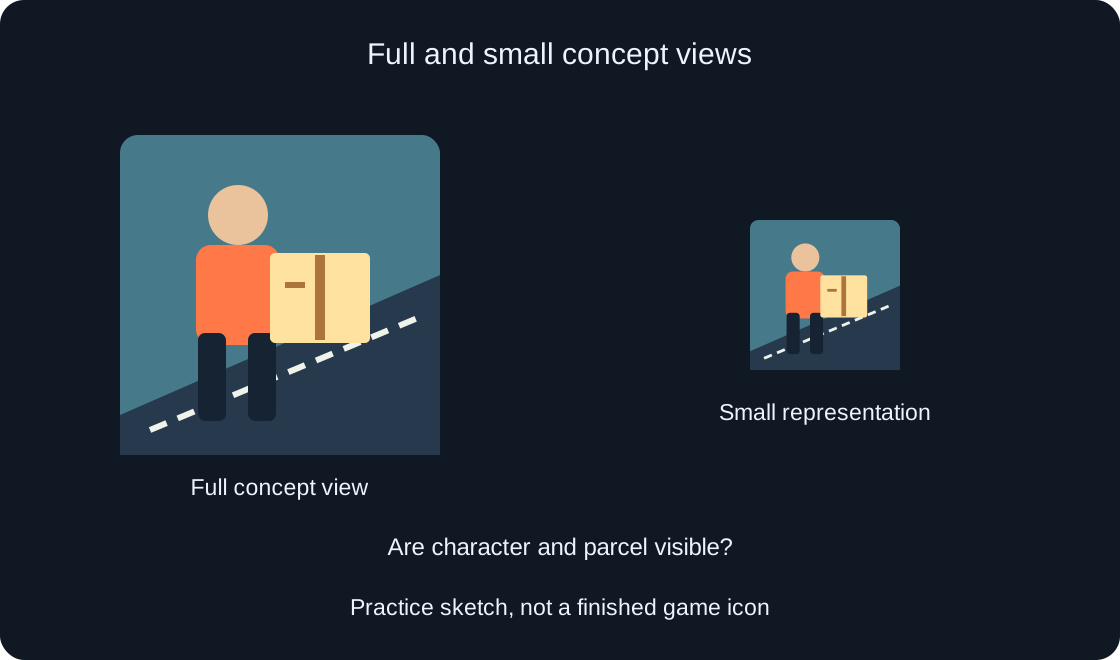
Studio04
Prepare a clear visual idea and review it at a small size. This plan helps explain the game to future players and gives an artist a concrete brief without promising guaranteed traffic growth.
Roblox Creator Hub — IconsRead 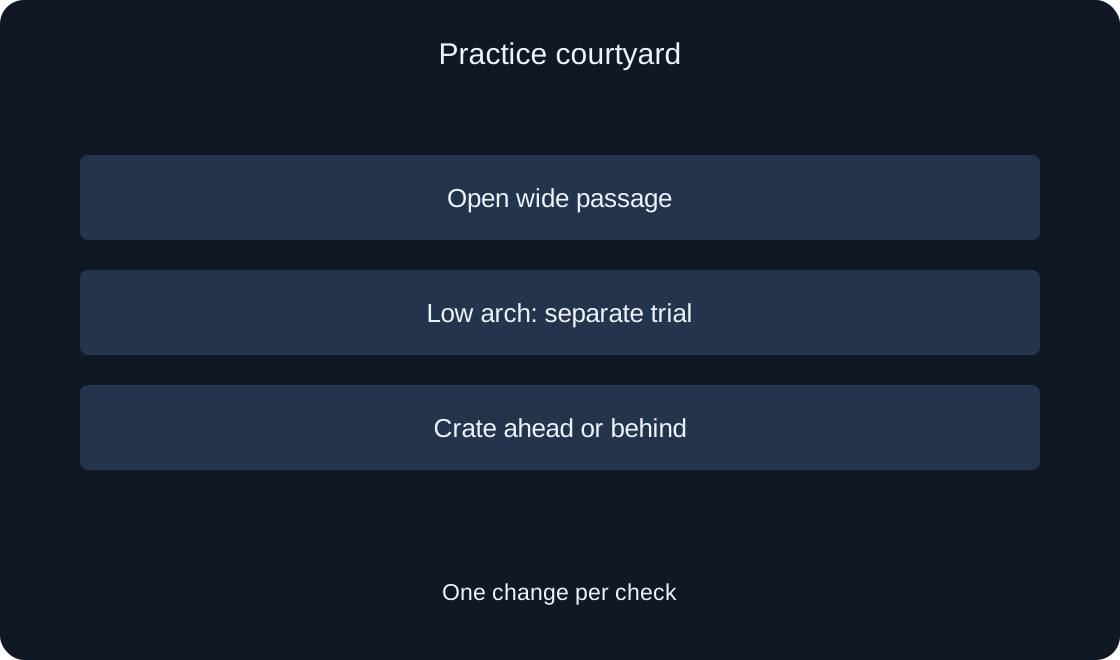
Studio05
A small practice courtyard helps separate a route calculation problem from a movement problem. Prepare a clear investigation before adding a chase or a helper to your game.
Roblox Creator Hub — PathfindingRead 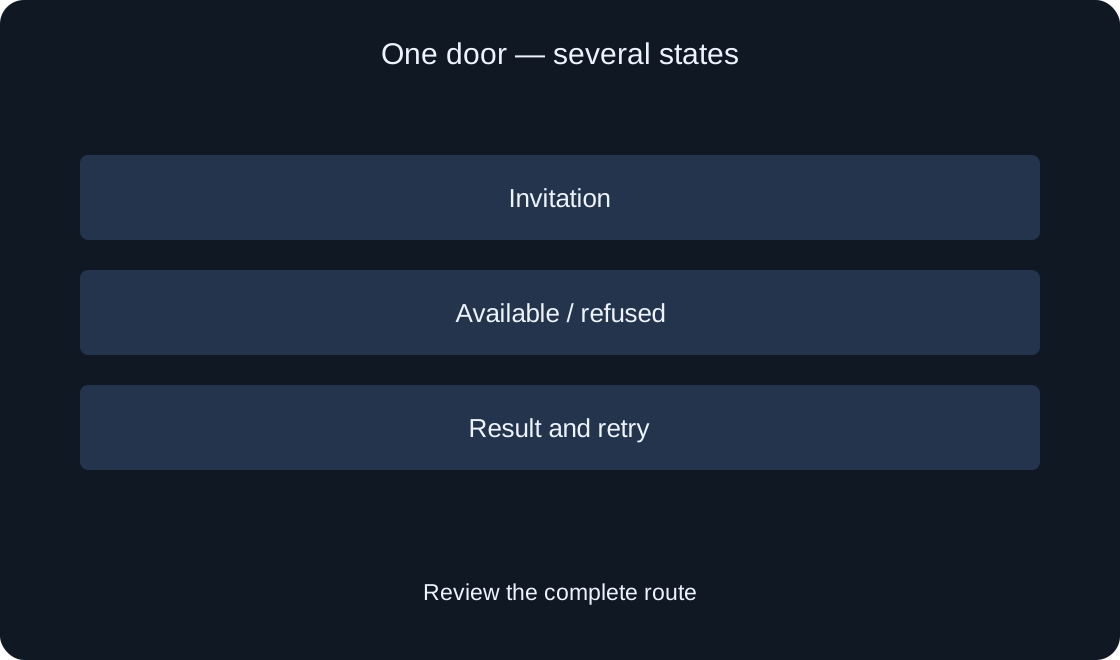
Studio06
Plan the text of one practice screen, distinguish source strings from context, agree on terms and review translations in action. An author workflow with example problems and a repeatable review record.
Roblox Creator Hub — LocalizationRead 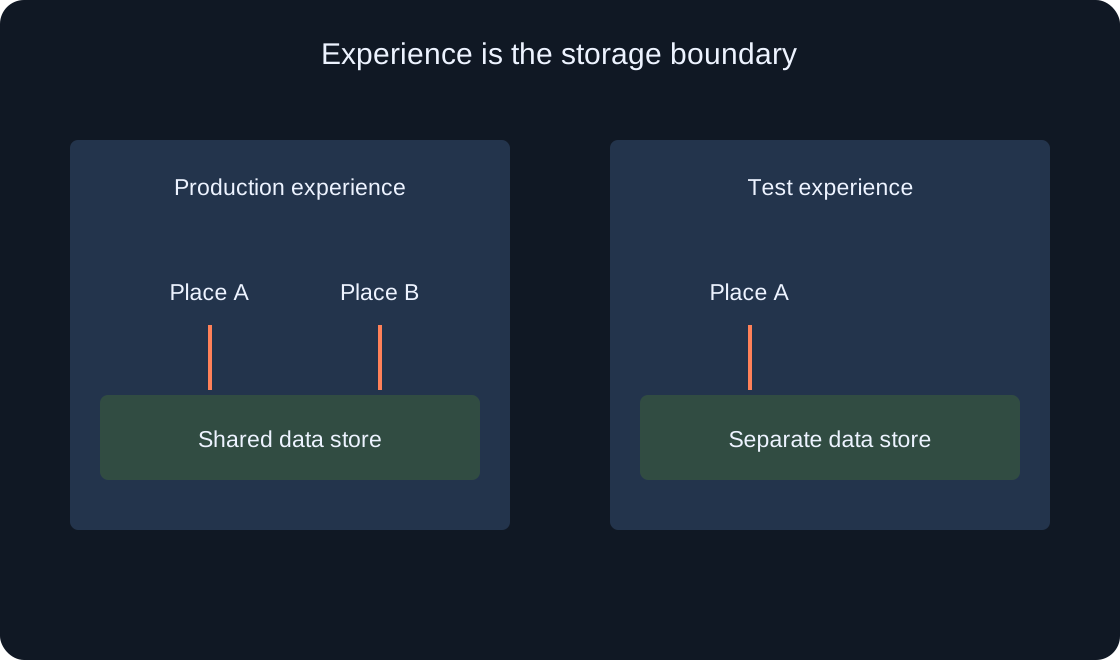
Studio07
Prepare a small DataStore test without targeting production saves. Distinguish a new experience from another place, review Studio access, and record reading, writing, and a later test run.
Roblox Creator Hub — Data storesRead 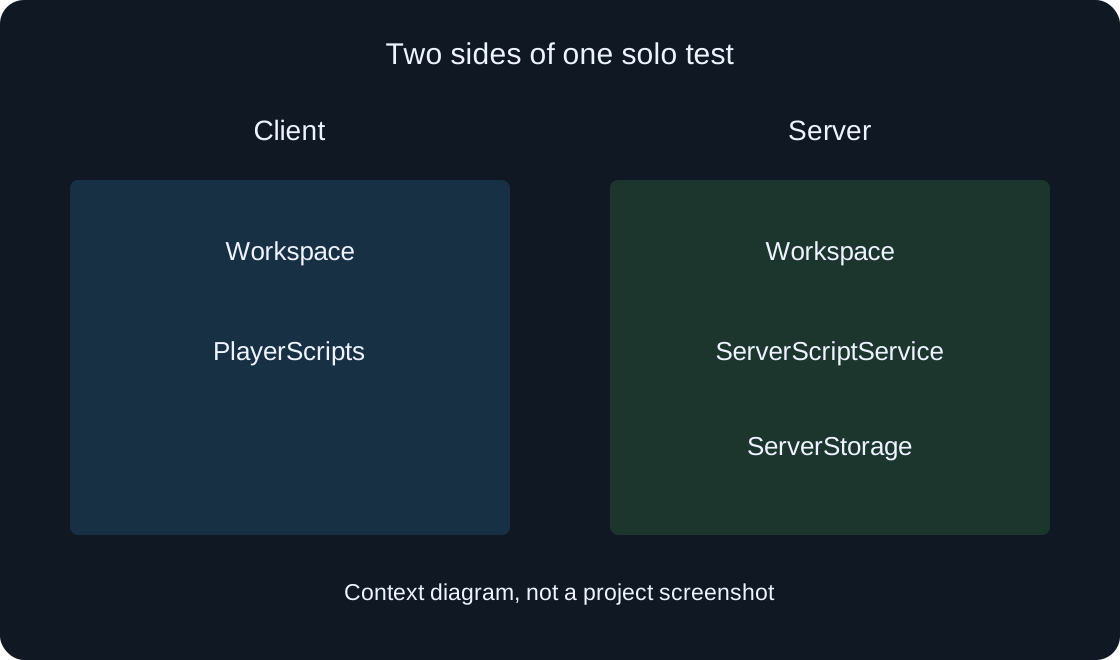
Studio08
Identify the side of a test you are observing, locate an object, and relate Explorer observations to Output. Use a practice marker, a clear record, and a check after stopping.
Roblox Creator Hub — Studio testing modesRead 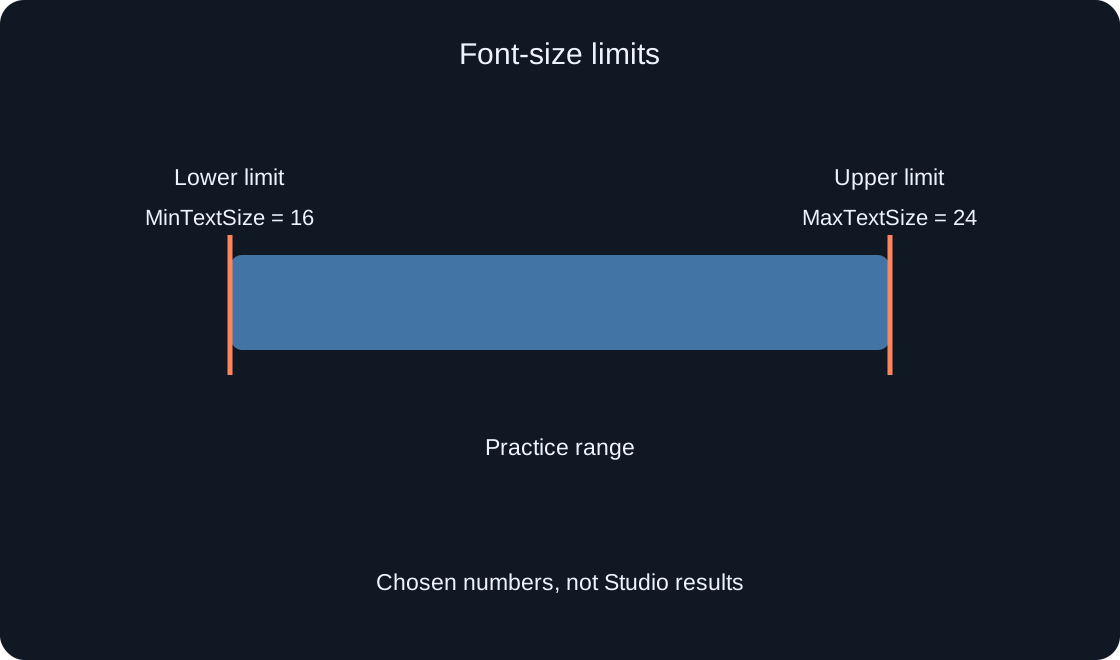
Studio09
Set font limits for a reward label and a button, compare long strings, and handle the point where text can no longer shrink. Follow a practical review route for six languages and a phone screen.
Roblox Creator Hub — UITextSizeConstraintRead 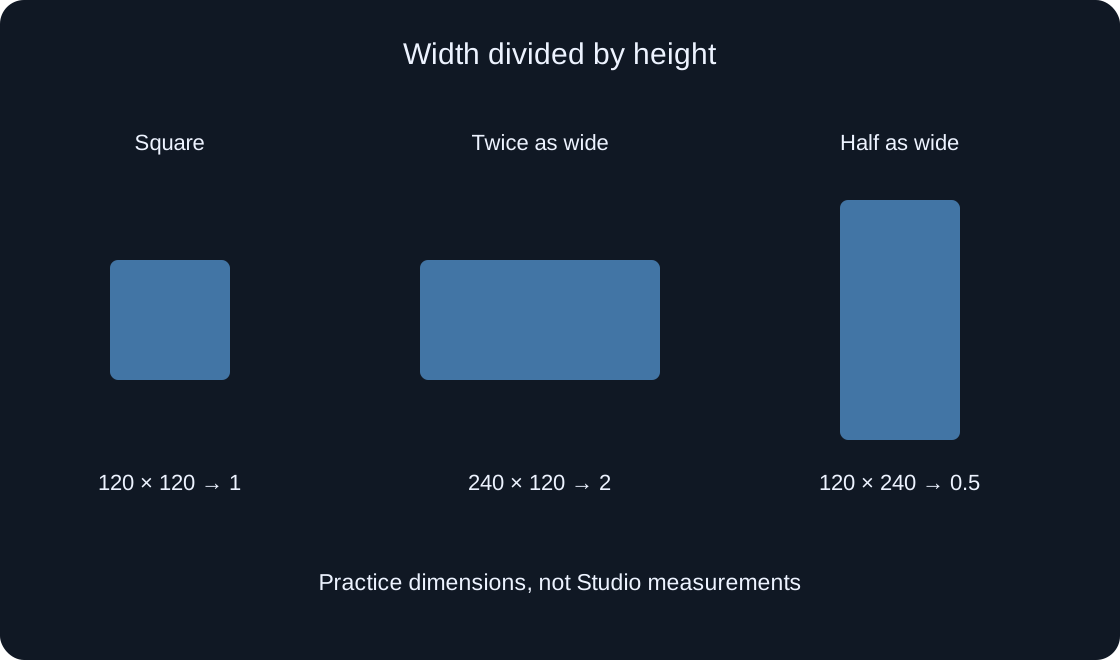
Studio10
Preserve the intended element's shape without tying a square icon to a long description. Choose the target, set its width-to-height ratio and check a narrow area, layout interactions and translated text.
Roblox Creator Hub — Size modifiers and constraintsRead 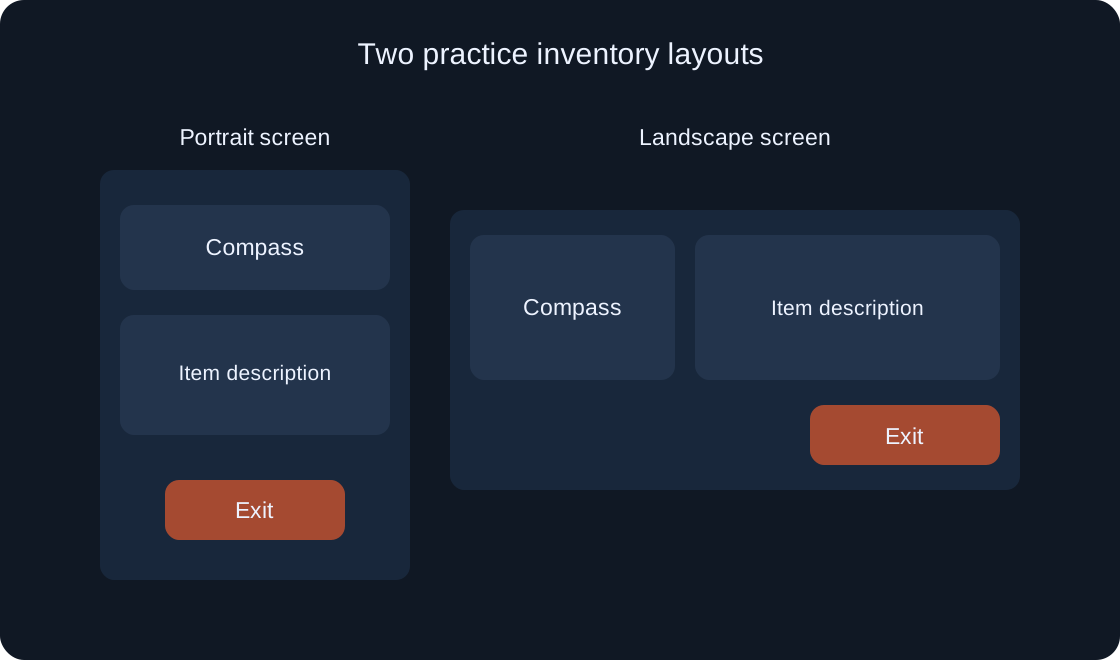
Studio11
Use Device Simulator for one complete task: open a panel, select an item, enter a search and exit. Separate orientation, display scaling and simulation limits without promising identical performance on every phone.
Roblox Creator Hub — Device SimulatorRead 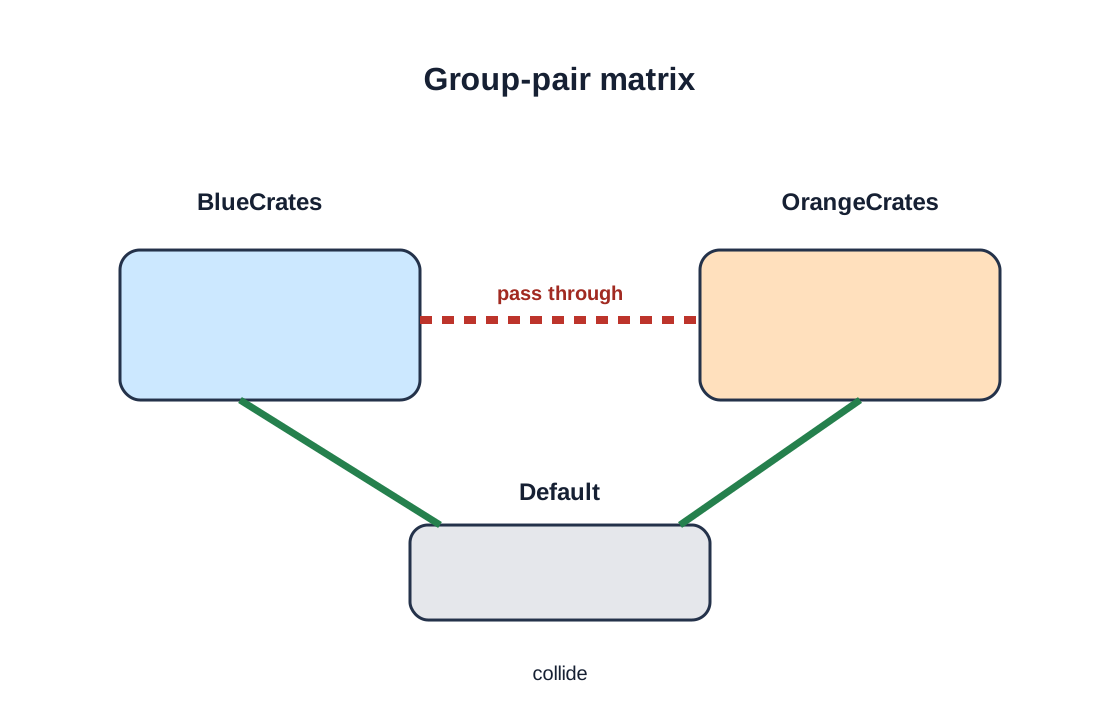
Studio12
Create two groups for a small practice scene, configure their matrix relationship, and check the result with physical parts. The guide distinguishes Studio setup from a server script and uses current Workspace methods.
Roblox Creator Hub — CollisionsRead 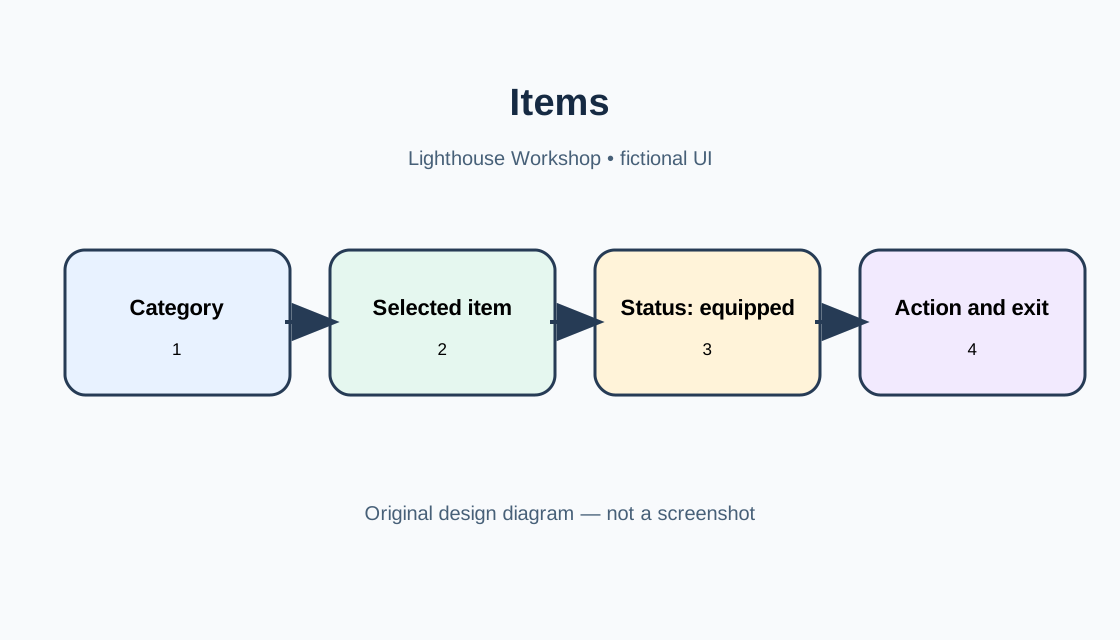
Studio13
A fictional story about an inventory in a creator’s learning game, not Roblox’s official Inventory.
Roblox Creator Hub — Scrolling framesRead 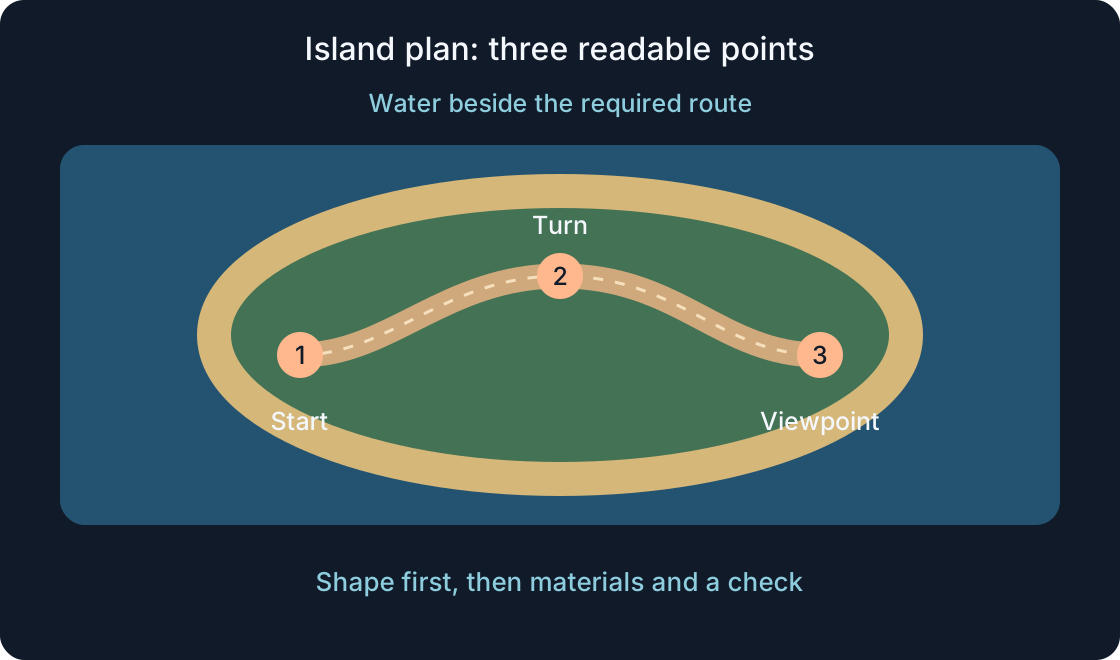
Studio14
Build a small learning island with Terrain Editor: bounded land, water, materials and a readable path. Saving the scene and checking it with a character are separate steps.
Roblox Creator Hub — Terrain EditorRead 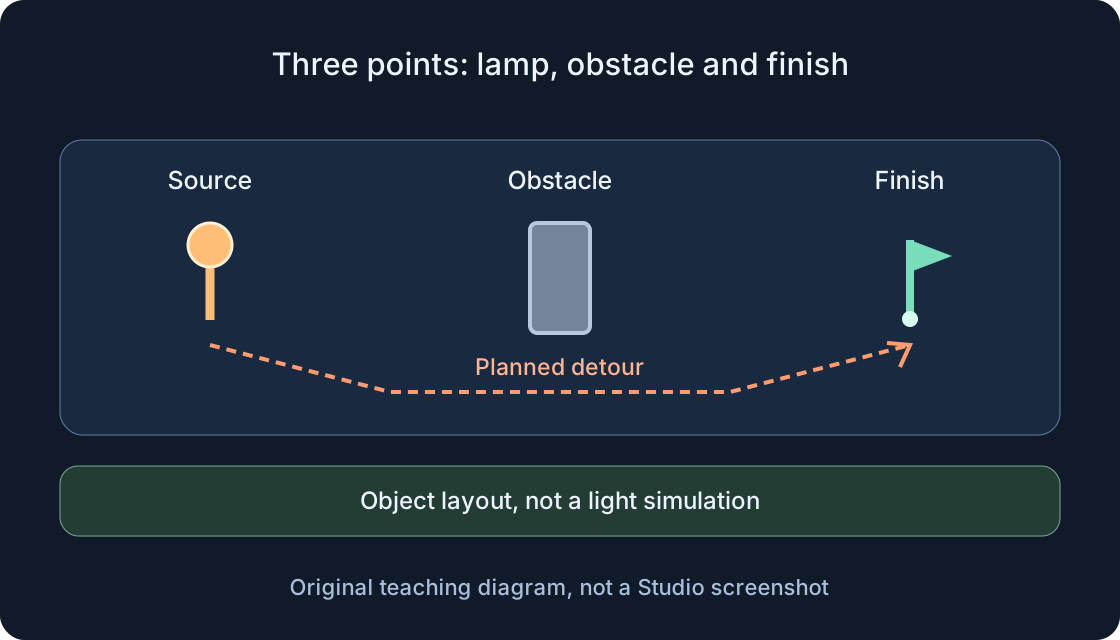
Studio15
Plan a small practice scene, separate global lighting from local lights, and compare route readability with one change at a time. Suggested values are starting conditions for later checks, not measured outcomes.
Roblox Creator Hub — LightingRead 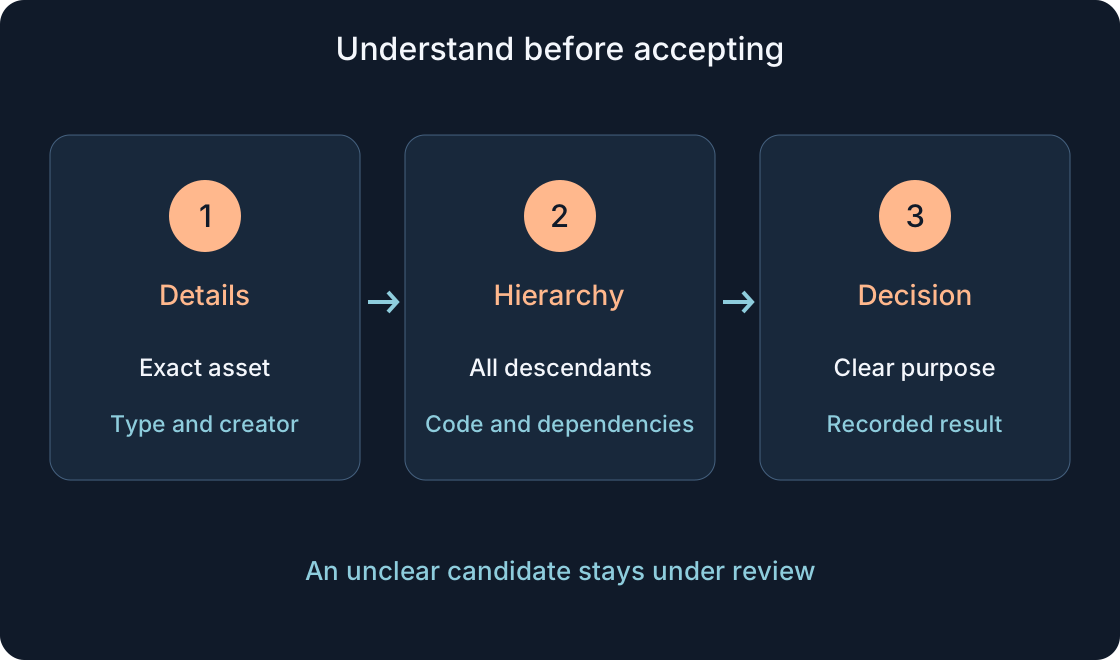
Studio16
A practical fictional lantern example: asset identity, Explorer contents, scripts, dependency permissions and package updates. Start in a separate learning project.
Roblox Creator Hub — ToolboxRead 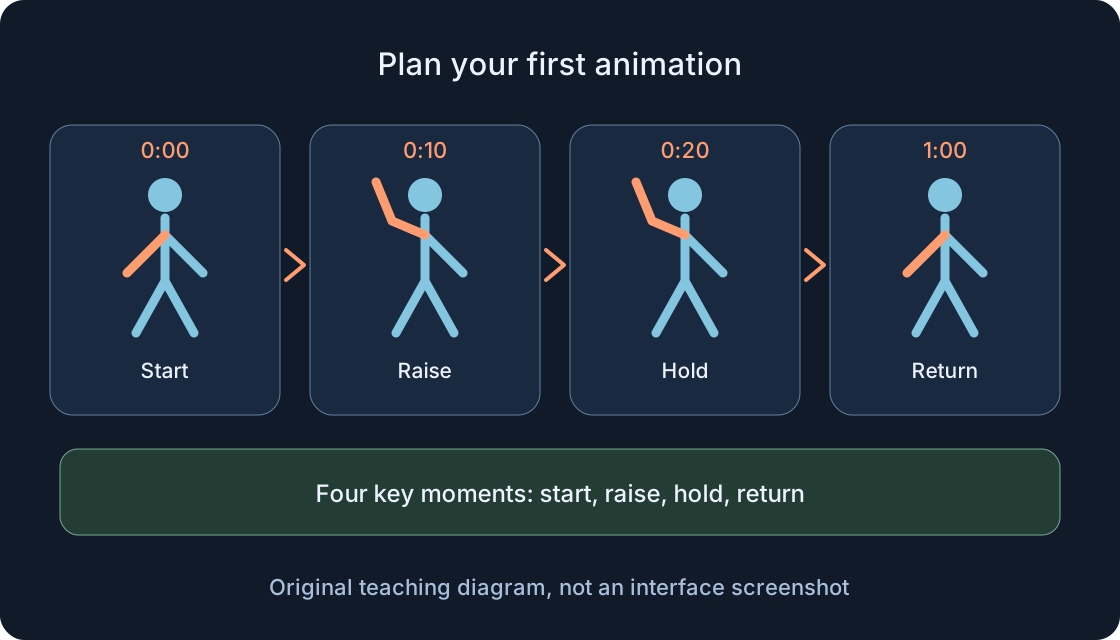
Studio17
Plan a short gesture on a prepared rig, check poses and timing, save the editable work, and separately prepare gameplay use. Editor preview, a published asset and gameplay playback are different stages.
Roblox Creator Hub — Animation EditorRead 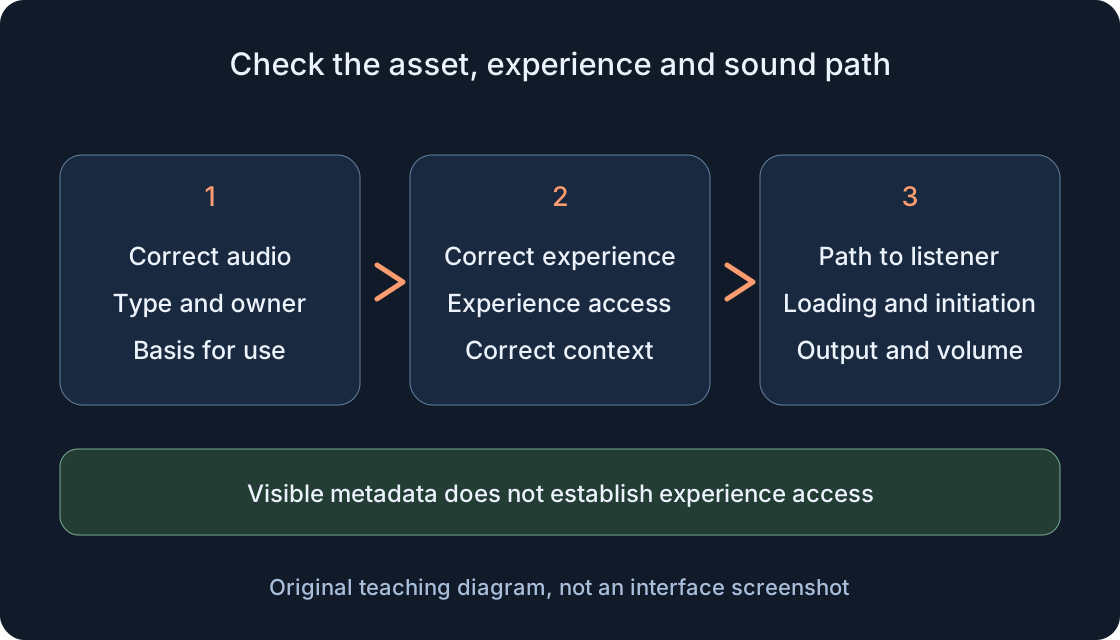
Studio18
Tell an audio asset apart from a file or page address, check access for the correct experience, and investigate silence one stage at a time. A practical creator workflow without lists of borrowed IDs.
Roblox Creator Hub — Audio assetsRead 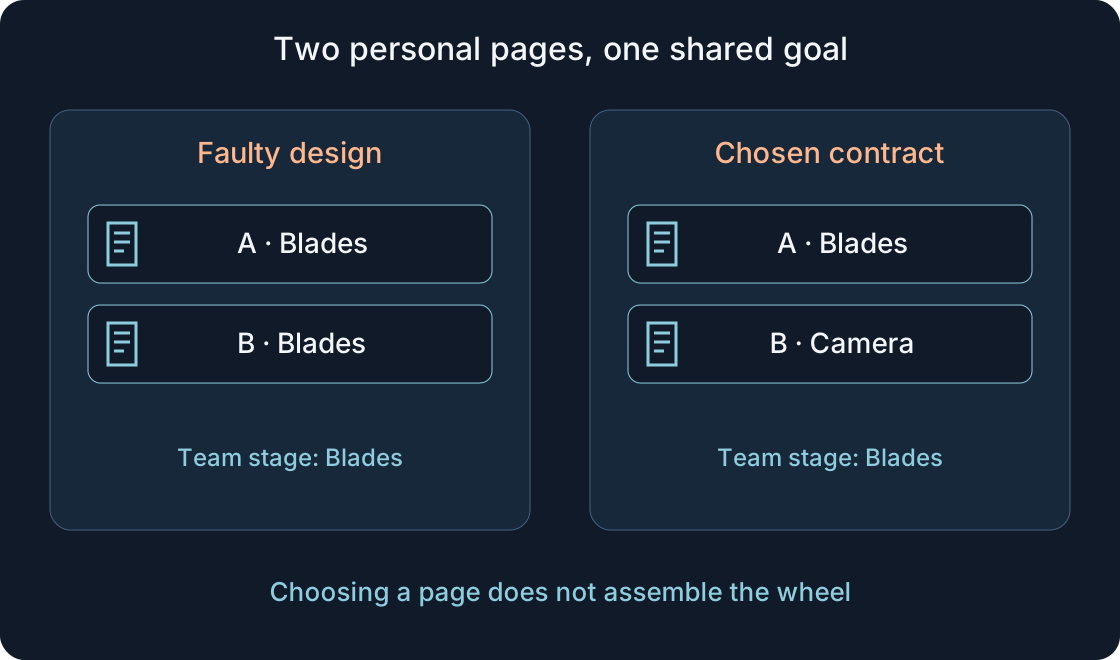
Studio19
In a fictional wind workshop, Asya changes her help page and Danya loses his own. Separate personal presentation, shared task progress and server world state before asking for a fix.
Roblox Creator Hub — PlayerGuiRead 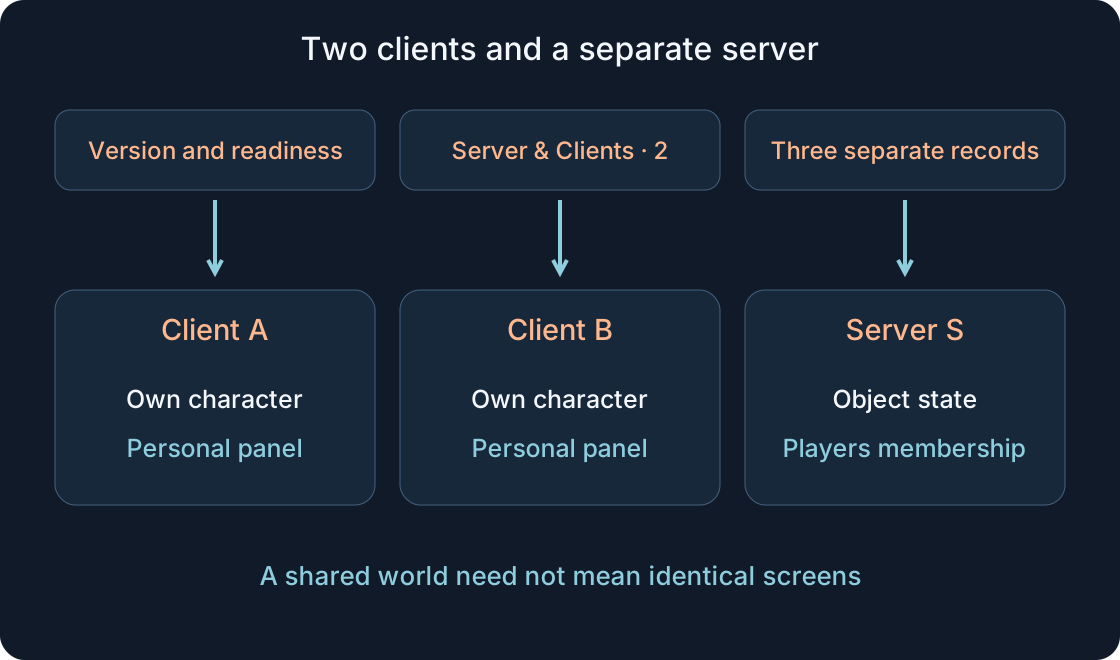
Studio20
Plan a teaching simulation with two clients and separate observations from A, B and the server. Record the starting state, personal and shared results, nearby actions, retries, respawning and a fresh session.
Roblox Creator Hub — Studio testing modesRead 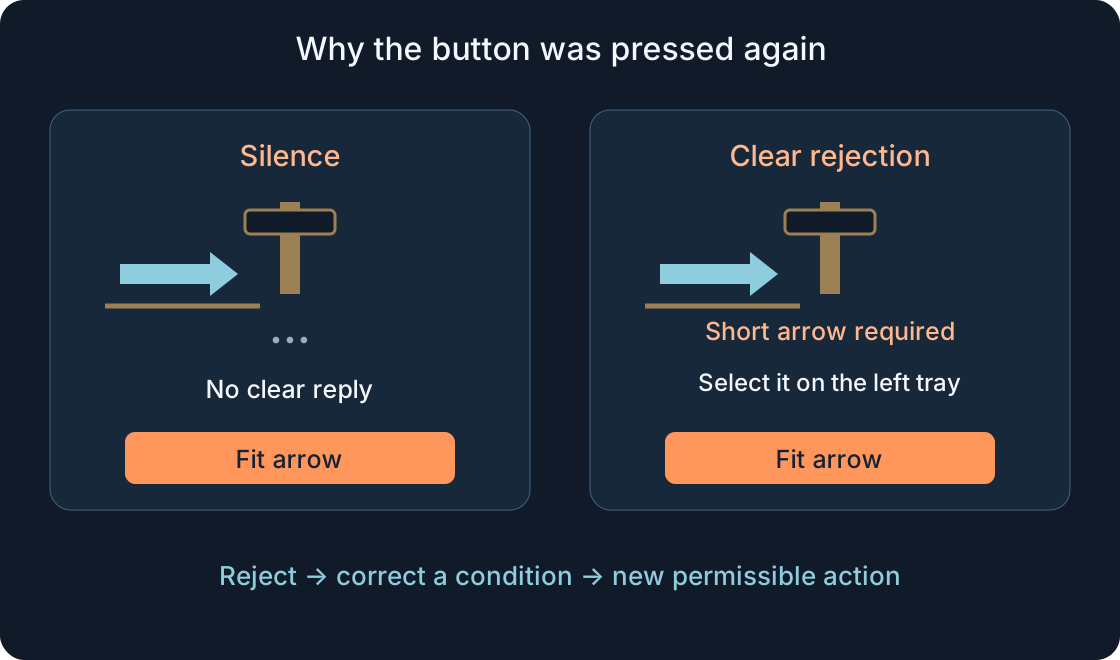
Studio21
A fictional workshop story about the wrong part, clear feedback, checking state and a safe next attempt. Separate waiting, rejection, acceptance, completion and a display failure.
Roblox Creator Hub — Accessibility guidelinesRead 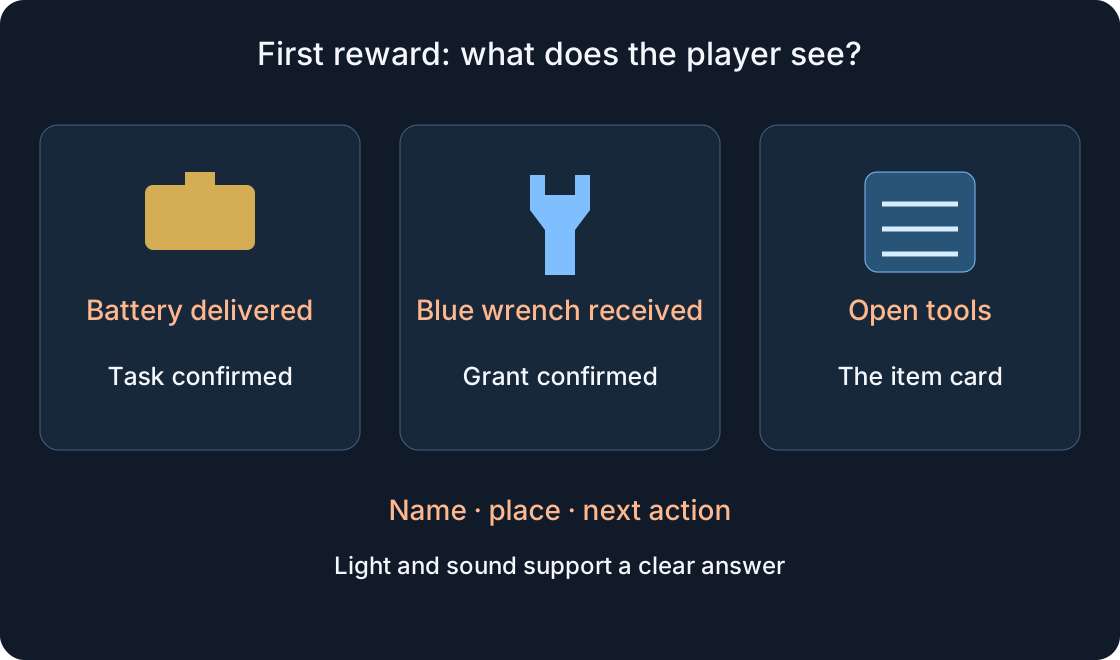
Studio22
A fictional lesson about a delivered battery and a blue wrench: show completion, locate the item, separate granting from saving, and prepare an unfilled test plan.
Roblox Creator Hub — Onboarding techniquesRead 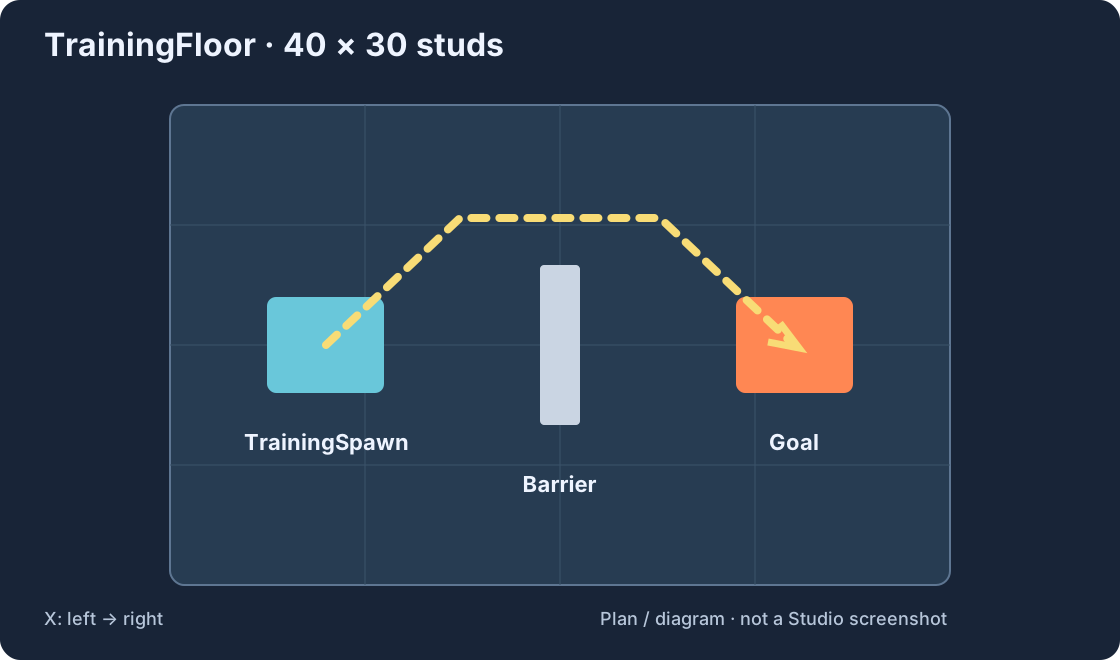
Studio23
A step-by-step exercise with four objects, exact sizes and positions, a spawn, barrier, goal and troubleshooting. Three diagrams explain the workflow.
Roblox Creator Hub · Studio setupRead Studio24
Check spawning, movement, collisions, interface and a second player. Includes a reusable issue-report format, a checklist and two diagrams.
Studio25
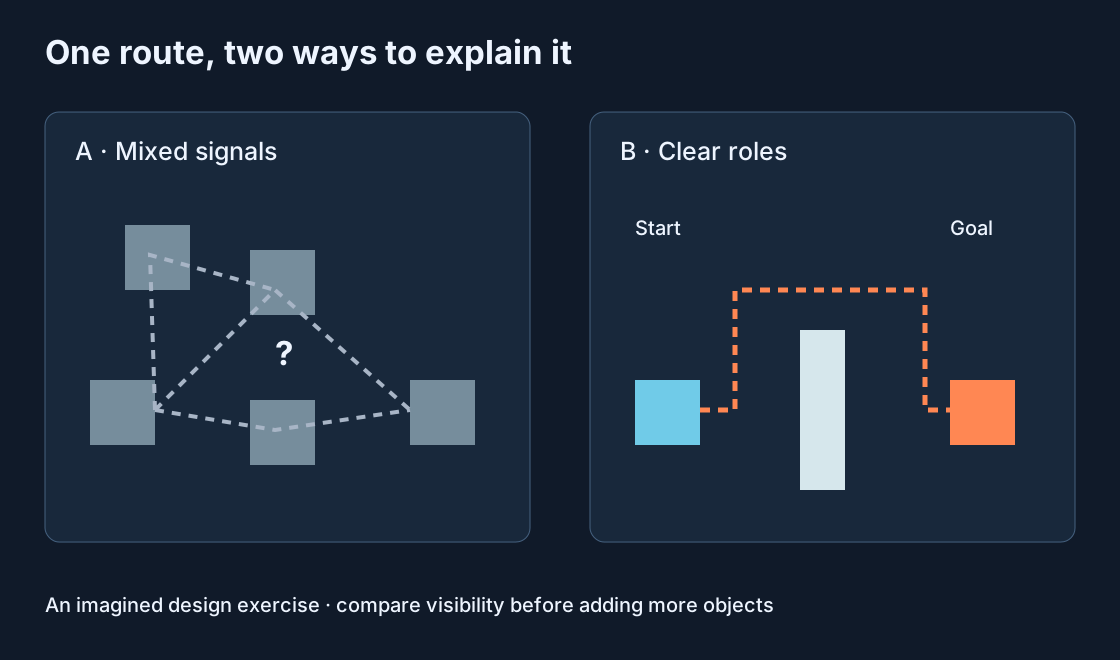
An imagined design case: use four clear roles, a visible destination and observations of the first action to improve a route.
Studio26
Distinguish a whole game, its individual places and local files. Follow a teaching workflow from one scene to a checked publication and a clear project handoff.