Studio / ROBLOX
How to prepare a Roblox game update announcement
Write a short message about something players can actually try. Confirm the change's readiness and the first step in the game before previewing it and making a separate decision to send.
Choose one ready change #
Imagine a fictional parcel game that now has a short practice route. This is an exercise for a future project, not a claim that one of the site author's games was updated. Start with one change already available in the selected version and understandable to players.
Record the difference from the previous version: previously there was only the main route; now a short practice route exists. If it remains only in a test scene, it is not yet a basis for a public promise. Separate available features, changes under review and ideas for the next release.
Distinguish an update from an event #
Official documentation covers events and update announcements together, but they are different scenarios. An event involves a scheduled period, while an announcement describes a game change. The exercise needs a draft about an available route, rather than an invented festival date.
Do not create a timed event simply because the dashboard presents a shared button. State what you want to communicate first: a permanent feature or a separate limited program. If the change has no end date, do not invent one to decorate a card.
Make a before-and-after record #
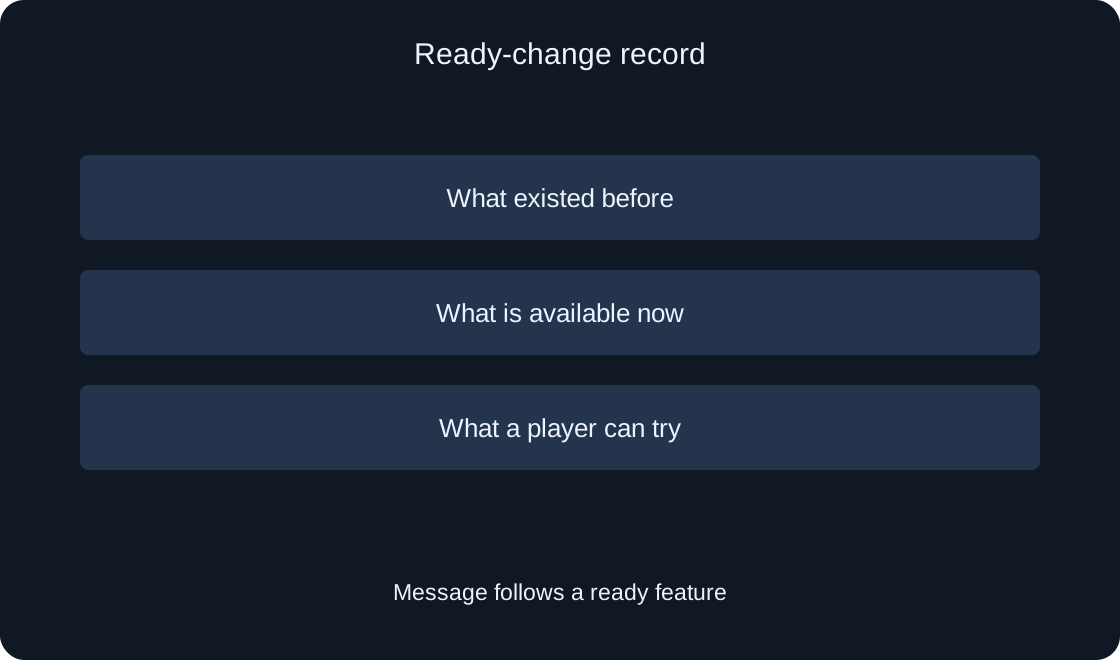
Fill three rows for your project: previous state, change and action now available to players. In the practice example, the final row is to select the short route and try a first delivery. This is an original action example, not a message ready to send on behalf of an existing game.
Check whether a player can find that step after a normal entry. An author knowing a hidden button does not make the announcement sufficient. Record a developer question: where is the entrance, and what distinguishes practice from the main route? Avoid promising a feature without an understandable way to reach it.
 Open full-size image ↗
Write a clear short draft #
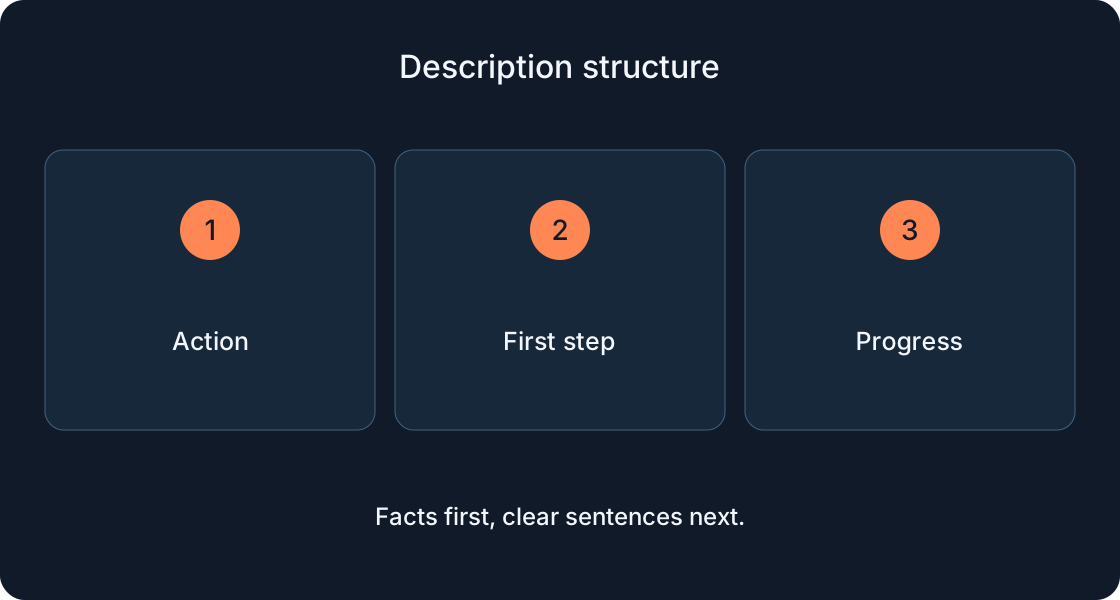
Start with the change and action, such as a short route and a first delivery. This practice wording invents neither a reward nor a discount nor a guaranteed outcome. Compare it with a vague announcement of a big update and decide which better explains the current game.
Do not turn one line into a complete changelog. Ask whether each detail helps a player identify the next step. If a fix matters, describe its observable effect rather than simply saying fixes. Keep the longer working note separate from the short notification text.
Check limits before sending #
At the time of review, the official page specifies announcement length and frequency limits and warns that the update form is changing. Before a real action, check the current limits in documentation and your interface. A completed draft does not override sending availability for the selected game.
An editor's brief should record the actual length of each version and its intended meaning. Do not truncate a translation halfway through a word to fit. Simplify the action or remove a secondary detail instead. Avoid planning frequent repeated messages in place of one understandable announcement.
Prepare language versions #
Make a separate draft for each language you actually intend to use. Keep the available action consistent instead of adding a new promise in translation. For example, practice should not accidentally become a competition promising prizes.
Compare Russian and English meanings with the same change record in this exercise. Mark reviewed languages separately from those not yet inspected. A six-language website alone does not establish that Roblox will automatically deliver every prepared line to the desired audience. That outcome needs a separate review of the relevant workflow.
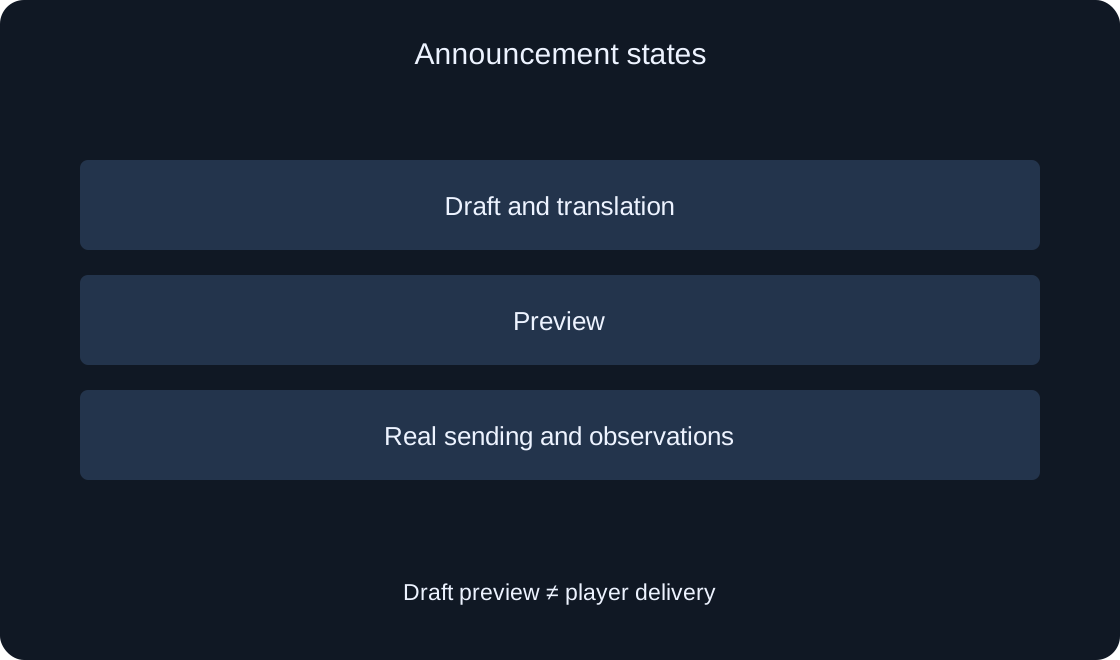
Separate preview from sending #
The help page describes Creator Dashboard, Engagement → Events & Updates and the current link to the old update form. Preview shows desktop, tablet and phone presentations. This is the documented route, not an action we have already performed in your account.
During separate preparation, check the game and exact wording. Inspect the understandable action on each available card as well as the text size. Preview means examining a draft. It does not establish delivery to a player or show that the announced change works after joining.
Identify the audience #
According to the official page, announcements reach players who enabled that game's notifications and include a launch link. Do not describe this as messaging every Roblox user or a guaranteed recommendation placement. This exercise sends nothing and creates no event.
Your promotion plan should recognize that a reader already showed interest but may not know the new route. Explain the first step without using an internal developer task name. Avoid replacing understandable benefit with a loud demand to return immediately, or gifts absent from the ready version.
Record post-publication observations separately #
The help distinguishes sending history and figures for views, visits and unfollows. These answer different questions. Preparing text, sending it, viewing it and joining the game should not become one vague success result.
If you later send an actual announcement, save its text, date, game version and observed figures. Do not claim causal player growth from a single changing number. Compare conditions and other actions during the period first. No such figures have been measured here; the article proposes a future observation process.
 Open full-size image ↗
| Stage | Check |
|---|---|
| Readiness | Is the feature available? |
| Short line | Is the action clear? |
| Translation | Is the promise preserved? |
| Result | Sending, viewing and joining separate |
Hand over a short review package #
Collect the change record, developer confirmation of availability, wording, reviewed languages and preview questions. Specify the status separately: draft, previewed or actually sent. For the parcel practice game, this remains an exercise rather than a genuine announcement.
Before a future send, recheck the game, ready feature and current form. If the route changed after drafting, update the promise too. We have not changed existing games, sent player messages or measured performance. The package lets another chat continue from a clear starting point.
| Field | Record |
|---|---|
| Change | Difference from previous version |
| Access | First step in the current game |
| Text | Exact reviewed wording |
| Status | Draft, preview or sending |