Studio / ROBLOX
Why a character cannot finish a route: reviewing Pathfinding in Studio
A small practice courtyard helps separate a route calculation problem from a movement problem. Prepare a clear investigation before adding a chase or a helper to your game.
Choose one question for the practice scene #
Imagine a separate courtyard: a character starts on the left, a marked destination stands on the right, and two passages connect them. This is an invented exercise for your project, not a description of a helper already working in the site author's games. Start with one question: can this character reach the destination through the open, wide passage?
Record the starting conditions before running anything: start location, destination object and what counts as completion. Leave rewards, player chasing and travel between worlds out of this first exercise. Extra systems make an unexplained basic route harder to diagnose. Save the practice scene separately from your production level.
Inspect the available space #
In Studio, open Visualization Options at the upper right of the 3D viewport and enable Navigation mesh. The visualization helps inspect space considered for navigation. Compare it with the courtyard: is there a recognizable connection between start and destination, and where does the boundary run near the wall?
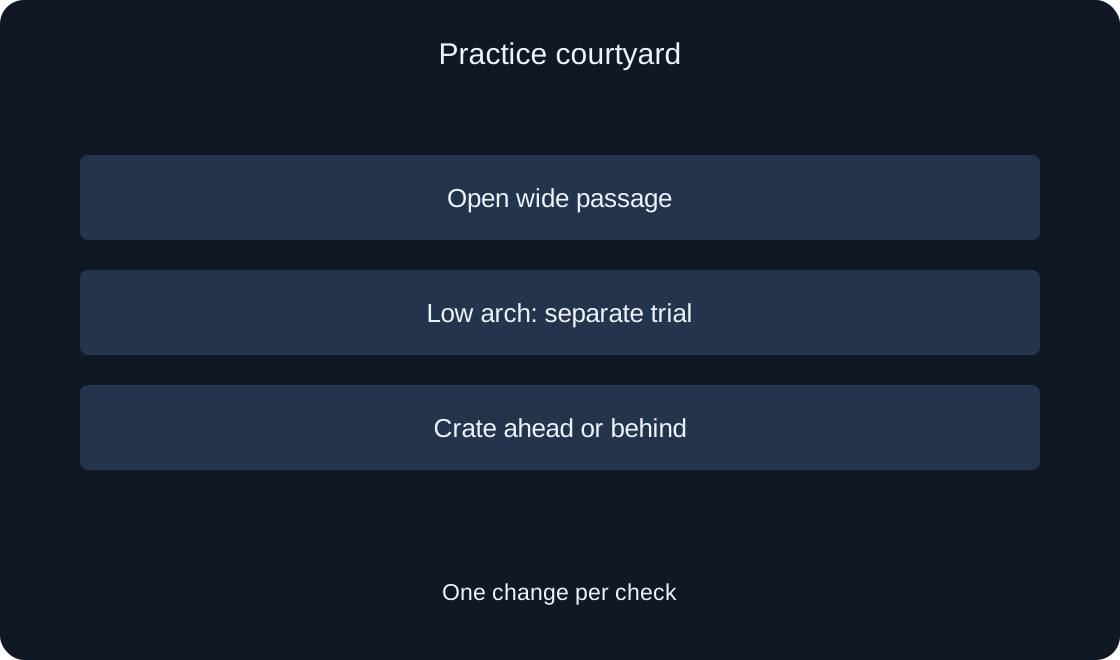
Create two variants of your own scene. Keep a wide, undecorated passage in the first; add a low arch in the second. Record which version you actually checked. The mesh is a useful diagnostic clue, but the exercise ends with an observed arrival, rather than a pleasing screenshot of the editor.
Match character dimensions to the passage #
Agent parameters affect whether a route can be computed through the available space. The documentation identifies radius, height and allowed actions. Pick one character and a fixed parameter set for this exercise. Change only the geometry next: widen the passage or remove the arch and compare results.
Avoid concluding that pathfinding is broken after a single unsuccessful attempt. A concrete observation is better: the route was unconfirmed with the arch, and confirmed without it. Replacing the model, passage width and settings simultaneously loses the connection between change and outcome. A variant table makes the problem easier to hand to another developer.
Separate calculation from movement #
CreatePath creates the path object, ComputeAsync performs a calculation between endpoints, and the separate Status property is used to assess the result. ComputeAsync does not return a completed-arrival flag. A successful calculation lets you investigate the route; it does not finish the whole gameplay scenario.
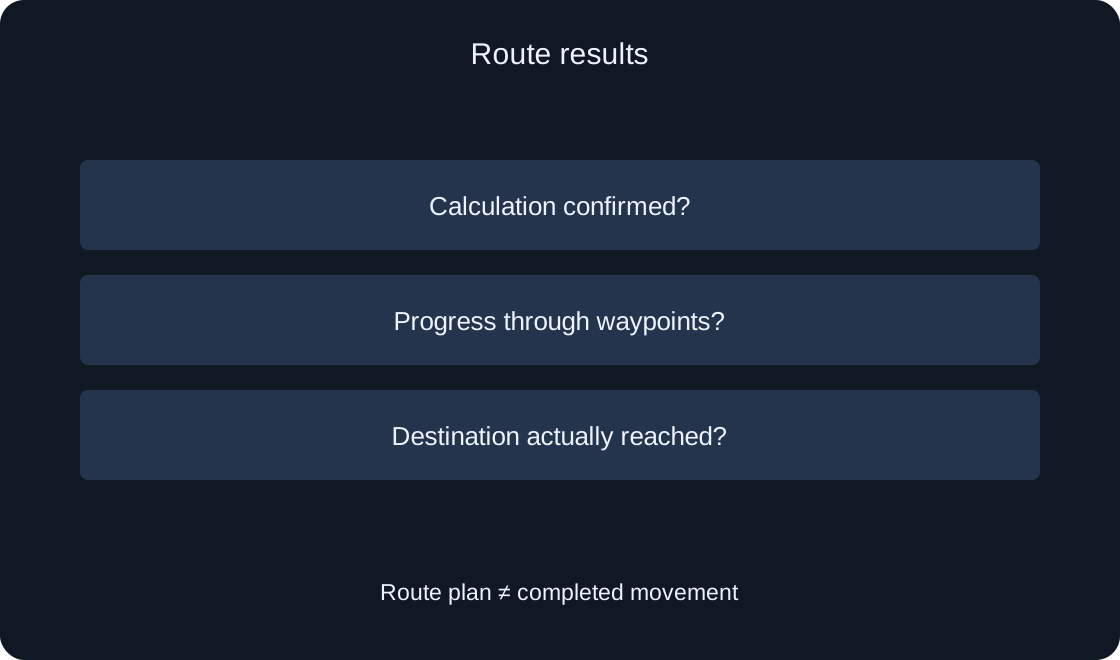
Give your log three separate rows: calculation, progress through waypoints and arrival. Suppose calculation is confirmed but the character remains at the start. That is a different question from having no available route. This separation saves time because you investigate the stage supported by the observation instead of changing every system together.
Follow the waypoint sequence #
GetWaypoints retrieves the calculated route's points. Treat them as a movement plan. In the exercise, mark start and finish with different colors and record the current movement stage. Do not describe the last calculated point as visited before you have checked the corresponding character action.
Imagine that the log records a route and progress to the first point, while the next remains unreached. Record the stopping location and a scene screenshot. This is more useful than saying that the character will not walk. Also identify who controls movement in your project. The official page's example controls a player character; it is not automatically a complete server NPC system.
Introduce an obstacle ahead #
Restore the successful base courtyard and add a movable crate. First record passage while the way is open, then block a section that the character has yet to reach. Path.Blocked supplies the blocked waypoint index; the official documentation distinguishes an obstacle ahead from one behind current route progress.
Design two separate trials. In the first, the crate obstructs future movement. In the second, it closes a section already passed. Do not require identical reactions in your expected results. The exercise checks whether your decision considers the relevant remainder of the route instead of responding indiscriminately to every courtyard change.
 Open full-size image ↗
Describe failure behavior #
Choose a clear project behavior when no route is found: stop, provide a developer message, or make a bounded retry after conditions change. This is a design decision, not behavior that one API call automatically supplies. Do not turn a failure into an endless stream of new route calculations.
Distinguish a confirmed route, an unconfirmed calculation and a check ending in an error in your practice log. Record the next action for each. Repeating the unchanged trial does little when the arch remains too low. If the destination has been replaced, check that old movement and old handlers cannot make decisions for the new route.
Check the destination in its execution context #
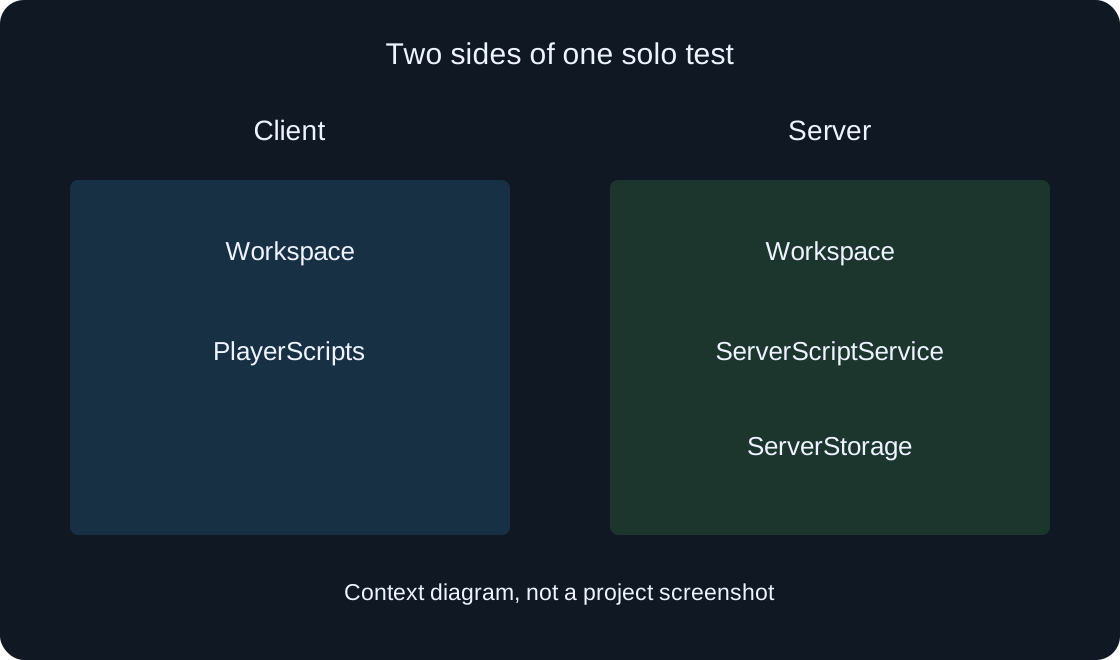
With streaming enabled, part of the world may be absent on a client, so access to a destination object deserves a separate check. The documentation explains server world visibility versus client object visibility. This does not mean every action belongs in one location: identify where your actual system runs first.
In the exercise specification, name the owner of movement logic and the source of destination coordinates. Check a variant where the target is available and another where its data is not ready. Do not invent a random finish simply to avoid an error. Explain the waiting state without declaring arrival at an unavailable target.
Separate a planned doorway from an opened door #
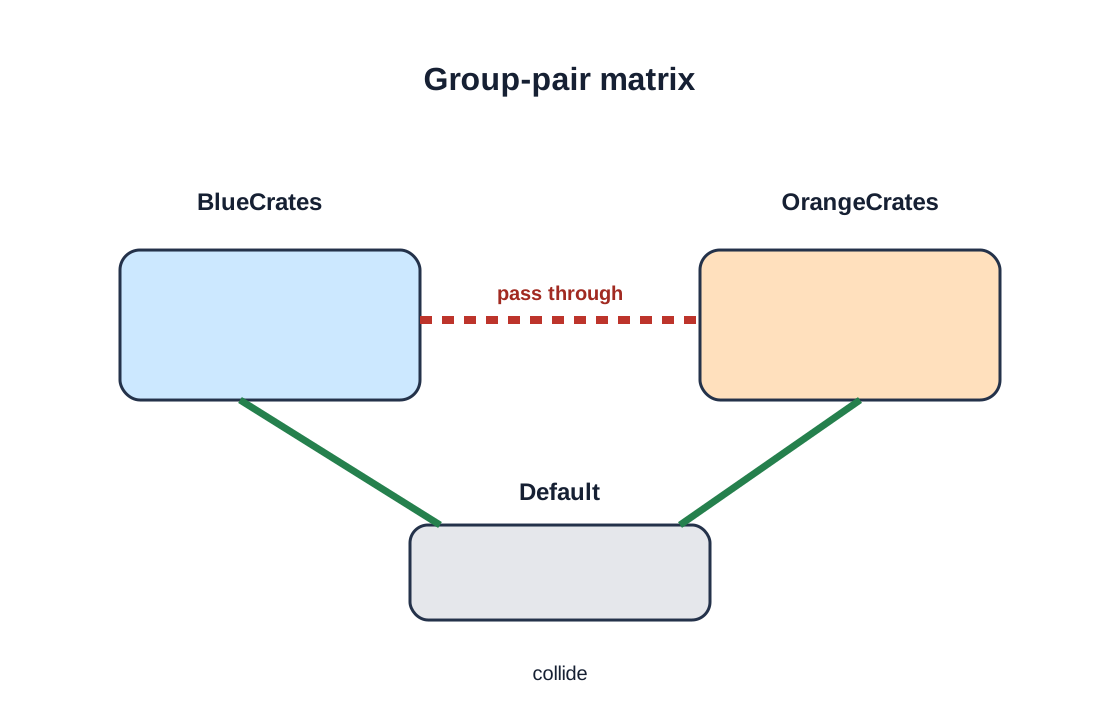
A PathfindingModifier with PassThrough can permit route planning through a particular obstacle. That does not open a door or physically enable passage by itself. The documentation uses these techniques in more elaborate scenarios; the required gameplay action still needs implementation and verification.
Leave the door outside the base courtyard exercise. When adding one later, record two checks: the route selects the intended side, and the door mechanism actually permits passage. A route line behind a closed object is not confirmed traversal. The same review principle is useful for stairs, boats and other special transitions.
| Variant | Record |
|---|---|
| Open courtyard | Calculation, progress and arrival |
| Low arch | Difference from base scene |
| Crate ahead | Reaction to future section |
| Crate behind | Reaction to passed section |
Hand over a reproducible result #
Save a short specification: practice scene name, character, agent parameters, start and target coordinates, and the one change made in the latest trial. Attach separate observations for calculation, progress and arrival. Add your own screenshots of the base passage and troublesome variant. Someone else's image cannot prove your test.
This guide provides a review plan, not a finished NPC controller. We have not run your scene in Studio or confirmed its behavior. After implementation, repeat the small set of trials, including crates ahead and behind. Then take the reviewed solution into a larger level with more characters, obstacles and destinations.
 Open full-size image ↗
| Observation | Next check |
|---|---|
| Calculation unconfirmed | Geometry and parameters |
| Route exists, no movement | Movement owner and stages |
| Stopped along the route | Point and scene change |
| Destination replaced | Old route and handlers |
Original sources
Roblox Creator Hub — PathfindingRoblox Creator Hub — Path API