Studio / ROBLOX
The button says nothing: a Roblox story about useful rejection
A fictional workshop story about the wrong part, clear feedback, checking state and a safe next attempt. Separate waiting, rejection, acceptance, completion and a display failure.
 Open full-size image ↗
A fictional workshop and an arrow that does not fit #
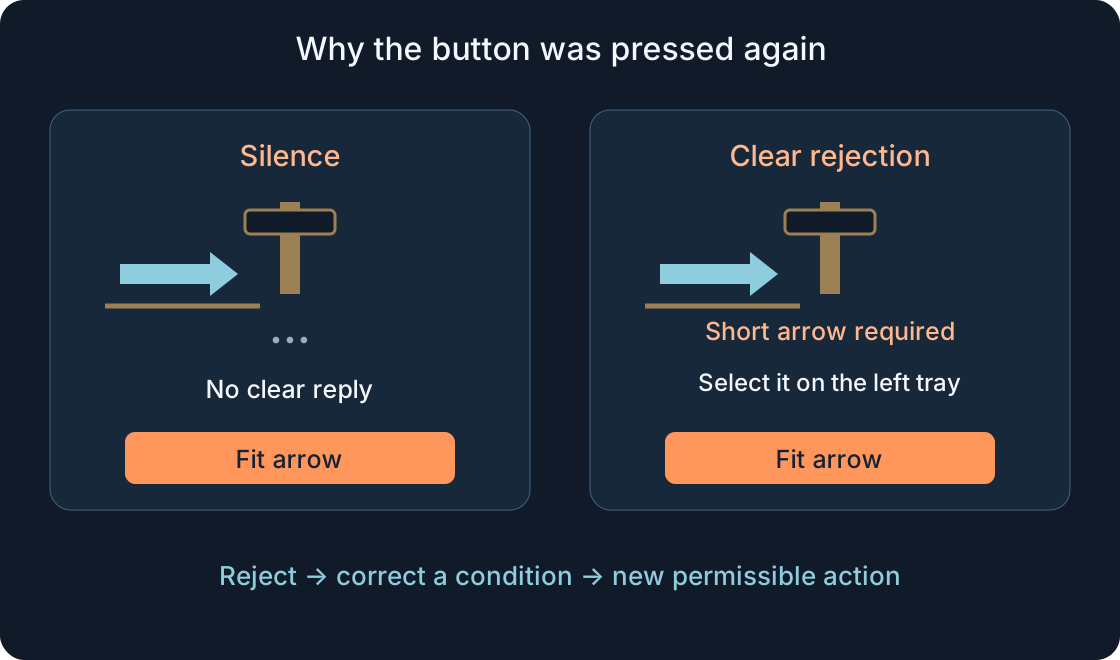
This is a fictional teaching story, not a review, developer biography or report of repairs to our games. Mara imagines a small Roblox prototype: a signpost stands on a bench beside a short arrow and a long plank. The player must select the short arrow and fit it into an empty slot. The button says Fit arrow.
Leo selects the long plank and presses it. The button darkens slightly, but the signpost stays unchanged. He waits, presses again and turns the camera. He cannot tell whether the part is wrong, his character is too far away or the request is pending. In our premise, the wrong part caused rejection. The screen says nothing. This story begins with silence after rejection, rather than a lost route or an unnoticed reward.
1. Silence makes the player guess #
Mara first suggests a brighter button highlight. In the imagined scene, Leo replies: “I can see where to press. I do not know what happened.” A highlight demonstrates input feedback, not the operation's decision. A red border still leaves several possible explanations when no reason appears inside it.
Three weak messages go onto the sheet: Error, Not allowed and Try again. The first names no problem, the second explains no condition, and the third may repeat the same invalid action. They need not be false to be unhelpful. Mara keeps the button and changes her question: which confirmed state should we describe, which reason can we reveal, and what can Leo actually do next?
2. Write the station rule before the polished sentence #
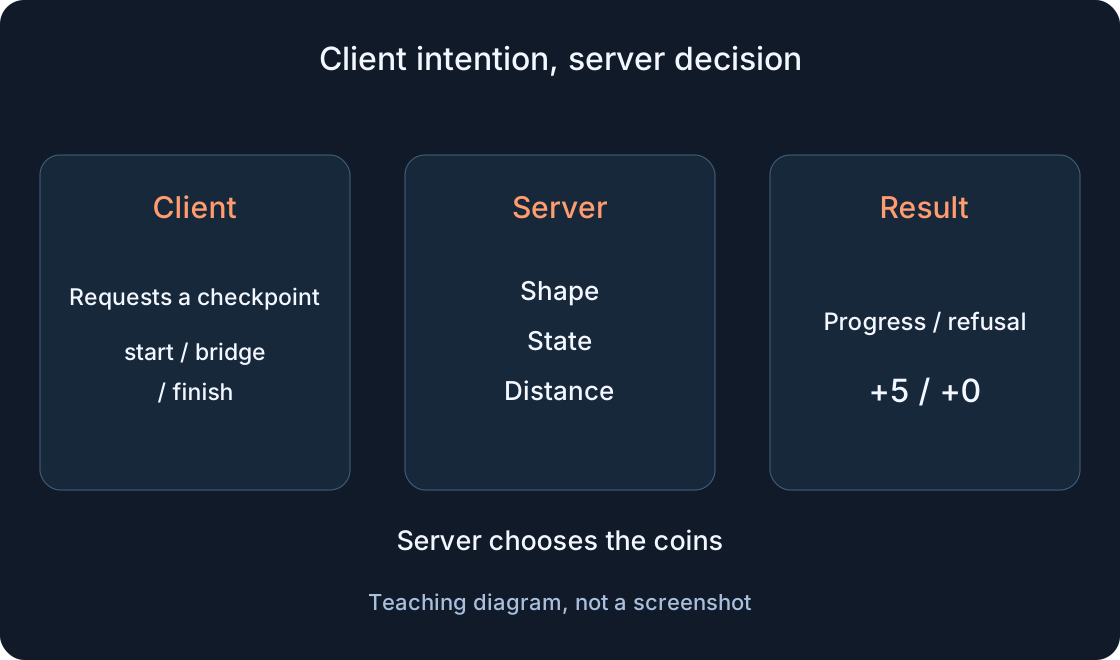
The imaginary signpost has three chosen conditions: the character is nearby, the short arrow is selected and the slot is free. These belong to our fictional prototype, not universal Roblox rules. For an action changing the game world, the server checks the relevant conditions. A visible local button or a hidden prompt does not grant permission by itself.
Mara separates text from the decision. A message explains a known validation result; it cannot replace validation. The new wrong-part message reads: “Short arrow required. Select it on the left tray, then press Fit arrow.” It names the item and a next step. Move the tray, and the sentence must change too. An attractive explanation pointing to the wrong place creates another puzzle.
3. Give waiting its own name #
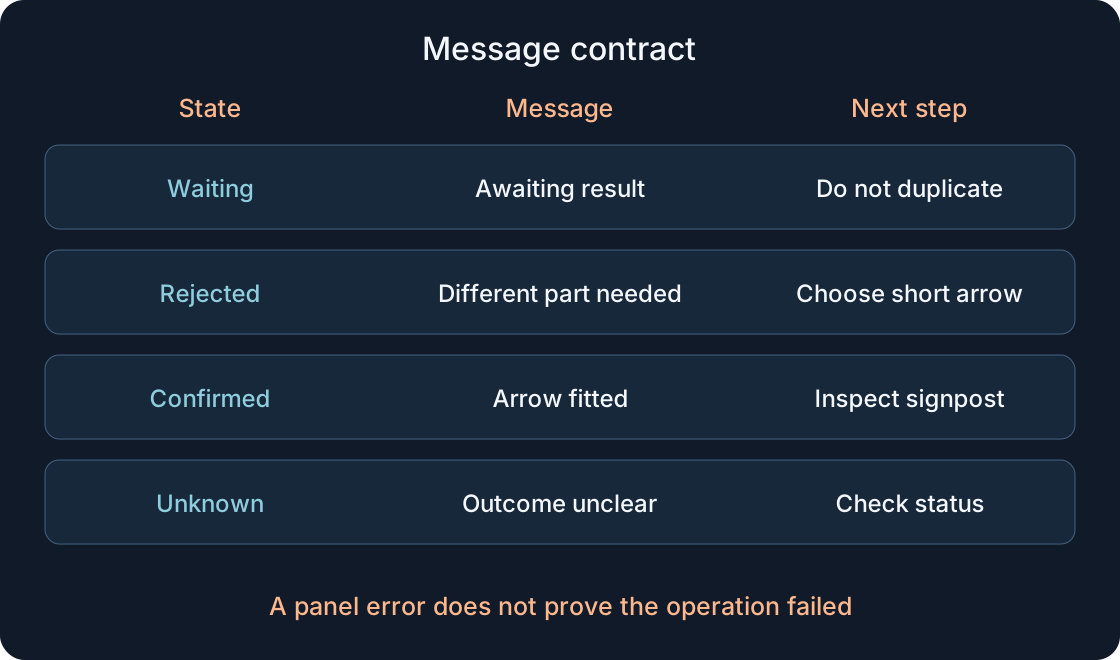
In the next draft, submitting the action displays “Request sent. Waiting for the result.” That is waiting, neither rejection nor a fitted arrow. A clear way out of the panel remains. Mara does not display a green check mark in advance, which would later leave Leo wondering why success disappeared.
While the result is unknown, another press should not create uncontrolled copies of the operation. Disabling a button assists the interface; server-side duplicate handling needs its own design. Prolonged waiting becomes “No result yet. Check status.” This is useful only when a checking route exists. The fictional team specifies that route first. We supply no working status request, script or universal waiting duration here.
4. Acceptance is not completion #
The next card says “Request accepted. Fitting the arrow.” Use it only if the implementation genuinely distinguishes acceptance from completion. A receipt acknowledgment cannot simply be renamed a completed action. If the operation is immediate and has no such stage, there is no need to invent an extra card.
In our design, an accepted operation awaits its final outcome. Permission is not the changed signpost. The button does not promise the part is already in place or invite another execution of the accepted operation. Mara keeps the states simple without merging them for a short animation. Leo can explain: “The system has taken the action, but I do not yet have confirmation it finished.” That is a fictional character's line, not a user-test finding.
5. A useful rejection offers a possible next step #
For the wrong item, the panel shows the short-arrow sentence. Too far away becomes “Move closer to the signpost, then try Fit arrow.” A busy station becomes “An operation is running on this signpost. Wait for its result and check status.” Each reason matches a condition of this particular scene.
“You did everything wrong” is neither a state description nor an instruction. Nor must every error become a long technical explanation. A clear fact and action usually suffice. If rejection confirms there was no change, “Arrow not fitted” can be explicit. Without that confirmation it is too certain. The comparison table collects proposed replacements. Match them to the actual implementation instead of attaching them indiscriminately to every possible response.
| Weak text / state | Proposed message | Known state and next step |
|---|---|---|
| Error / wrong part | Short arrow required. Select it on the left tray, then fit it. | Confirmed rejection; correct selection and submit a new action |
| Not allowed / distant | Move closer to the signpost, then try Fit arrow. | Current-distance rejection; change position |
| Try again / another operation | An operation is running on this signpost. Wait for its result and check status. | No promised new fitting; clarify state first |
| Occupied slot | The slot is occupied. Inspect the signpost: no repeated fitting is needed. | Slot known occupied; not proof your request succeeded |
| Done / acceptance only | Request accepted. Fitting the arrow. | Acceptance confirmed, completion not yet confirmed |
| Failure / unknown outcome | No result yet. Check status. | Unknown is not rejection; a checking route must exist |
| Error / panel failure after change | Could not update the panel. Check the signpost before retrying. | Display failure separate from operation state |
6. An unknown result differs from rejection #
Mara sketches an awkward case: the request was sent, the arrow might have been fitted, but the reply never appeared in the panel. Silence alone cannot justify “Action failed.” “Fit again” may produce an unnecessary repeated operation. The unknown must remain unknown until the state is established.
The proposed path checks that same signpost and relates its state to the specific action. An operation identifier, known status and allowed next step belong in the message contract. World state alone does not prove the outcome of your particular request; check that association separately. This is a design outline, not guaranteed delivery or ready-made duplicate protection. If a retry is permitted, the server rechecks current conditions and accounts for a previously handled action. Endless automatic retries do not become safe because the screen has an attractive spinner.
 Open full-size image ↗
7. A display failure does not undo the fitted arrow #
Now the fictional arrow is in its slot, but updating the text panel raises an error. Mara once would have called the entire situation Failure. She now separates the operation result from the display condition: “Could not update the panel. Check the signpost's state before trying again.” This does not prove fitting failed.
A protected Luau pcall can catch a function error and return failure status; it does not itself undo a world change made earlier. Exception handling therefore cannot replace the operation contract. Technical details help a developer diagnose the problem; the player needs a safe route onward. There is no pcall code here, no actual project's log and no claim that this sentence has been connected to a running station.
8. Give the message a place and an accessible form #
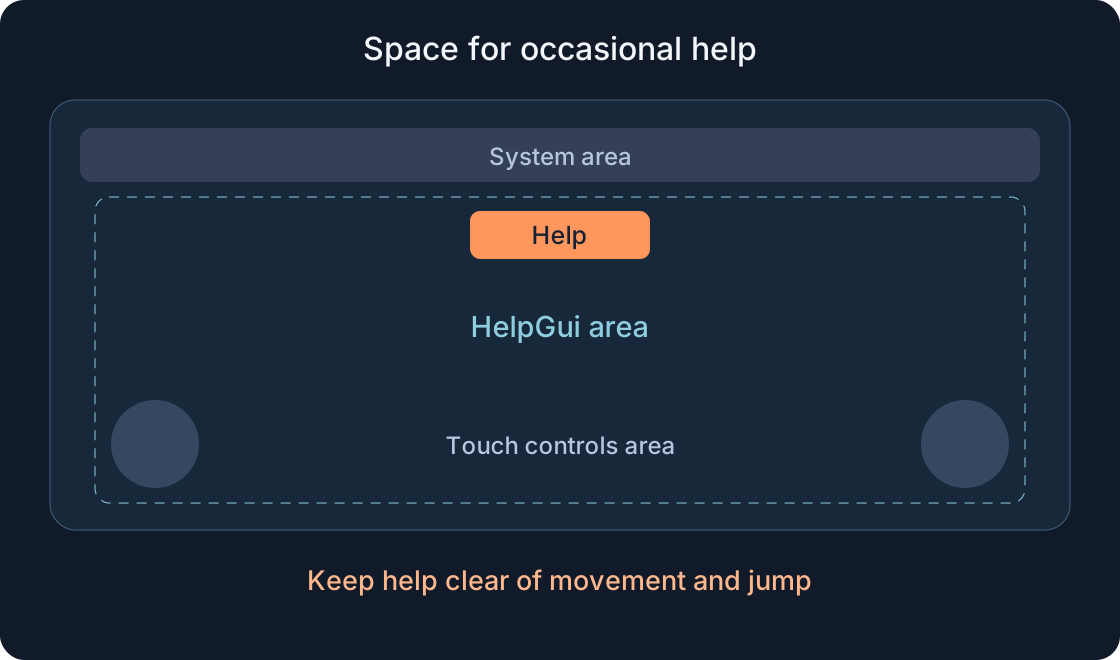
Mara reserves a consistent area near the interaction, so its status does not vanish immediately under the next highlight. She chooses a readable TextLabel and clear TextButtons for actions. Roblox provides these interface elements; the rejection's meaning and the next-step choice remain the prototype author's work.
Colour does not carry the whole meaning. Alongside an accent, words such as Waiting or Not fitted identify the state and explain the reason. Sound can support the message, but silence should not hide it. Check contrast, text size and larger player text preferences. Shorten a long reason by meaning before reducing it to tiny letters. On a small screen, both explanation and available action matter more than decorative panel details.
9. Translation preserves the action, not the string length #
The imagined team supports six languages. “Short arrow required” and the German “Ein kurzer Pfeil wird benötigt” have different lengths. A translation must preserve the short arrow as a particular part, not accidentally refer to any signpost. Leo reads a localized instruction; internal states retain separate project identifiers.
Roblox offers localization tools and manual translations. These assist text preparation without removing context and layout review. In Chinese, check wrapping and legibility; in Arabic, direction and mixed labels. Every language needs the complete reason and next step. Do not translate Check status as Perform again: they are different actions. An automatic translation is not evidence that the rejection logic is understandable to a player.
10. Start testing with negative cases #
On her last sheet, Mara writes more than successful fitting. Include the wrong part, distant character, busy station, waiting without a result, pressing again before a reply and display failure after a confirmed change. Specify the expected message, known state and permitted next step for every case. The test-plan table stays unfilled.
Another player might occupy the free slot between the button appearing and the request. An old interface does not override a current check. Also consider a late response: it must not replace feedback for a different, newer action. These are future implementation requirements, not completed tests. Link action and response in the record so a developer can investigate without guessing. A few exact conflicts help more than a vague “test errors” checklist item.
| Scenario | Expected contract | Version / observation |
|---|---|---|
| Long plank instead of arrow | Reject: required part, known no-change result, new selection | — |
| Character distant | Distance rejection and an achievable next step | — |
| Another player filled slot | Current occupied state; not proof our request succeeded | — |
| Press before reply and receive late reply | Associate request/reply; do not overwrite another newer action | — |
| Missing reply, unknown outcome | Check status; no endless retries or false rejection | — |
| Operation confirmed, panel update failed | Operation state separate from display failure | — |
| Every language, larger text, sound off | Readable reason/action; meaning not only colour/sound | — |
11. Leo changes the part and understands the next attempt #
In the fictional ending, Leo reads the rejection, selects the short arrow and checks that the slot is free. He submits a new permissible action. The panel shows waiting, then the confirmed result: “Arrow fitted. Check the signpost.” This is a new step after correcting a condition, not an automatic queue of identical presses. Mara closes her message-contract sheet.
The story ends; implementation is still ahead. Sources and article structure were checked, but this prototype never ran in Studio or collected metrics. An operation's success does not mean it will persist after another visit; that behaviour was not designed here. Give another developer the rules, states, sentences and unfilled plan. A useful rejection offers a clear way forward while remaining honest whenever the result is still unknown.
Original sources
Roblox Creator Hub — Accessibility guidelinesText & image labels
Text & image buttons
Localization
Securing the client-server boundary
Luau standard library — pcall
TextLabel