Studio / ROBLOX
Localizing a Roblox game: prepare strings and review translated screens
Plan the text of one practice screen, distinguish source strings from context, agree on terms and review translations in action. An author workflow with example problems and a repeatable review record.
Choose one complete player route #
Start with a route from instruction to result: see a practice door, understand its entry condition, open it or receive an explanation of refusal. A complete route makes missing messages visible. Translating one button does not make the whole route understandable.
Our fictional project has a door and its instructions. We are preparing a plan, not changing your published games or granting translator access. The checks below are proposed work for Studio; they are not presented as testing that has already happened.
Separate source and supported languages #
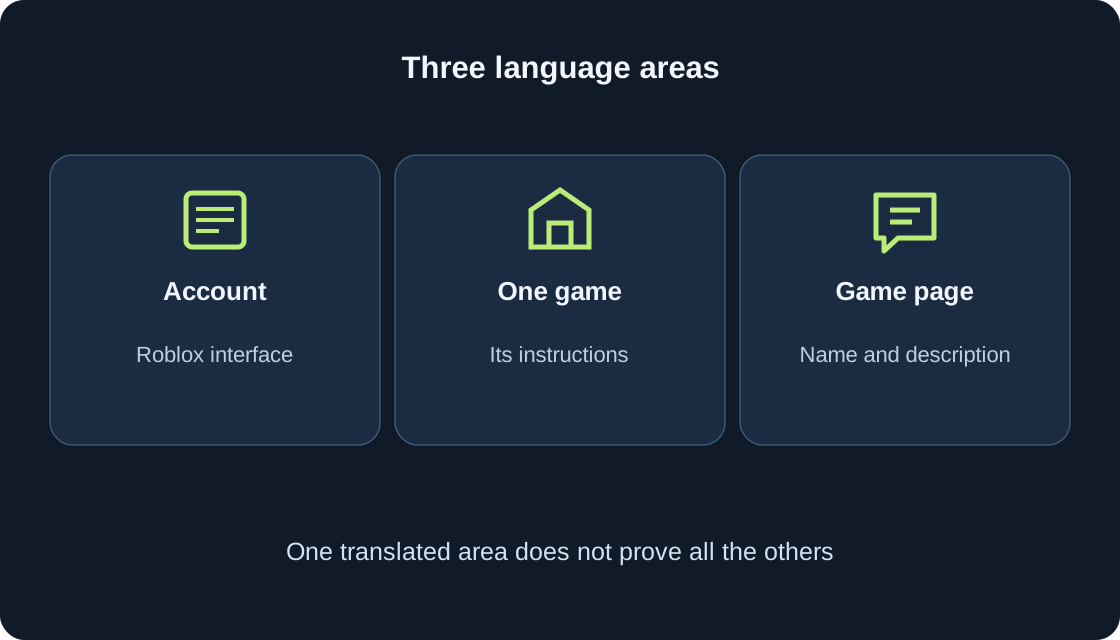
The source language is the language of the game's original text. Localization settings have one source language and can have several supported languages. First agree on the source version so that a translator receives consistent instructions.
List the desired languages and specify variants. Simplified and Traditional Chinese are distinct. A language code and a Locale ID are different documentation fields; a website route such as /zh/ is not automatically a game locale identifier. Consult the official table before configuring a language.
List strings with their purpose #
For the practice door, record the invitation, button, closed state, success message and retry instruction. Alongside each string, explain when it appears and what action it should communicate. This is our coverage checklist, not evidence of a fully translated game.
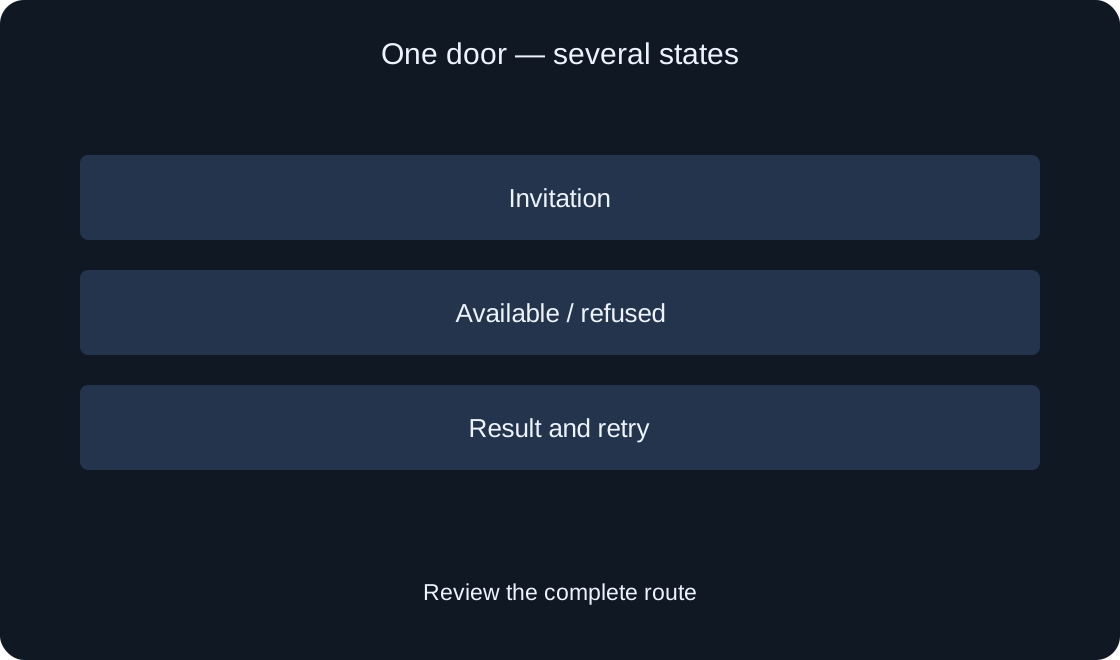
Go beyond the first screen. Refusal may appear only after a press, and retry instructions only after a result. Walk through the states on paper and identify missing text before translating. A complete sentence is easier to review for meaning than disconnected translated words.
 Open full-size image ↗
Explain identical words through context #
“Open” next to a door and “Open” next to a menu have different purposes. In the cloud table, Source contains the original string, Context distinguishes its use, and Example provides explanation for a translator. Automatically populated Location is not manually assigned Context.
Write “open the practice door” in your review card instead of “button.” If using API keys, define a separate naming rule. Avoid accidental duplicates: documentation requires unique Source and Context pairs and unique assigned Keys. A clear record helps you identify which use needs correction.
Agree on a small project glossary #
Choose names for the door, stage and action, then use them consistently in instructions and results. If one screen calls a resource a token and another calls it a coin, a translator should not have to guess whether they mean the same resource.
Keep the meaning, source wording and agreed translation in the glossary. Mark names that should remain unchanged separately; do not turn technical IDs into interface wording. Resolve an unclear mechanic before approving its term. An attractive translation cannot repair an undefined rule.
Check what capture actually covers #
Automatic text capture can help populate a table, but several captured strings do not establish coverage of every state. AutoLocalize matters for text objects; capture for TextBox concerns PlaceholderText. Text embedded in an image needs a separate solution.
Compare the screen checklist with available strings. Mark an instruction as present, not yet found or embedded in artwork. Do not promise immediate capture of everything. For a missing string, investigate its object type and how it appears before choosing a correction.
Distinguish availability from quality #
A translation may exist while the player still misunderstands the action. Check whether the invitation means enter, buy or retry, and whether its condition survives. Compare the result with the purpose in your record, not just the sentence length.
Manual and automatic entries follow different management rules; clearing a translation is not a reliable instruction to regenerate it. Understand the entry's state and update rules before making changes. For our exercise, mark doubtful wording and propose a replacement while retaining the original observation.
Review the screen with changed text #
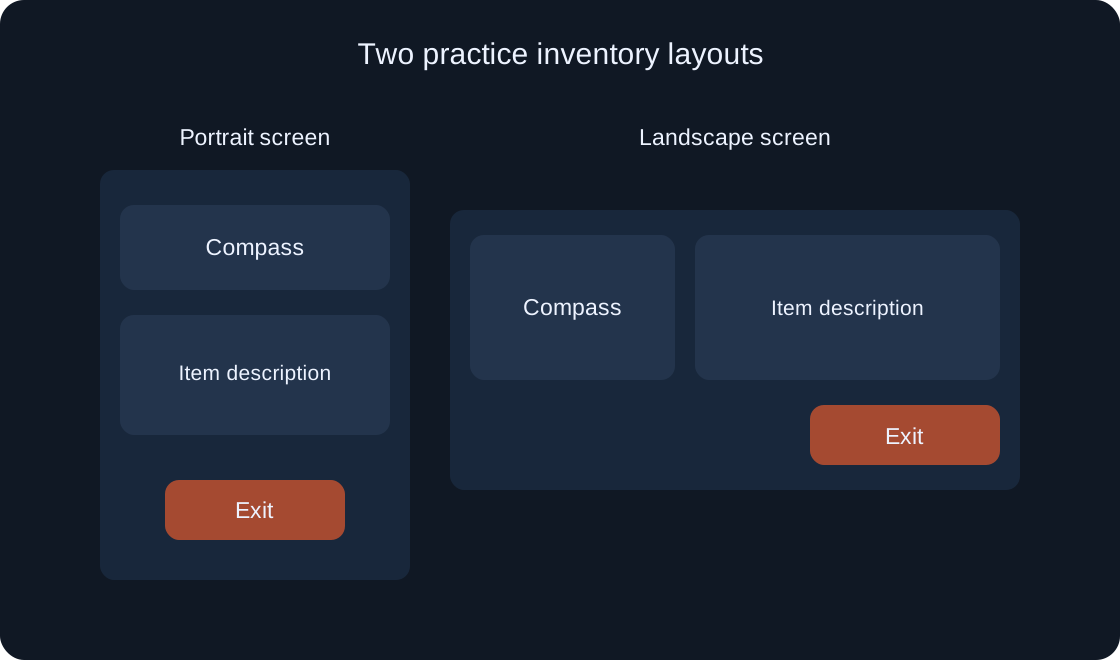
On a narrow screen, inspect the button, refusal explanation and result message. A long translation may fit in the table but be clipped in the interface. Review wrapping and the full condition, especially a number or item name.
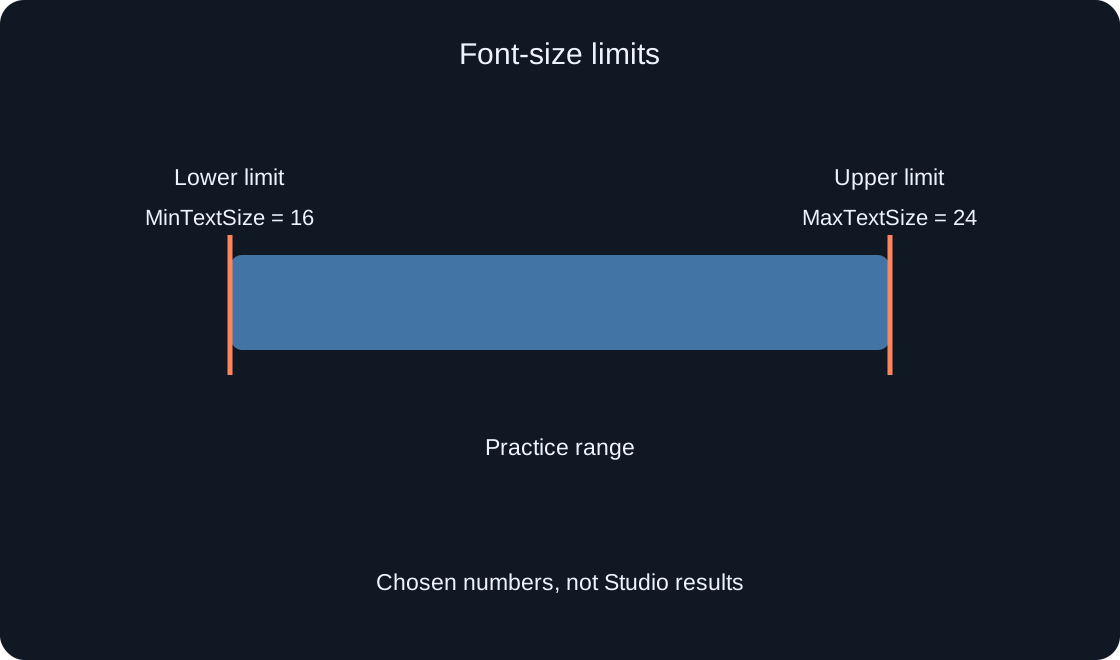
For Arabic, separately review reading direction and element placement. Selecting a language does not establish that the interface works. If text shrinks to an uncomfortable size, revise layout or wording while preserving meaning. Font reduction must not hide a condition the player needs to know.
Walk through success, refusal and retry #
Our proposed sequence covers an available door, an unavailable door, successful opening and a new attempt. Record language, intended action and visible text for every state. The table below supplies review questions, not results of an actual playtest.
Ask a reviewer to explain the next step in their own words. If they choose retry instead of entry or mistake refusal for success, inspect the wording and state together. One clear sentence does not verify the others. After a correction, repeat the step that caused trouble.
| State | Question |
|---|---|
| Invitation | Is the destination clear? |
| Refusal | Reason and next action explained? |
| Success | Is the action result clear? |
| Retry | How to start a new attempt? |
Keep a record and a bounded conclusion #
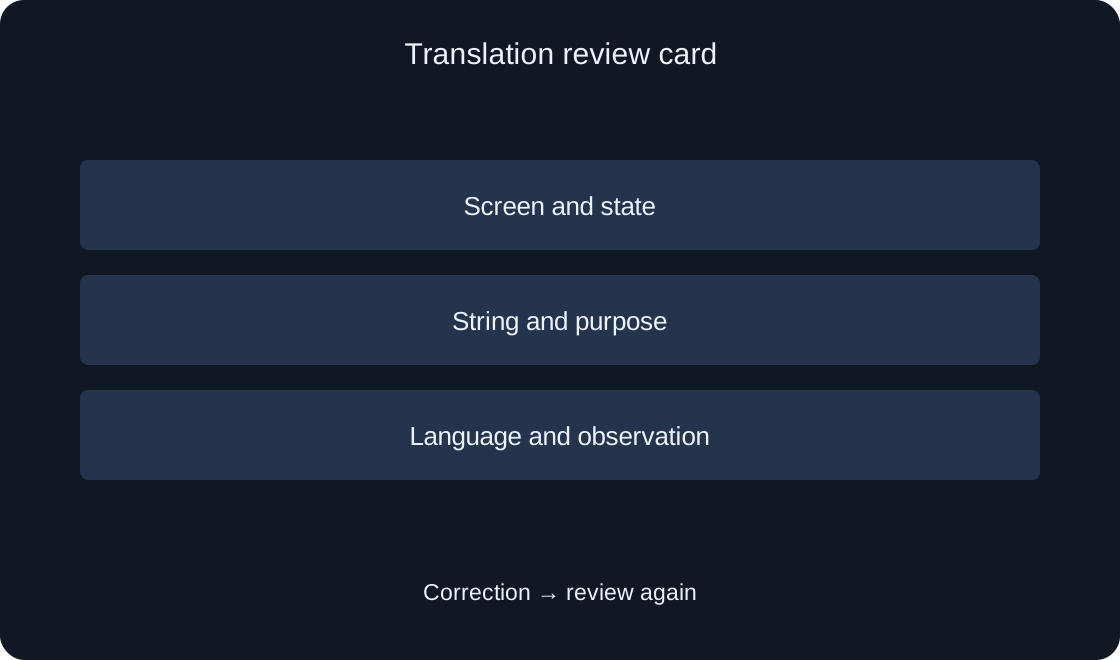
Save screen, state, source string, purpose, language, observation and proposed change. The record can be handed to another chat and makes the problem reproducible. A suggested correction is not a verified solution until the screen has been checked again.
Readiness of this route applies to the recorded states and languages. It does not prove that every menu or the entire game is localized. Distinguish string prepared, translation agreed and action reviewed on screen: each stage needs its own evidence.
 Open full-size image ↗
| Field | Keep |
|---|---|
| Place | Screen and specific state |
| Meaning | What the player should understand |
| Language | Translation variant and screen width |
| Result | Observation and next review |
Original sources
Roblox Creator Hub — LocalizationRoblox Creator Hub — Manual translations
Roblox Creator Hub — Automatic translation
Roblox Creator Hub — Language codes