For players / ROBLOX
Roblox game passes: understand the offer and its privileges
Find the offer for the right game, distinguish a pass from repeatable products, and read its limits before buying. Ownership and use are separate observations.
Start with the action you need #
Describe your goal without starting with the word “VIP”: enter an additional area, use a particular feature or obtain a specific item. Then find an offer that actually describes that action. A name and a colorful image help you recognize a card, but do not explain its contents. “Support the creator” and “access the room” can be different offers even when their icons look similar.
A useful goal is one clear sentence: “I want access to this room in this game.” If the description promises something else, do not fill in the difference with expectations. You can keep playing normally and return to the question later. Reading an offer does not require a purchase.
 Open full-size image ↗
Find the offer for the correct game #
Open the intended game’s page and compare its name, creator and permanent URL. Roblox help identifies the Store tab on the experience detail page, in browser and mobile app, as a place where passes are usually found. Check it if available. An offer inside the game may use a creator’s store; follow the menu actually provided rather than expecting one universal shop button.
Passes and other products can also appear on surfaces outside their game. The location of a card therefore does not establish its purchase type. If you encounter an offer in search or recommendations, identify its associated game first. A missing card in one location does not prove that the game has no paid options anywhere.
Understand what a Pass means #
Creator Hub describes a Pass as a one-time Robux fee for a special privilege within a game. Support explains that the creator determines the benefits. Read those actual benefits: the general product type does not establish access to every room, faster completion of every action or any item you might want. Even “permanent” needs an understandable scope.
Buying an entitlement once differs from buying another portion of a consumable resource. It does not promise a service will stay available forever, an experience will never change or another project will provide the same perk. Treat it as the described entitlement of this particular offer. Missing information about the action, scope or conditions is a question, not a hidden promise.
Separate passes from neighboring purchases #
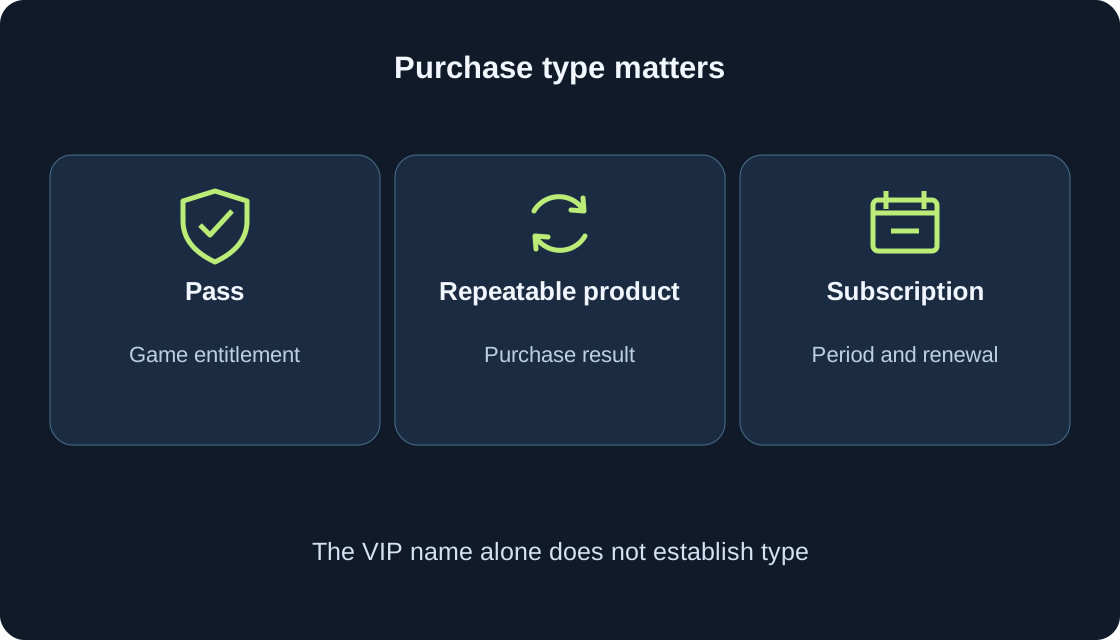
A developer product, according to creator documentation, is an item or ability that can be purchased more than once. It might concern game currency or a consumable result. A subscription is a separate model of recurring benefits with renewal. Neither a repeatable product nor a subscription becomes a Pass because the card says “VIP” or appears beside passes.
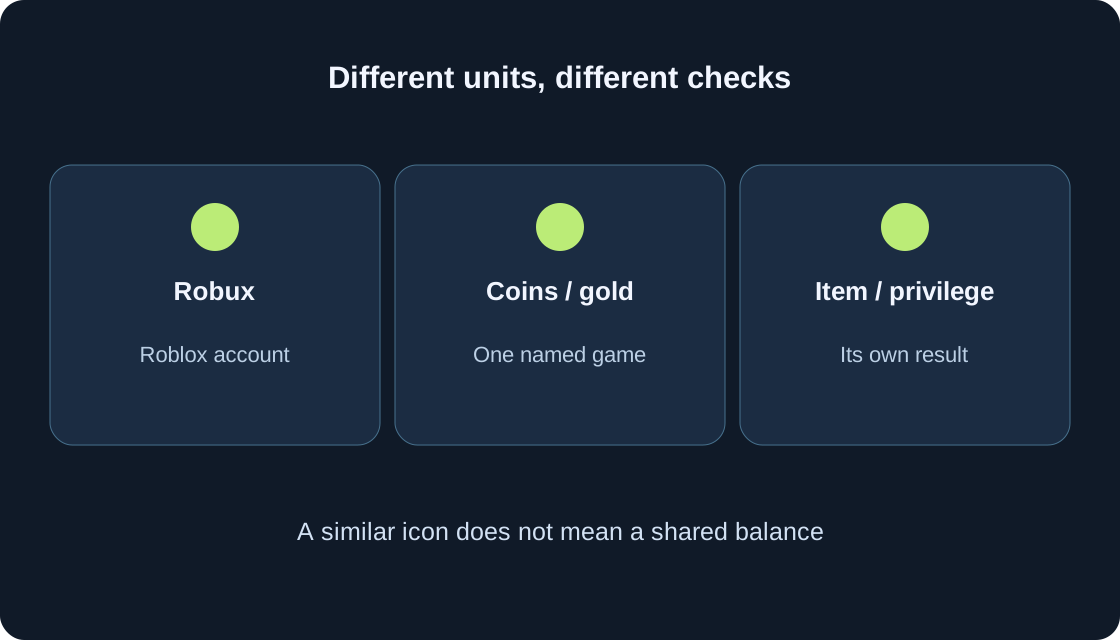
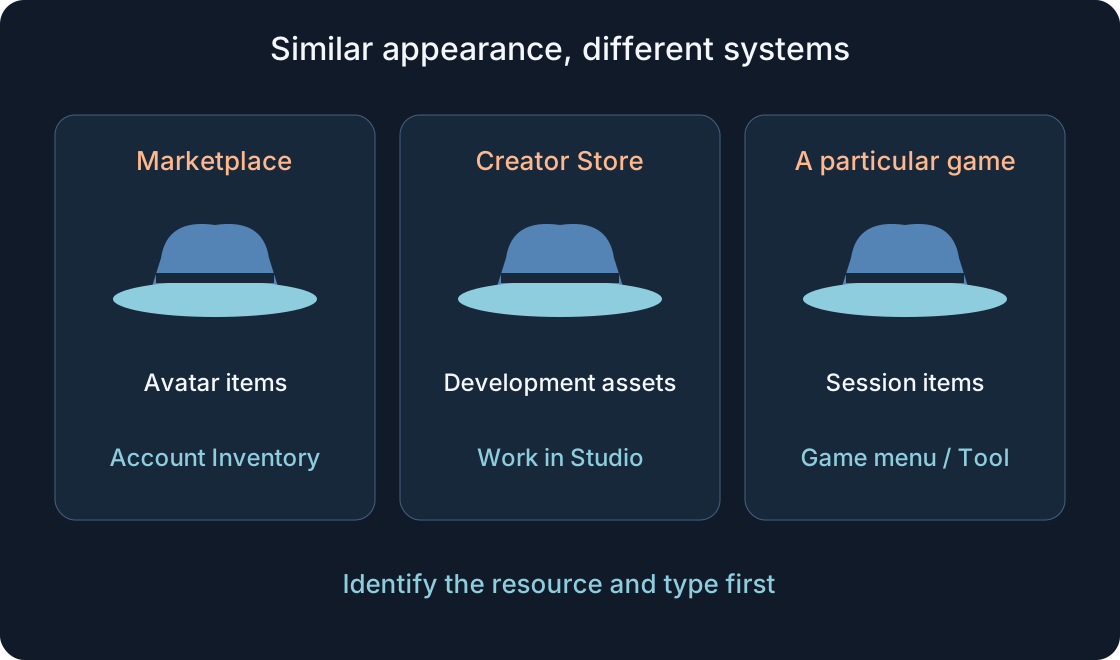
Robux, game coins and items also describe different results. Buying Robux does not by itself select a particular game privilege. An item inside a game is not necessarily an avatar item used across the platform. Use the comparison table to ask the right question, not to identify a purchase from its picture. Mark unclear types as unconfirmed before deciding.
| Offer type | What it establishes | What to clarify |
|---|---|---|
| Pass | One-time fee for a described game privilege | Entitlement, game and use conditions |
| Developer product | A product can be purchased repeatedly | Result of one purchase, not automatic renewal |
| In-game subscription | Benefits on a recurring basis | Period and renewal terms |
| Robux | Platform currency | Which particular offer you select separately |
| Item or game resource | Result under the particular offer’s terms | Type, use scope and possible consumption |
Read the description as conditions #
Look for four things in the current description: what is provided, where it applies, when it can be used and what the player needs to do to use it. “Special feature” without an action leaves an open question. “Access to an additional area” does not mean automatic transport there. Keep the link and a brief description of the promised entitlement.
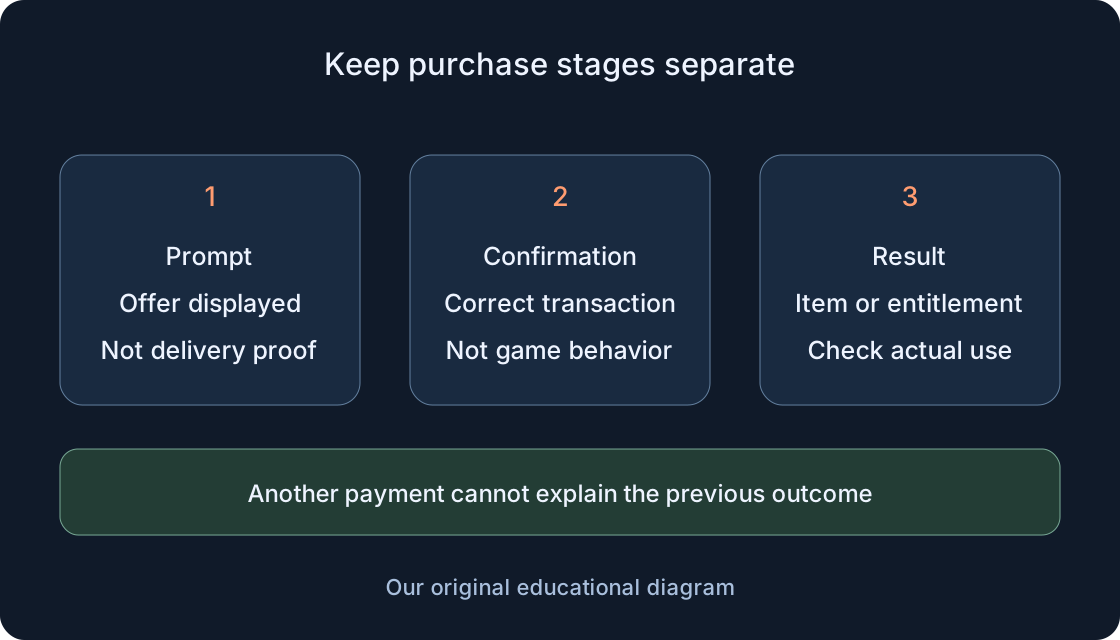
A price in an old article or on another player’s screen does not replace the current offer. Read the amount and purchase type actually shown; if you reach confirmation, compare the item and conditions again, without finishing while uncertain. A purchase button is not a help button. The description, available creator help and a written question are enough to begin.
Check the account, game and condition #
Ask three separate questions. Which account’s ownership is relevant? Which game is associated with the offer? Under which game condition does the privilege apply? You do not need a password or an account change to write these questions. If the description ties a benefit to a zone, role or mode, examine that scope rather than extending it to every scene.
A friend’s pass does not establish your entitlement. A similar title does not make another game the same project. Do not assume ownership is family-wide, transferable or shared by the whole team without clear terms. If an advertisement says “everything” but the description names one feature, resolve that mismatch first. The entitlement’s boundary matters more than a short heading.
Read an invented example without buying #
An educational offer says: “Reader Pass — access to the archive room in Lighthouse.” The game and offer are invented; they are not products in our games. The text establishes the stated access to one room. It does not establish coins, new levels, platform-wide clothing or a benefit in another game with the same title.
Before deciding, ask where the entrance is, whether a particular mode is required and how access for an owner is described. If a neighboring card offers a “token pack”, read it separately: its name does not make it part of the pass. The useful outcome is one understood action and one remaining question, without assigning a fictional price or making a test purchase.
Ownership and working privileges are different #
Ownership information answers whether the account has a particular entitlement. Use answers whether the described feature is available in the relevant game and situation. Creator documentation separates checking Pass ownership from assigning its privilege in the game. A player does not need to write code to understand the distinction or describe an observation accurately.
If you already own the pass, read the available status and its description. Do not expect identical wording on every screen. Ownership information does not establish every possible game effect. Conversely, no effect in an unrelated area does not disprove the entitlement. The next observation should concern the action actually promised, rather than an arbitrary visual change or a benefit remembered from another offer.
Where to examine an existing entitlement #
For browser inventory, Roblox help describes the top-left menu, Inventory, a category and a subcategory where applicable. Locate the relevant object in the available sections and open its page. General item help describes an Item Owned indication, but that is not a promise of an identical Pass category or screen on every device. Use the actual information for the particular object.
Compare the name, URL and current account with the intended offer. Similar cards or different icons might concern other objects. You do not need to make inventory public for a personal check. If ownership remains uncertain, record “ownership unconfirmed” and follow our separate purchase-result guide instead of paying again to find out what happened.
When use is unclear after buying #
First reread the action described and the creator’s available instructions. The invented archive might require approaching a particular entrance; having the right and standing near that entrance are different observations. Write the expected feature and what you actually see. Do not declare a fault merely because an effect absent from the description did not appear.
For uncertainty about payment, delivery or existing evidence, use “Check a Roblox purchase result without paying again”. That guide covers an already completed operation in detail. A second purchase is not a check of an old entitlement. Creator help can clarify use rules; for a platform problem or mismatch with the description, prepare a precise request through official guidance rather than guessing a guaranteed repair.
Keep a small offer record #
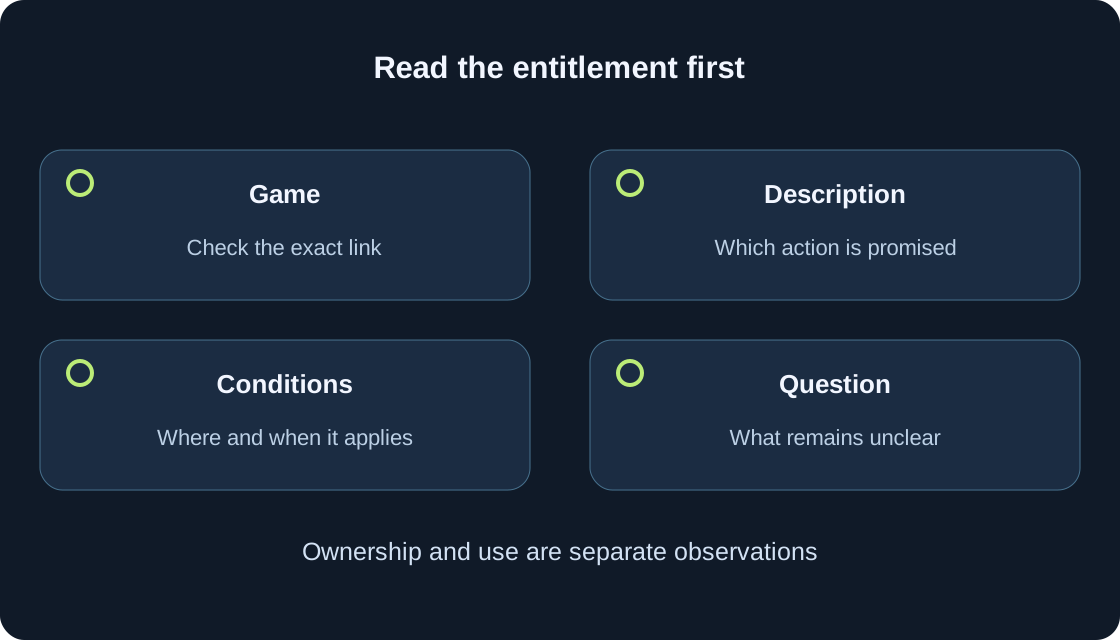
Write the offer and game names, link, established type, promised action, conditions and remaining uncertainty. This record helps compare two options without combining their benefits. “Type unclear” and “use location not stated” are valid reading outcomes. The table below gives educational observations that change your next action; it is not a list of claims about live products.
Do not add passwords, payment details or login secrets. If a purchase already happened, existing evidence belongs in the separate result check. If you are still choosing, record the terms and decide whether the offer meets your goal. Completing a record does not oblige you to buy: “I need another feature” can be as useful a conclusion as keeping this option.
 Open full-size image ↗
| Reading observation | Remaining question | Next action |
|---|---|---|
| Card is named VIP | Which purchase type is it? | Read type and description rather than infer from name |
| Access to one room is promised | Where is its entrance? | Find instructions for that game |
| Offer appears in recommendations | Which game is associated? | Check game, creator and exact URL |
| Entitlement is indicated as owned | Where does the feature apply? | Compare conditions with the promised action |
| Payment happened; status unclear | What is confirmed about the old operation? | Use the separate purchase-result guide without paying again |
Finish with an understandable decision #
A good conclusion has three parts: the type is established, the entitlement boundary is clear and the action you need is explicitly described. If one part is unknown, stop at that question. Do not replace missing information with “everything must be included”. You can continue ordinary play, save the link or ask the creator’s available help about the rule.
Roblox recommends reading descriptions before purchases; do not treat an automatic refund as a trial mode. If an already purchased feature differs from its description, report the exact offer, link, promised action and observation without expecting a guaranteed resolution time. End with what is established and what remains to clarify, so a neighboring offer does not become confused with the Pass you wanted.
Original sources
Roblox Support — experience pass benefits are chosen by creatorsRoblox Creator Hub — passes, ownership and assigned privileges
Roblox Creator Hub — repeatable developer products
Roblox Support — Store tab and recurring experience subscriptions
Roblox Support — inventory and item ownership in a browser
Roblox Support — read item descriptions and report discrepancies