For players / ROBLOX
Roblox badges: find earned awards and check their requirements
Find a specific badge in your inventory, read its description and distinguish a game's award list from an award you have earned. Investigate a missing badge without promises of free Robux or random account changes.
Identify the badge you are looking for #
Start with the exact game and award names. Record the action you completed and where you saw its result message. A trophy image or the word “reward” inside a game does not by itself identify a Roblox badge.
Our example uses the fictional “First Practice Route” badge. We do not claim that it exists in our games or that your account earned it. The example organizes a review; use the actual badge page for real information.
Open earned badges in your inventory #
Roblox Support identifies the Badges inventory category as the place to view badges earned in experiences. Open official Roblox using the intended account, go to your inventory, then choose Badges. This article links to the official source containing a route to that category.
If your app looks different, use the official website in a browser and identify the category by purpose rather than an icon's position in someone else's screenshot. Confirm that you are viewing your own account first. Do not change inventory visibility merely because one award is missing.
Separate the game catalogue from your collection #
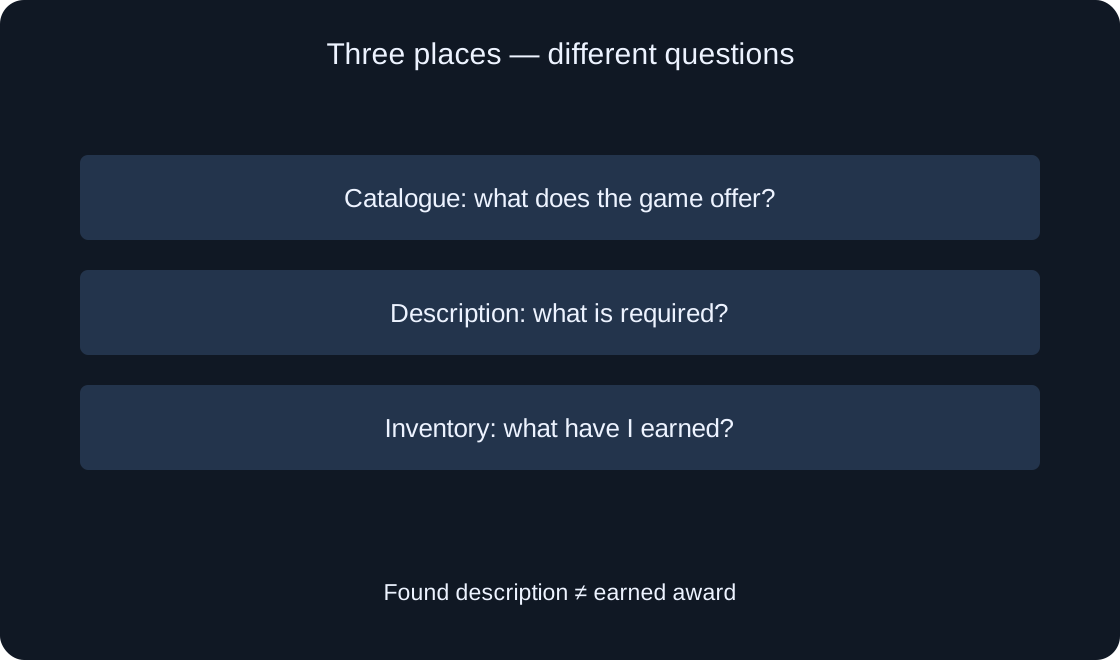
A game page can list its badges. That list helps explain available achievements, but a badge appearing there does not mean your account earned it. Your earned collection is a separate place to check.
In our example, the catalogue answers “what achievement does the game offer?” while inventory answers “which badge is already mine?” Keep those questions separate. If all you found was a description page, do not yet record a confirmed award.
 Open full-size image ↗
Match the specific award #
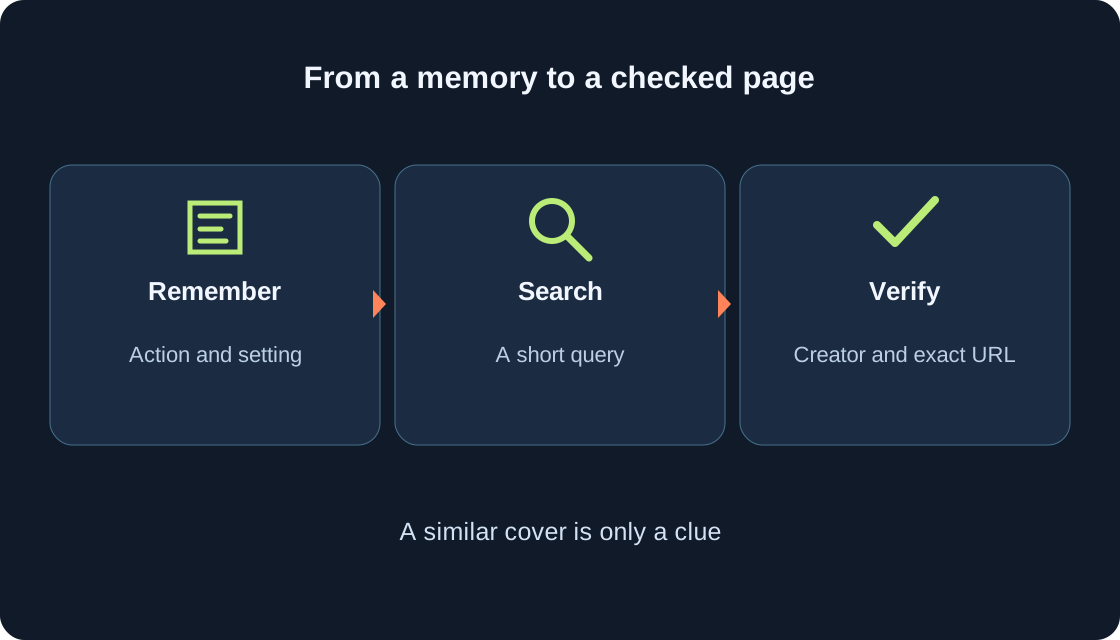
Open the badge and compare its name, page, associated game and description. A similar image can belong to another achievement. Saving the exact link is more reliable than searching again by one word or icon color.
If you switched accounts, note privately which account completed the route. Do not publish passwords or sign-in information. This is an identity check, not an instruction to share access: another person can read a linked description without your secret credentials.
Read the entire earning requirement #
Official support recommends opening the badge description to learn how it is earned. Identify the actual action and condition: complete a route, meet an objective or participate in an event. Do not replace the wording with an assumption that merely joining is enough.
For our fictional route, write “reach the practice finish.” Then ask what the author counts as finishing: a particular point, confirmed completion or another step. If the description is unclear, ask the game author; this article does not invent a missing rule.
Distinguish badges from other rewards #
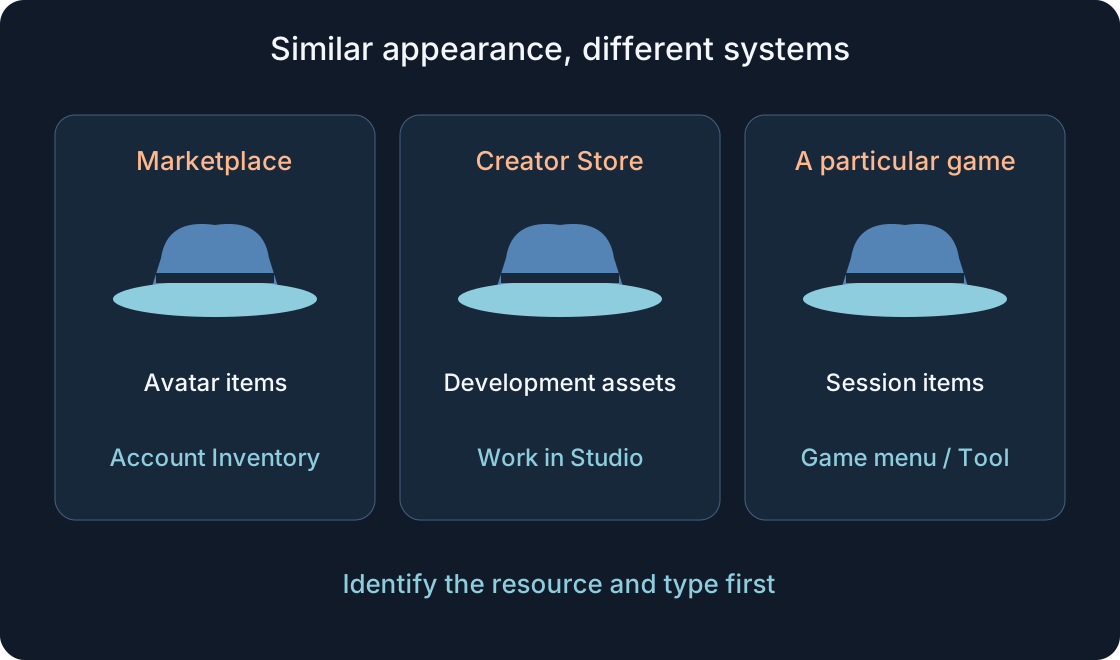
In-game currency, avatar items, Passes and badges can appear near one another but need separate checks. A badge does not establish receipt of every additional benefit. Conversely, a coin message does not prove that a Roblox badge appeared in inventory.
Do not treat a badge as a promise of Robux. If a game description links an achievement to another item or access, examine that separate promise separately. Our example reviews only the specific badge, not free currency or guaranteed delivery of other objects.
Investigate absence without jumping to conclusions #
If you cannot find the award, compare account, game, name and requirement again. Note what you actually observed: an in-game success message or an inventory entry. One absent image on one screen does not automatically explain the cause.
Creator documentation also describes disabled badges: they cannot be earned and do not appear in the game's badge section. Do not infer disabling merely from your search. Keep your observation and ask the author about availability without promising an exact appearance time.
Do not delete data to force another attempt #
Review does not require deleting badges, resetting progress or buying access at random. First identify what the description requires and what result is visible. Discuss replay only after that review, rather than as a universal fix for fulfillment problems.
Do not use a third-party site promising to add a badge in exchange for a password or login code. Our review needs only official inventory, the award page and game description. We perform no actions on your account and change none of its settings.
Prepare a clear question for the author #
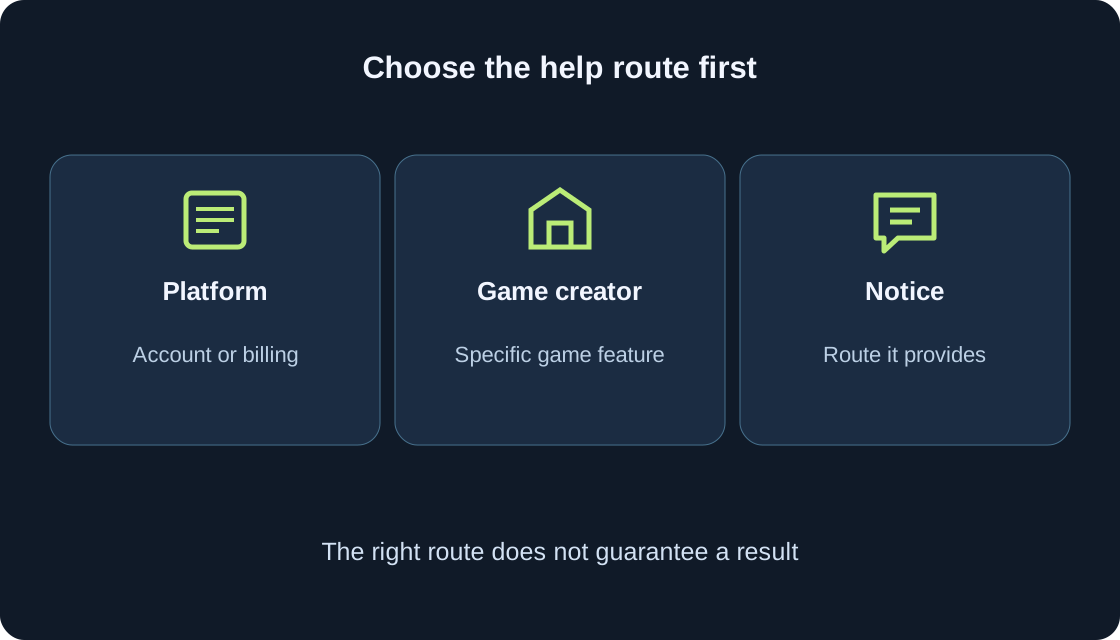
If the requirement appears completed but the outcome remains unclear, collect game and badge links, steps, observation time and the exact message. Specify whether the award is missing from your inventory or the game's achievement list. Those are different locations and questions.
Example: “I completed the practice route and saw a completion message, but could not find this badge in my inventory's Badges category. Did I understand the requirement correctly?” This is an example, not a sent message. Include necessary facts without passwords, codes or payment information.
| Place | Clarify |
|---|---|
| Game page | Which badge is offered? |
| Badge description | How is it earned? |
| My inventory | Was the specific badge found? |
| In-game message | What exactly did the game say? |
Keep the review result #
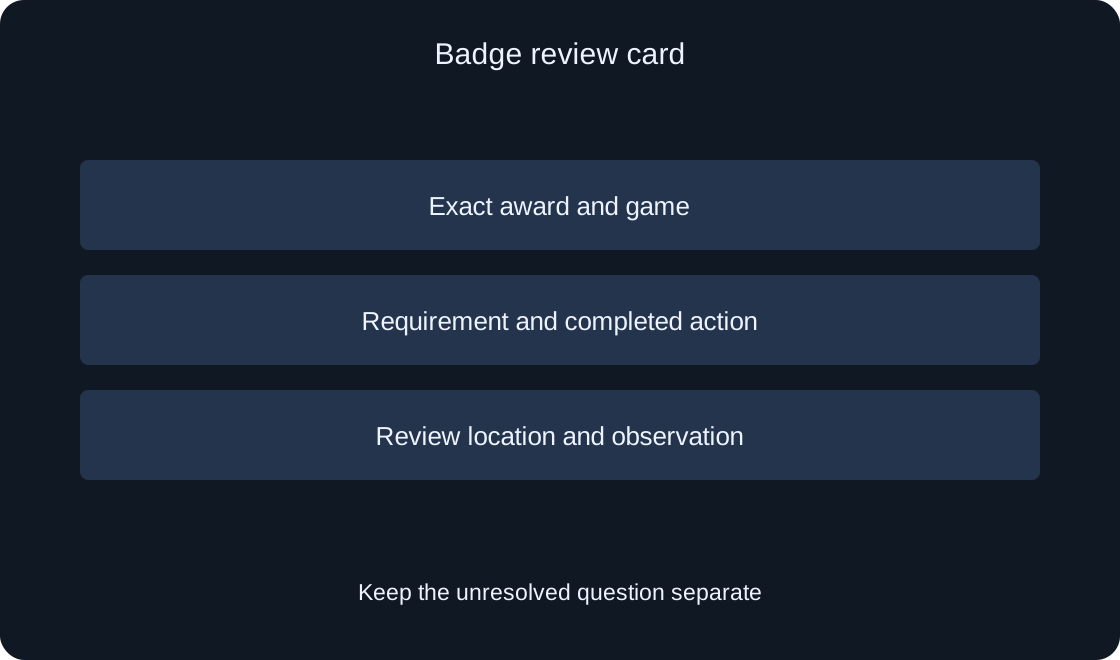
Record exact award, requirement, action, review location and observation. If found, save its link; otherwise retain your question and unresolved points. The table below helps separate a discovered description from a confirmed personal award.
This review concerns one badge and account. It does not establish every achievement's state or guarantee an author's solution. A useful result clearly separates what is visible, what the description requires and what still needs clarification.
 Open full-size image ↗
| Field | Record |
|---|---|
| Award | Exact name and link |
| Requirement | Action required by the description |
| Review | Account and viewing location |
| Result | Observation and remaining question |
Original sources
Roblox Support — What are Badges?Roblox Creator Hub — Badges