For players / ROBLOX
Roblox chat availability: open chat and identify what is missing
Separate typing focus, missing controls, filters, communication access and translation with a practical sequence of checks.
Start with the visible symptom #
“Chat does not work” can mean five different things: no chat icon, an open window without usable input, words replaced by hashtags, restricted access, or a message changed by translation. First describe what you see without diagnosing it: “no button visible”, “no typing cursor”, “I see ####”, or “an access notice appears”.
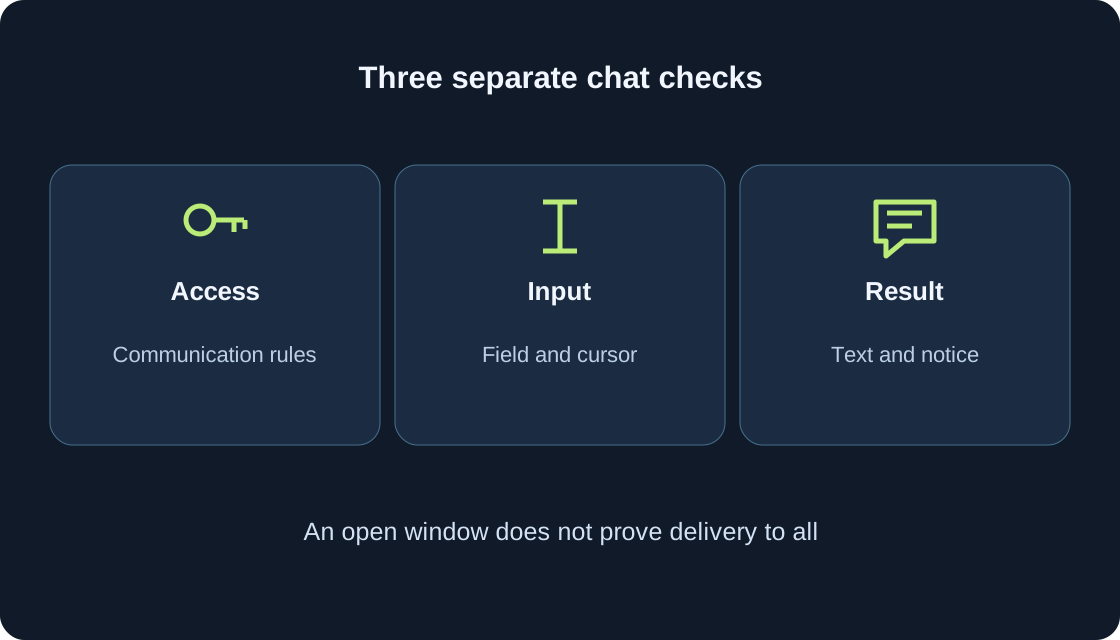
This guide explains available text chat rather than promising communication for every account. Current Roblox help requires an age check for ordinary chat features; age, account settings, region and the game can add conditions. We have not inspected your account or tested its gameplay. Our diagrams illustrate a checking method, not the Roblox interface.
 Open full-size image ↗
Open available chat on computer or phone #
The current Experience Chat help describes pressing / on a keyboard or selecting the chat icon at the top left. When available and enabled by the creator, this opens a chat window and input bar or an on-screen keyboard. Enter/Return sends the text. Use that route when the corresponding control exists; the game’s presentation and your application version can differ.
Stop your character somewhere safe and open chat once. On a phone, tap the available input field; on a computer, check for a typing cursor. First see whether you can type and delete a short neutral draft. An unresponsive shortcut alone does not establish an account restriction or prove that chat is absent.
Check input focus separately from the window #
An open message window and an active typing field are different states. If letters keep controlling the character while nothing enters the field, check whether that field is actually selected. Click or tap it when available. The phone keyboard appearing is also worth recording, but it does not establish permission to send messages to every other player.
Type a short ordinary word and delete it before sending. That checks local input, not delivery. Avoid pressing random keys while standing beside a dangerous part of the course. If another game menu covers the field, note which menu was open and close unnecessary panels normally. Do not change Windows region or other applications for this check: keyboard access and permission to communicate are separate questions.
When the button or window is absent #
Creators can configure and hide the standard chat window and input bar, as Roblox Creator Hub documents. One game’s presentation therefore does not promise the same controls in another. Distinguish a missing button from an empty window and from a notice explicitly explaining restricted access. The first table maps observations to useful next checks instead of assuming a universal fault.
Record the exact game and device. Chat visible in another game you already know is an extra clue, not proof that the first game is broken: creators can provide different interfaces. Without a notice or further evidence, the cause remains uncertain; a missing icon alone is not proof of a ban.
| Observation | Next check | What it does not establish |
|---|---|---|
| No icon | Access notice; that game’s interface | An account ban |
| Window, no letters | Whether the input field is selected | Words blocked by filtering |
| Keyboard opened | Whether letters enter the field | Delivery to every player |
| Text became #### | Filtering; a safe situation description | A broken keyboard |
| Access notice | Feature and current requirements | Translation removes the restriction |
| Odd meaning | Original, translation or summary | A particular person’s intention |
Check communication access as its own question #
An age check is Roblox’s age-assurance process, not simply typing a birth date or verifying a phone number. Current help states that users cannot enable chat through settings before completing the required age check. Completion does not guarantee communication with every player: age groups, settings and region still matter. Parental consent may be required for the particular feature and age.
The documented user route is Settings → Privacy & content restrictions → Communication → Experience chat. The parent route is Settings → Parental Controls → Settings You Manage → Communication → Experience chat. Read the available explanation rather than attempting to turn on a prohibited feature. Where a parent is required, discuss the conditions with them. This article does not perform an age check or explain falsifying age.
A silent player does not prove failed delivery #
Experience chat supports communication inside a game, but current communication conditions account for age groups and permitted relationships. A nearby visible character does not mean that player can necessarily receive your messages. They may also not be reading chat or choosing to reply. A missing answer alone cannot establish failed delivery, deliberate ignoring or a server-wide chat failure.
First check your own visible result: could you type, did the message appear in the available channel, and was there a notice? If you need an interaction check, agree on it with someone whose communication with you is already permitted, using a brief neutral phrase. Do not ask anyone to change age or restrictions. Record “no reply observed”, not an invented reason for the silence.
Understand hashtags and rephrased messages #
Roblox help explains #### in place of words as filtering. Filters protect communication from inappropriate content and personal information; some messages are automatically rephrased into safe, civil wording. This differs from a missing icon or inactive field. When text is replaced, describe that replacement rather than saying the keyboard is broken or the application cannot accept typing.
Do not test the filter with addresses, phone numbers, passwords or another person’s private details. For coordination, write a brief ordinary gameplay request without sensitive information. Do not insert symbols or spaces to defeat filtering or repeatedly resend blocked text. If a normal phrase changes meaning, retain a safe description of the situation and consult official help. A public troubleshooting note does not need the original message’s personal information.
An access notice is stronger than a guess #
If Roblox displays a communication-access explanation, read it fully and record which feature it concerns. Experience chat and Direct chat need not have identical requirements. The current wording matters more than advice from an old video made before those conditions applied. Regional rules can affect availability too; this guide provides no route around them or around parental decisions.
Do not change device region, invent an account age or use someone else’s documents to open chat. Input settings do not override access rules. If the explanation is unclear, record it without personal details and follow the relevant official help. When free-text chat is unavailable, use the game’s provided instructions and interactions. Lack of free chat does not automatically mean you cannot play; that depends on the actual game design.
Separate game chat, friends chat and preset phrases #
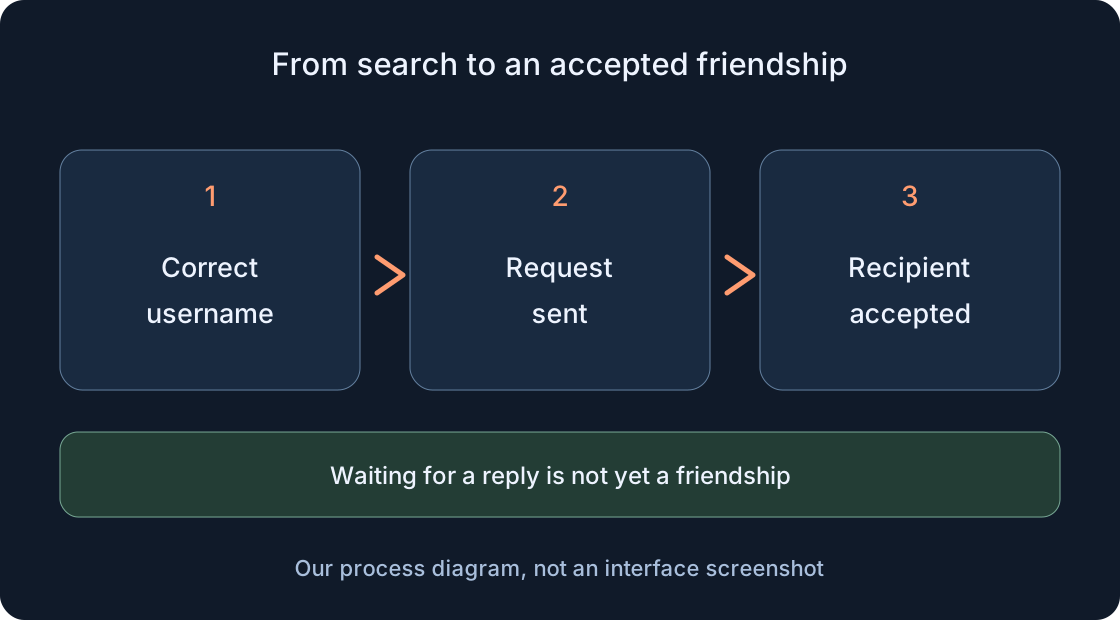
According to official help, Experience chat ends when you leave that game. Chat with friends in the app is another context, with age, privacy and regional requirements of its own. Adding a friend does not by itself guarantee every kind of communication. Our separate friends guide covers finding people and joining together without replacing these communication conditions.
Some interfaces may offer Quick Words: officially documented, pre-validated phrases for gameplay coordination, marked with a lightning bolt. This is a distinct feature subject to availability and settings, not a way to unlock arbitrary text against restrictions. If phrases are present, select one appropriate to its meaning. Their absence does not require hunting for a universal button. Voice is another feature too; a microphone icon does not establish usable text input.
Translation and summaries change different things #
Some experiences automatically translate chat. Official help describes Option to See Untranslated Message in Settings, allowing translated messages to be identified and switching between an original and translation when available. Automatic Chat Translation separately controls automatic translation. Check only controls actually provided in your interface; this guide does not promise identical settings in every game or client version.
If a gameplay request sounds strange, compare the original with its translation when possible before blaming its sender. Translation does not unlock unavailable chat or remove filters. Chat Summaries may also appear: automatically generated summaries of several messages. Roblox warns that summaries can make mistakes and availability varies by region. Do not present a summary as the exact quotation of one named player or as a complete record of conversation.
Three teaching scenarios to compare #
Imagine a computer window is visible, but typing still moves the character. Input focus is the first check. In a second scenario, typing works but part of a sent message becomes ####: filtering is the question. In a third, an explicit notice says communication is unavailable: read the access requirements. None is a gameplay-test result for our five games.
The second table connects each case with useful notes and a next step. Change one factor at a time. Improvement in one function does not prove that every other function is fixed. An appearing keyboard supports an input observation, not permission to chat with a particular person. When the game’s task is clear without chat, follow its instructions and keep this issue for a separate, unhurried review.
| Teaching case | What to record | Next step |
|---|---|---|
| Window visible; letters move character | Field, cursor, open menu | Select available field; delete neutral draft |
| Active field; replaced text | Replacement type without private details | Ordinary gameplay wording; official help if unclear |
| Access notice | Feature and safe exact wording | Read requirements; parent where needed |
| Unusual translation | Translation or generated summary | Compare original when available |
| One game lacks interface | Exact address and device | Creator help; no conclusion about all games |
Keep a brief record and choose the next step #
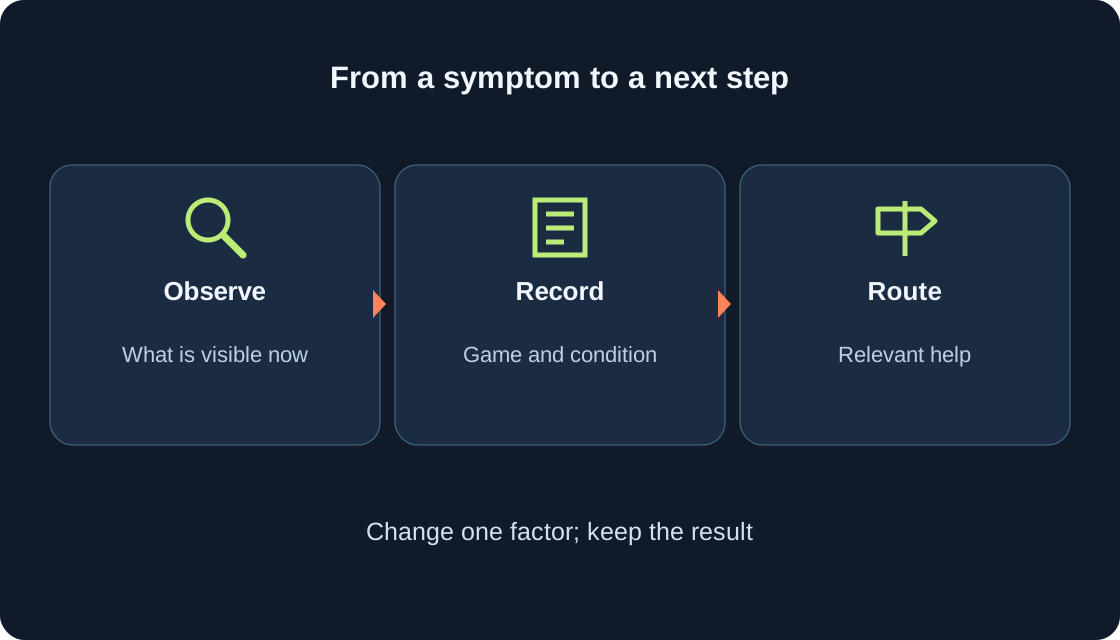
Save the game address, date, device, opening method, visible symptom and result of one check. An example is “phone; window opened; field unresponsive; no notice”. Add the exact safe wording of a notice if present. Exclude passwords, identity documents and private details. A good note separates observation from inference without collecting a complete log of other people’s conversations.
Choose the next route from evidence: access conditions go to official help and a parent where needed; one game’s unusual interface goes to its creator’s help; an unclear translation needs comparison with the original; rule-breaking messages belong with Roblox’s reporting or blocking tools. This is an unperformed action plan, not an account inspection or submitted report. Before asking for assistance, check that you described one concrete symptom instead of “everything is broken”.
 Open full-size image ↗
Original sources
Roblox Support — Experience ChatRoblox Support — current communication requirements
Roblox Support — understanding age checks
Roblox Support — chat, privacy and filtering
Roblox Support — Automatic Chat Translation
Roblox Support — messaging and chatting with friends
Roblox Creator Hub — customizable chat components
Roblox — official support